
Tsubaki.3 — Latest Flagship
A complete introduction to Tsubaki.3 — PixAI's new-generation flagship model, with nine capability showcases from style range and character consistency to lighting-driven storytelling, plus the exclusive Color Palette.
Tsubaki.3 is PixAI's new-generation flagship model. Photorealistic scenes, character consistency, full manga pages, complex compositions — work that used to take multiple models plus rounds of post-editing can now be done by a single model.
What Makes Tsubaki.3 Different?
1. Creative Workflow Assistant
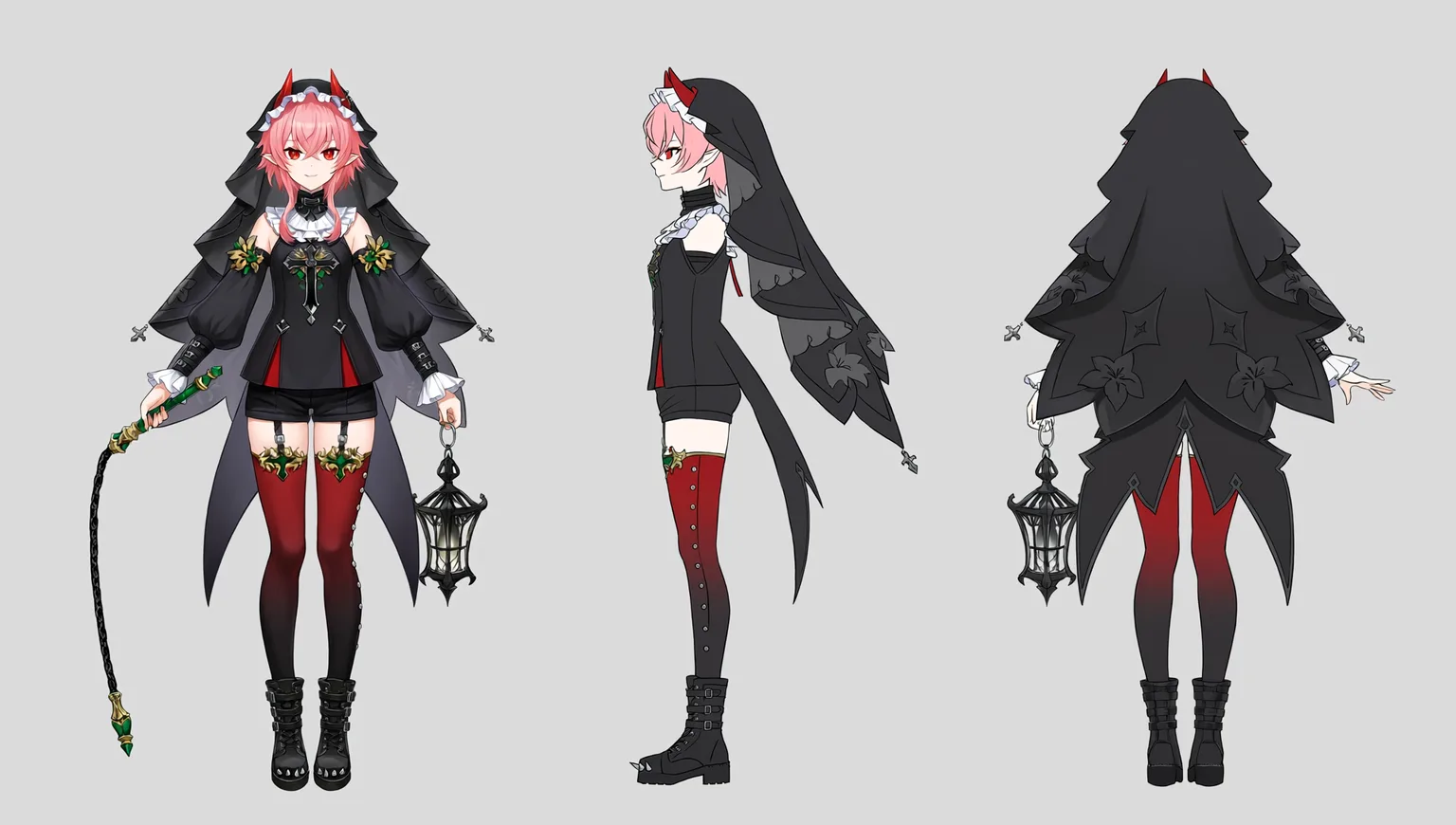
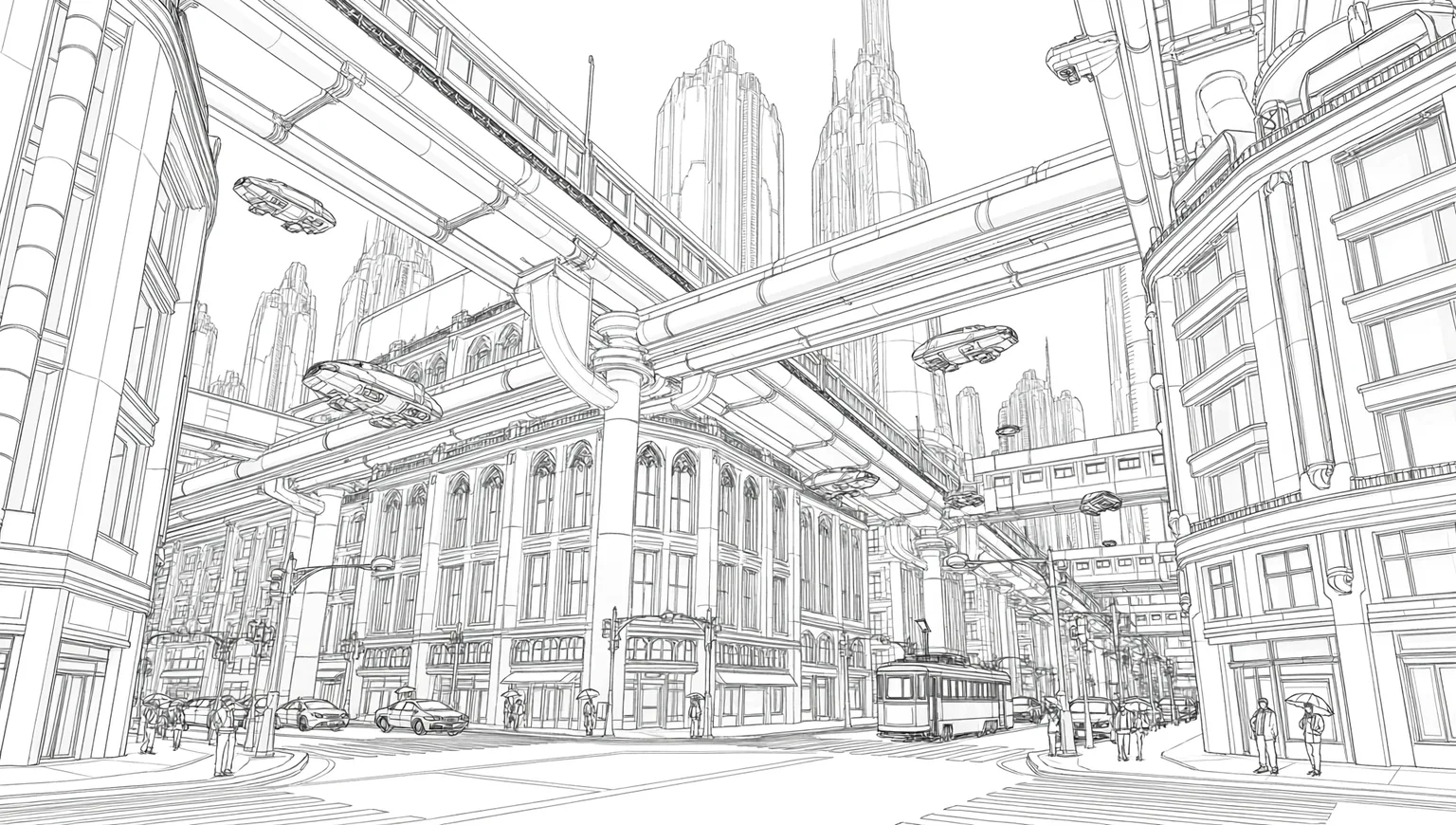
Beyond finished pieces, Tsubaki.3 can generate the "intermediate products" of the creative process: coloring breakdowns from line art → grayscale → flat colors → final render, different lighting schemes for the same line art, fisheye perspective drafts, pose mannequins, character turnarounds — useful as underdrawings, for checking structure, and for aligning direction with collaborators.


2. Character and Style Consistency
The same character, the same face — even ten images in. Tsubaki.3 locks character features and art style to each other, so an entire set stays on-model from start to finish. Consistency comes from the model, not from lucky rerolls.
Expression sheets, age progressions, pose collections, and outfit design sheets can all land in a single generation:


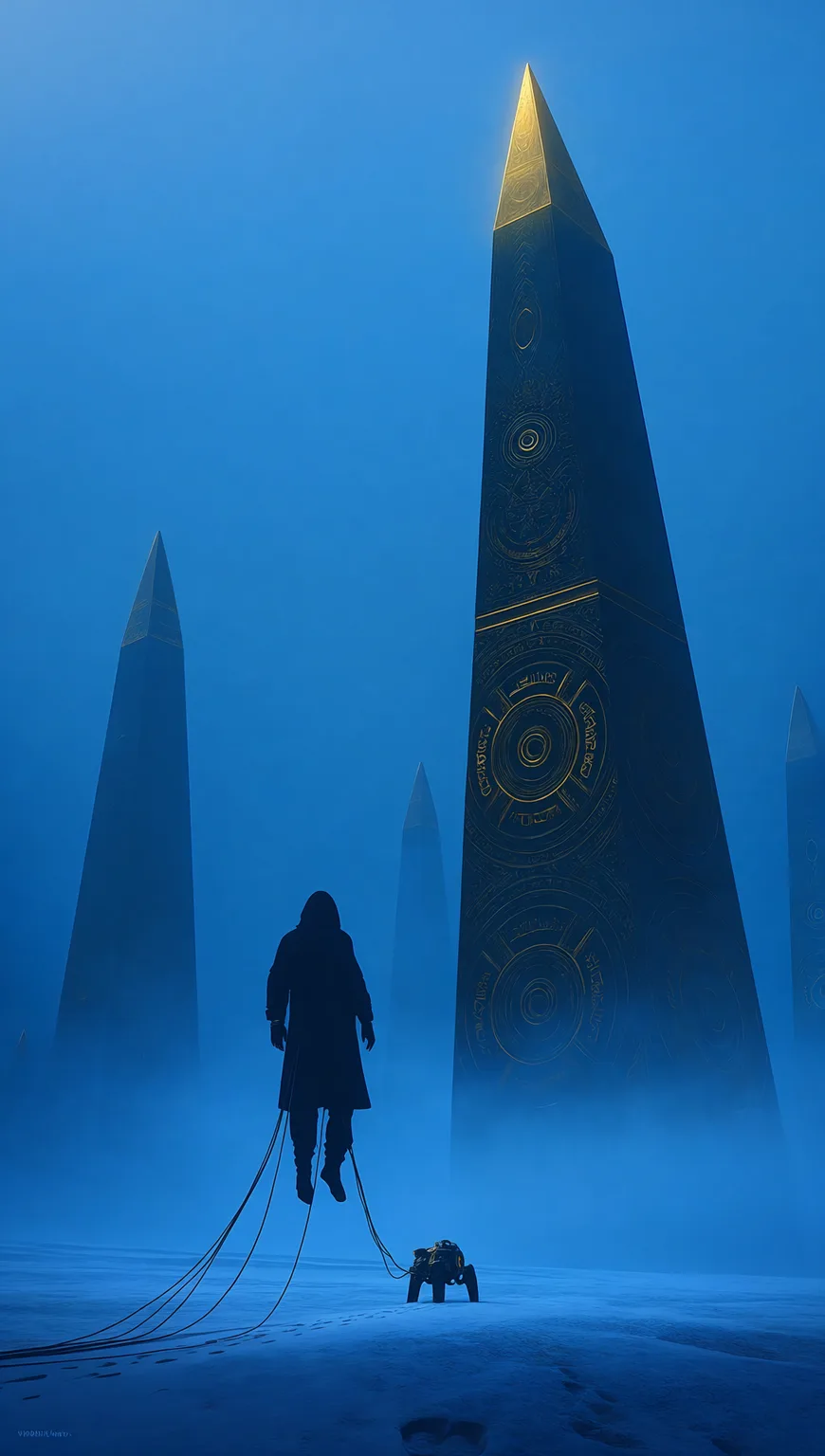
3. Lighting as Storytelling
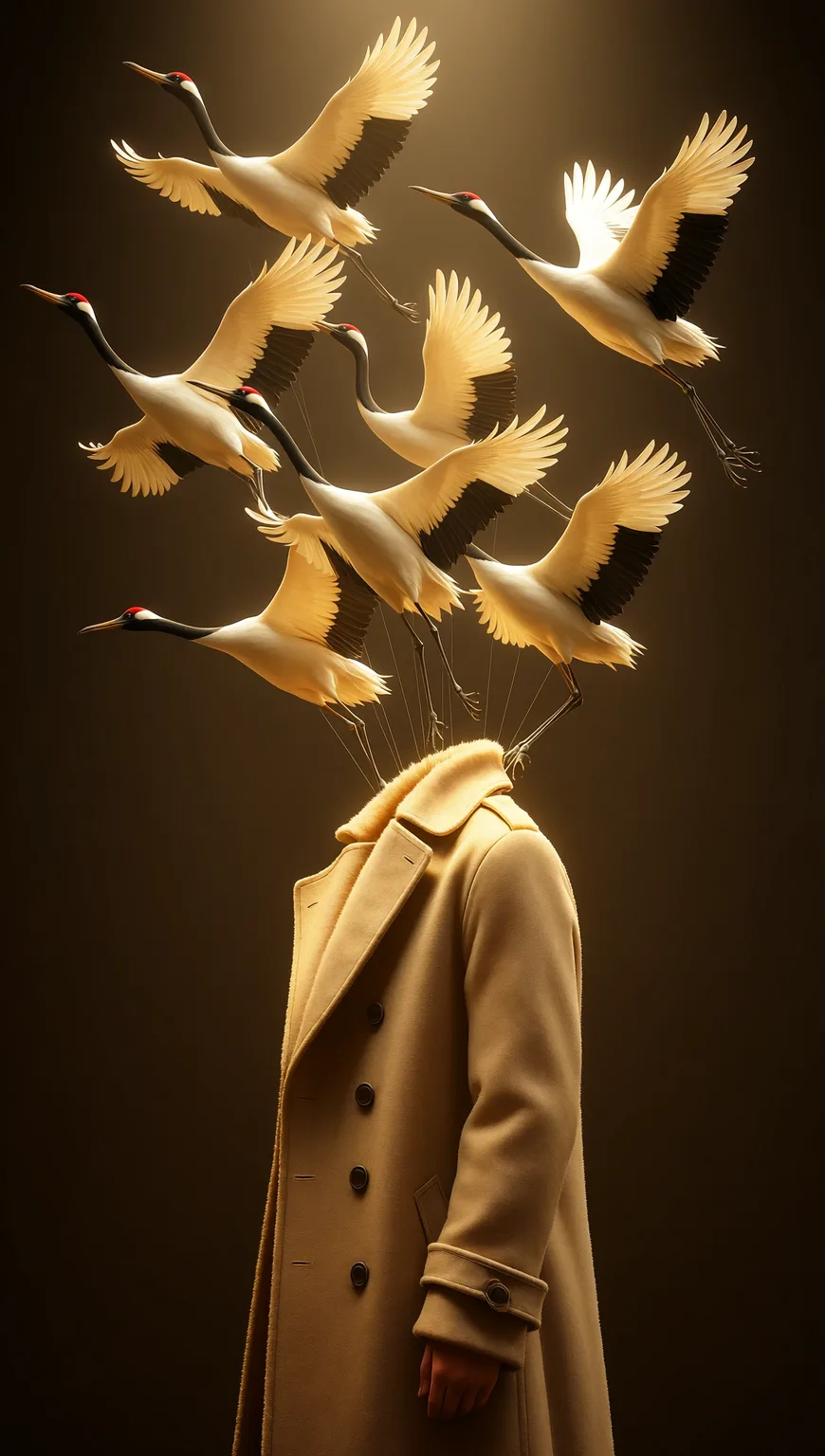
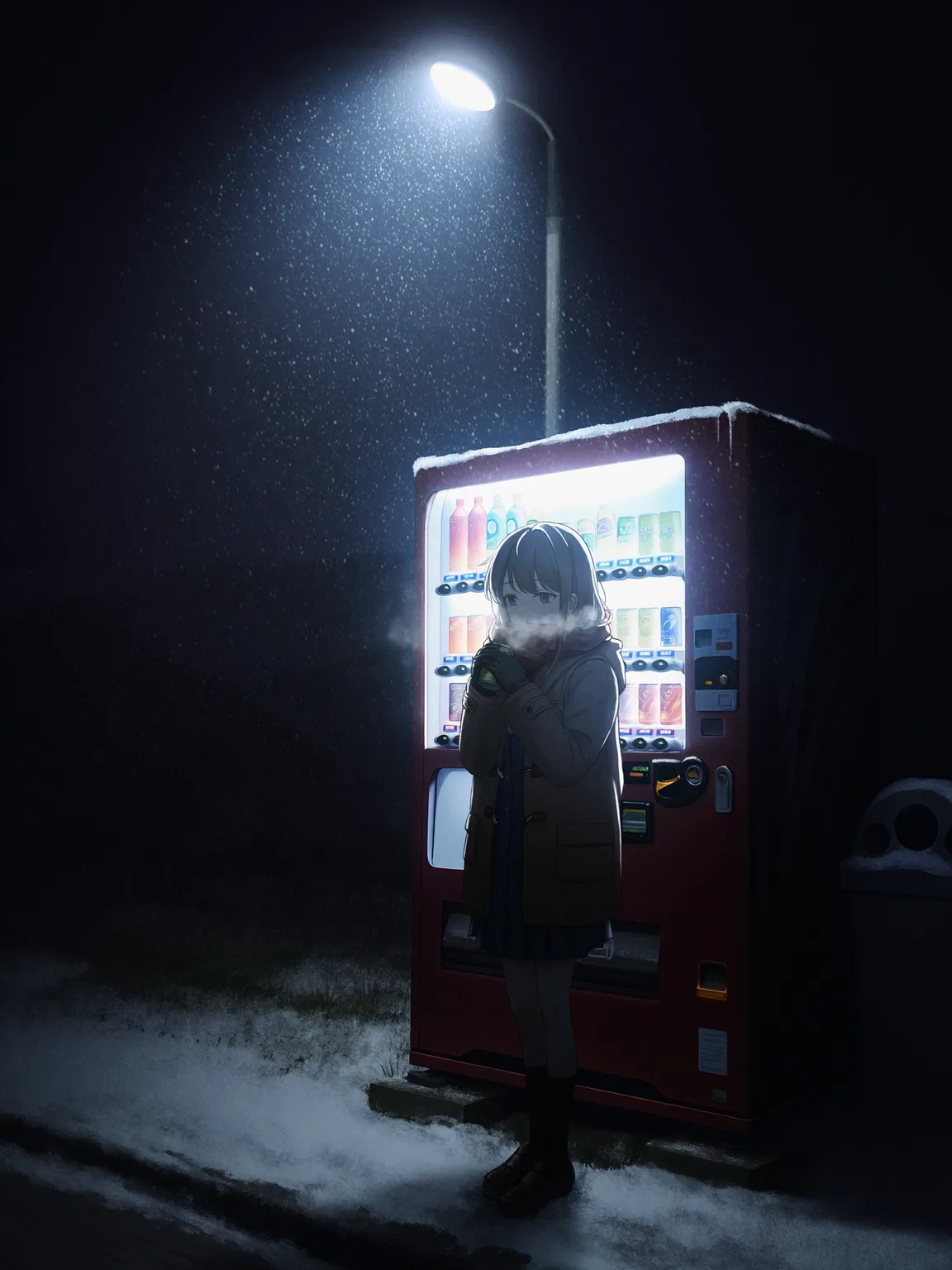
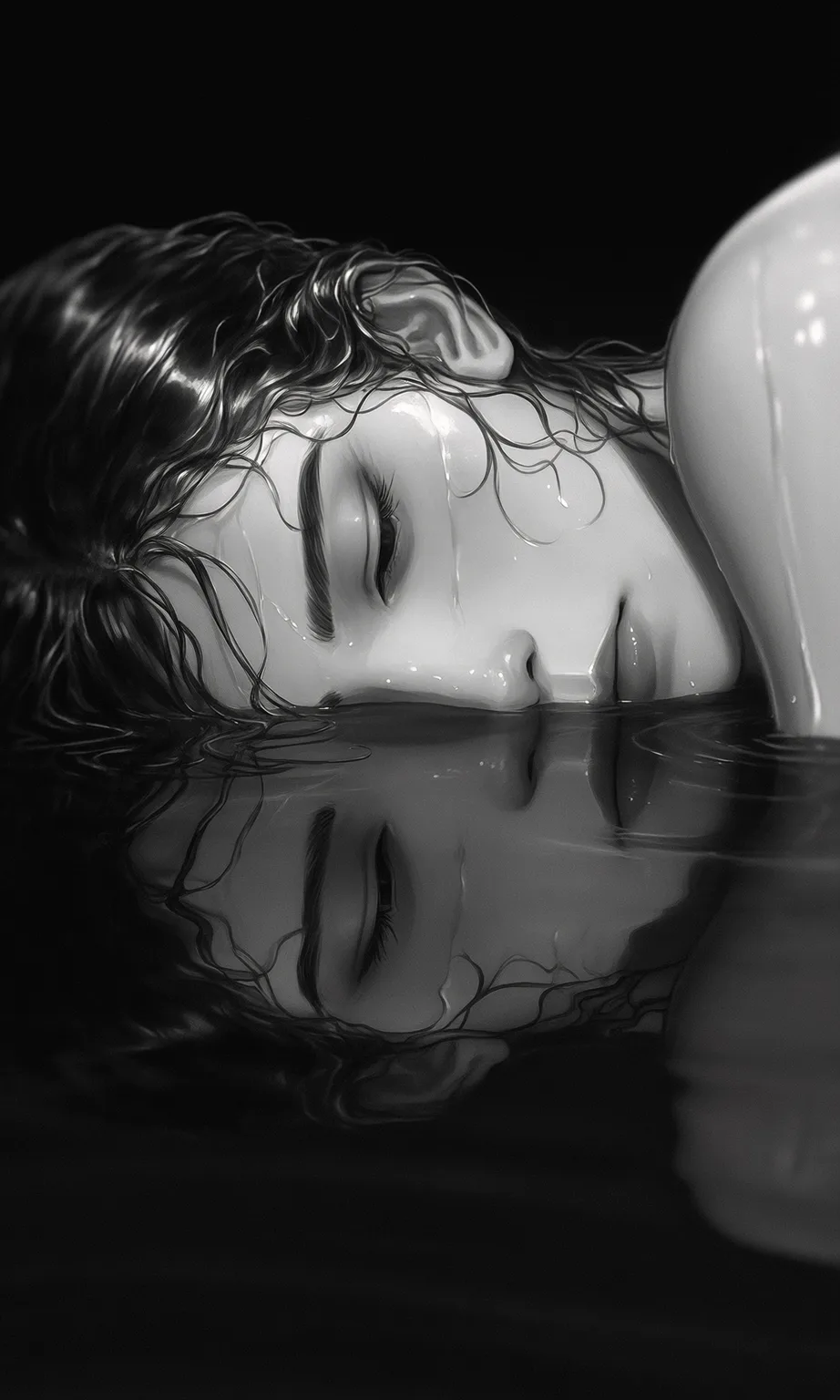
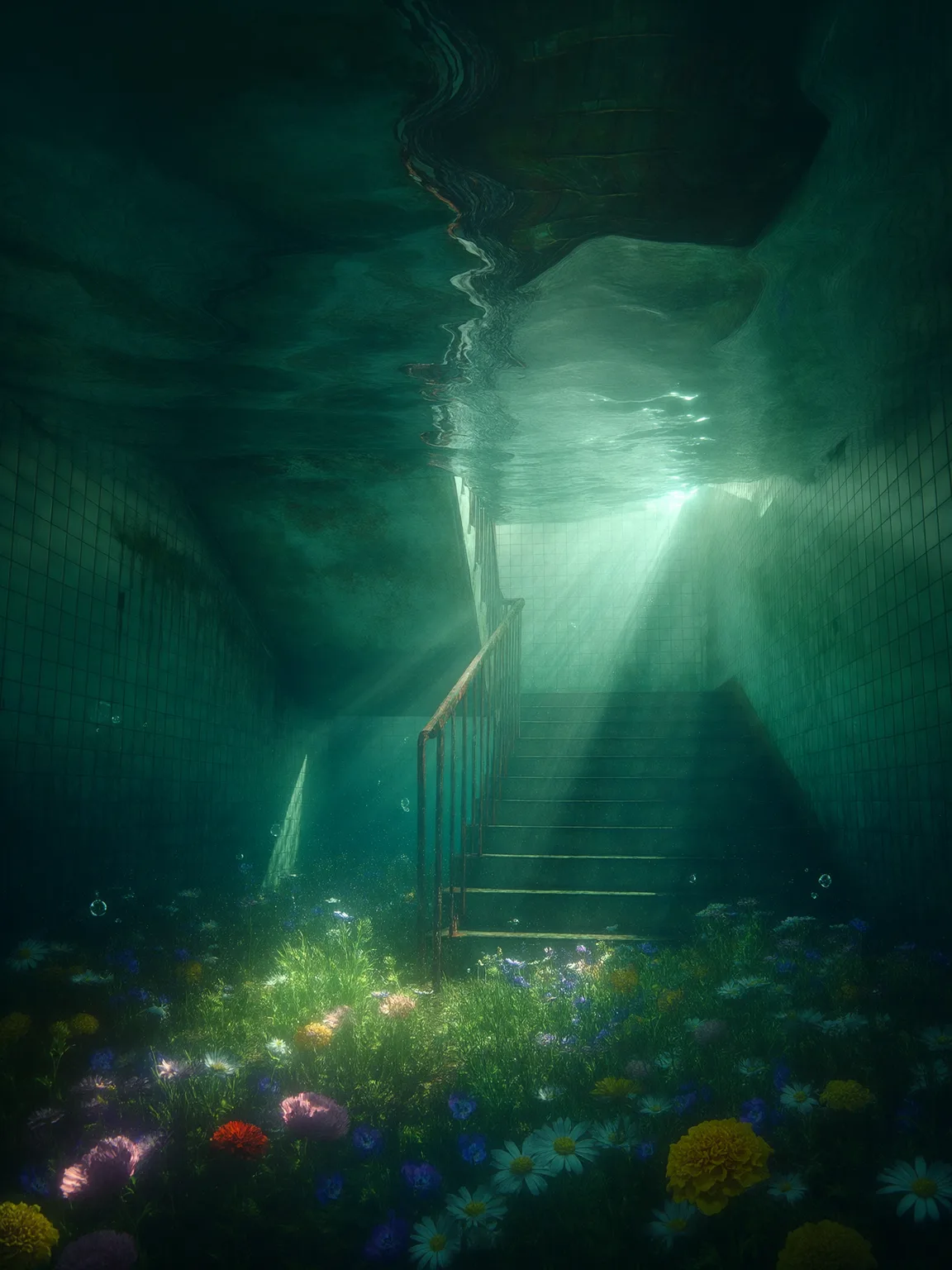
In Tsubaki.3, light takes direction: angle, intensity, and color temperature all follow the prompt. Demanding effects like god rays, backlit silhouettes, and light filtering through water reproduce reliably, and every highlight, shadow, and cast shadow comes from the same light source — the image holds up physically.
4. Photographic Realism
The two spots where AI images give themselves away first — plastic-looking textures and evenly averaged, focus-free lighting — are nowhere to be found in Tsubaki.3's photorealistic output. Film grain, lens flare, shallow depth of field, white balance: all the qualities "only a camera has" can be specified, and reflections on puddles, glass, and wet pavement hold up under zoom. The result looks shot, not computed.


5. Style Range
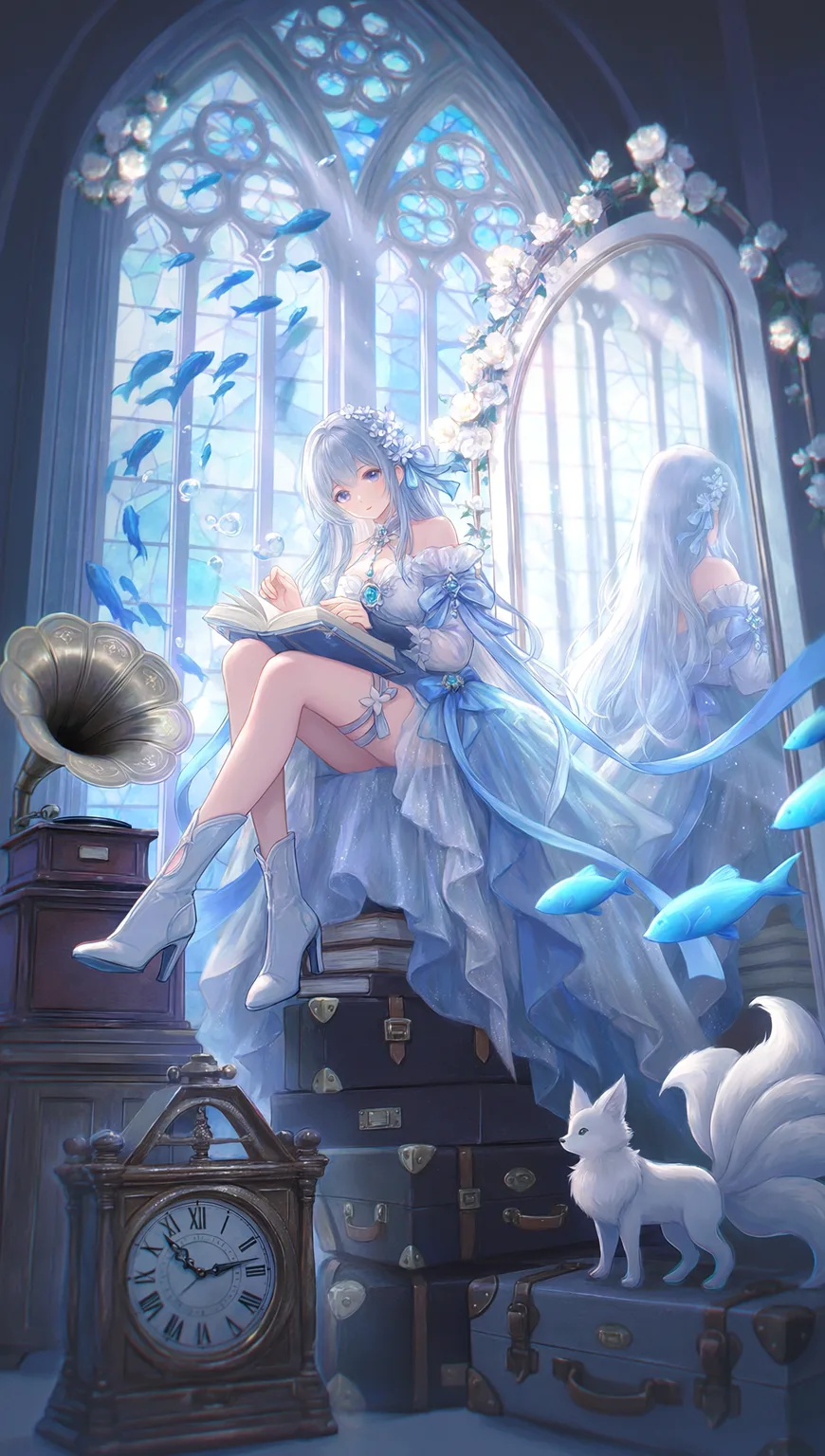
From photorealism to anime, the entire style spectrum lives in one model. Write the style you want straight into the prompt — even the transition zones between two styles land precisely, so you never have to switch models just to switch styles.



6. Manga Paneling
A full manga page in one generation: panels, speech bubbles, and text all land on the same image, and the page reads with narrative rhythm instead of looking like a few illustrations stitched together. Manga techniques like screentones and speed lines — plus the camera work between emotional close-ups, action close-ups, and wide establishing shots — are all handled on the same page.


7. Graphic Design and Typography
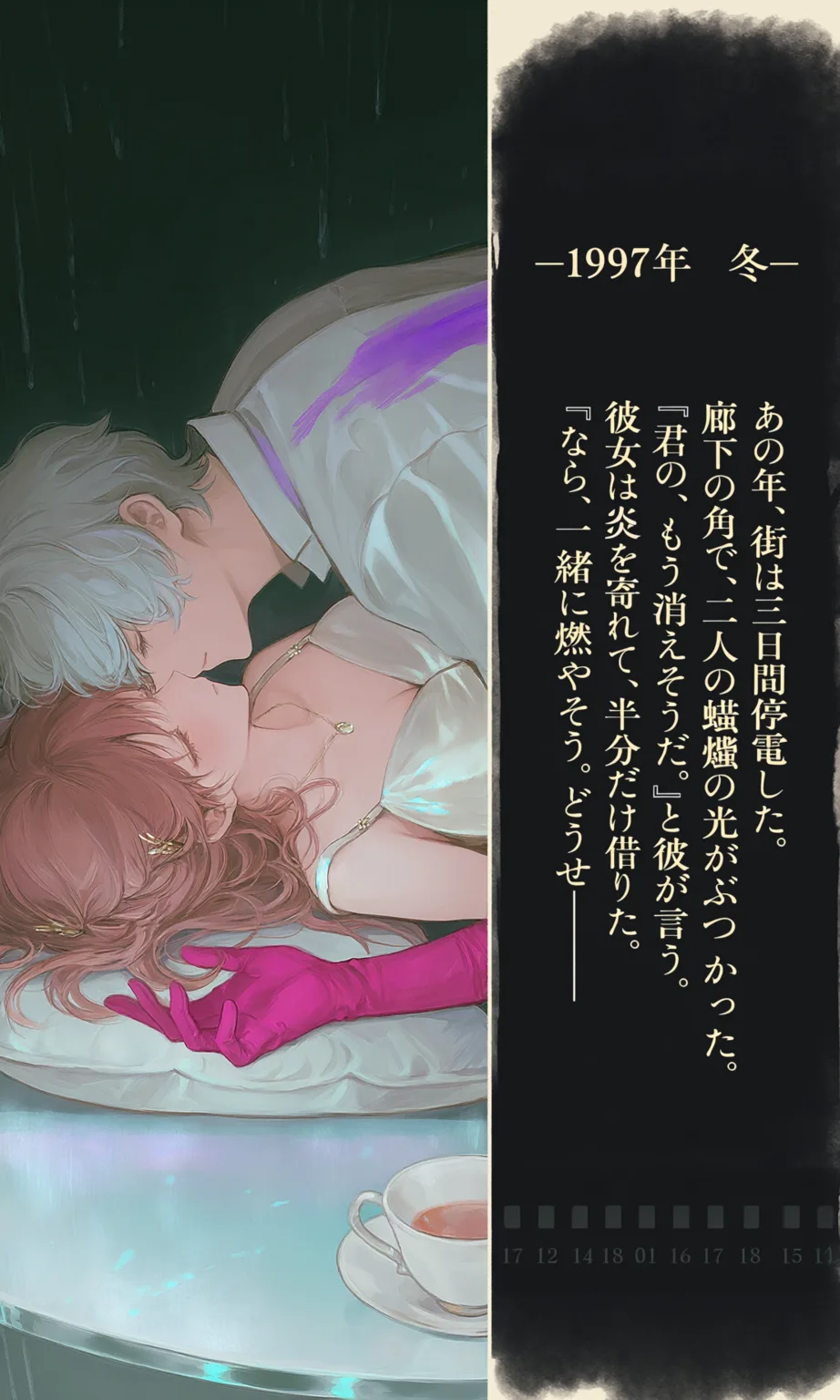
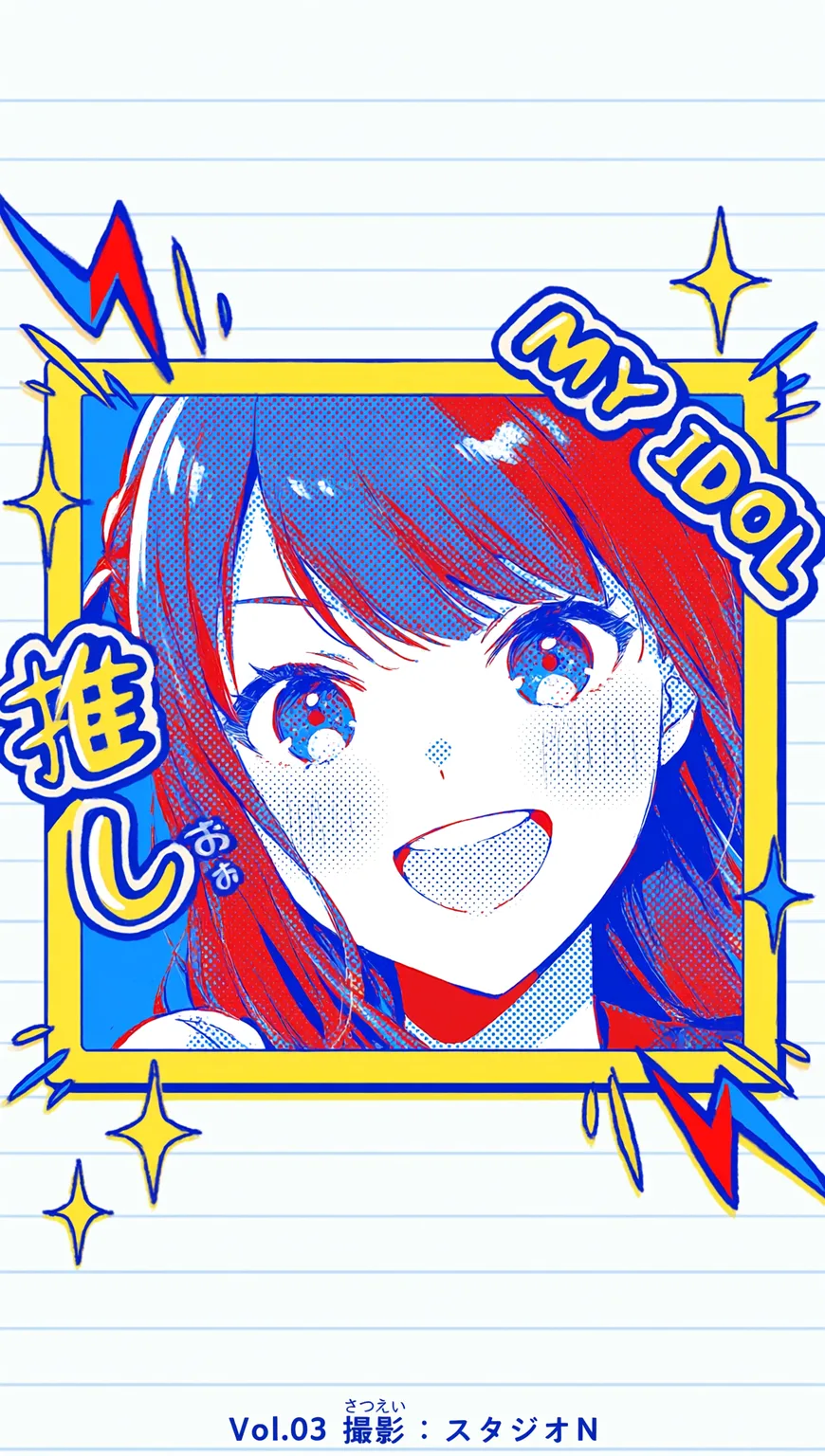
Posters, key visuals, banners, covers — text and artwork get laid out together in a single generation. Titles, dates, and corner badges land right where they belong, and the model can render Chinese, English, Japanese, and Korean text, saving you a trip back to the editor for typesetting.



8. Complex Composition and Perspective Control
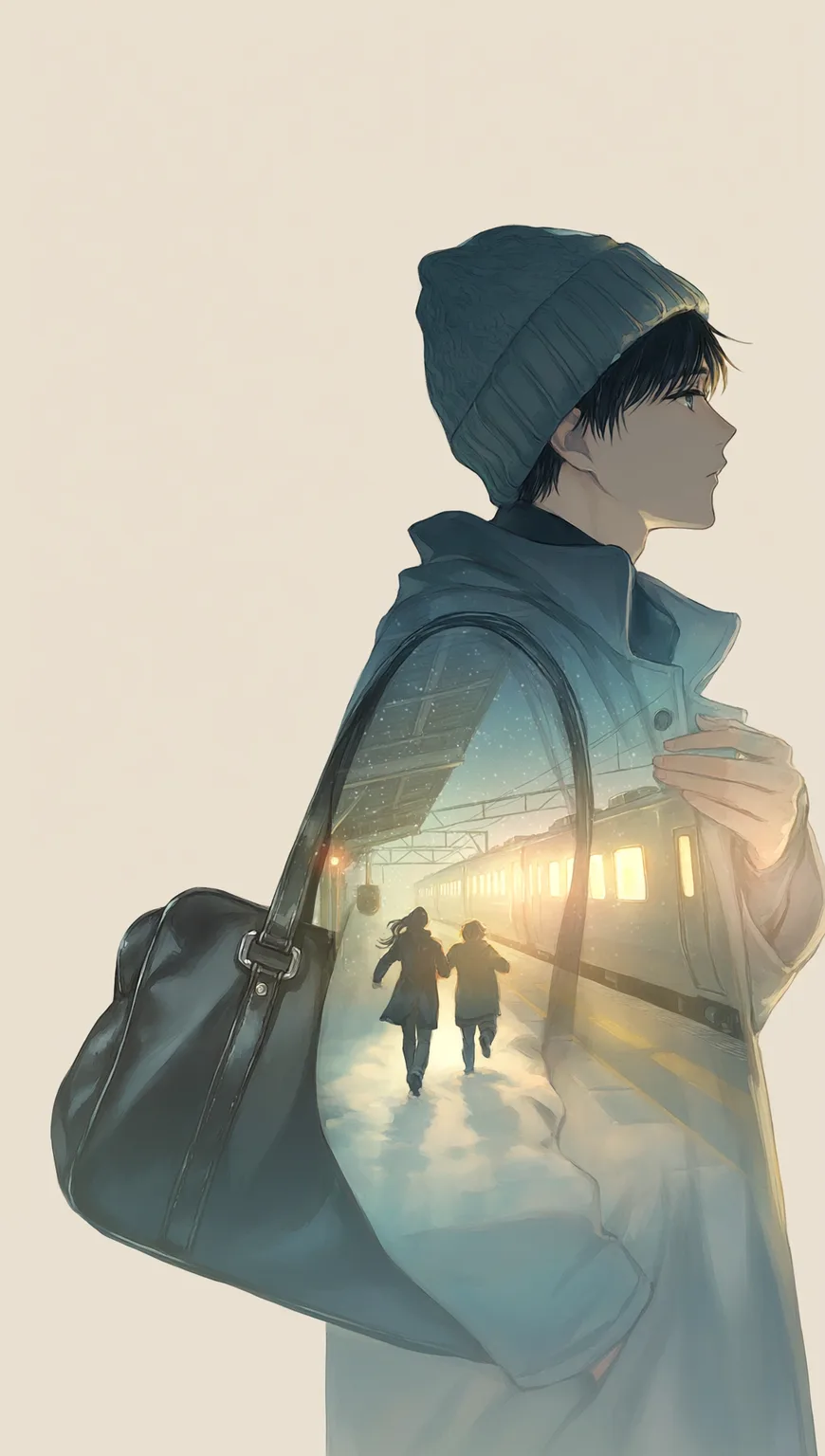
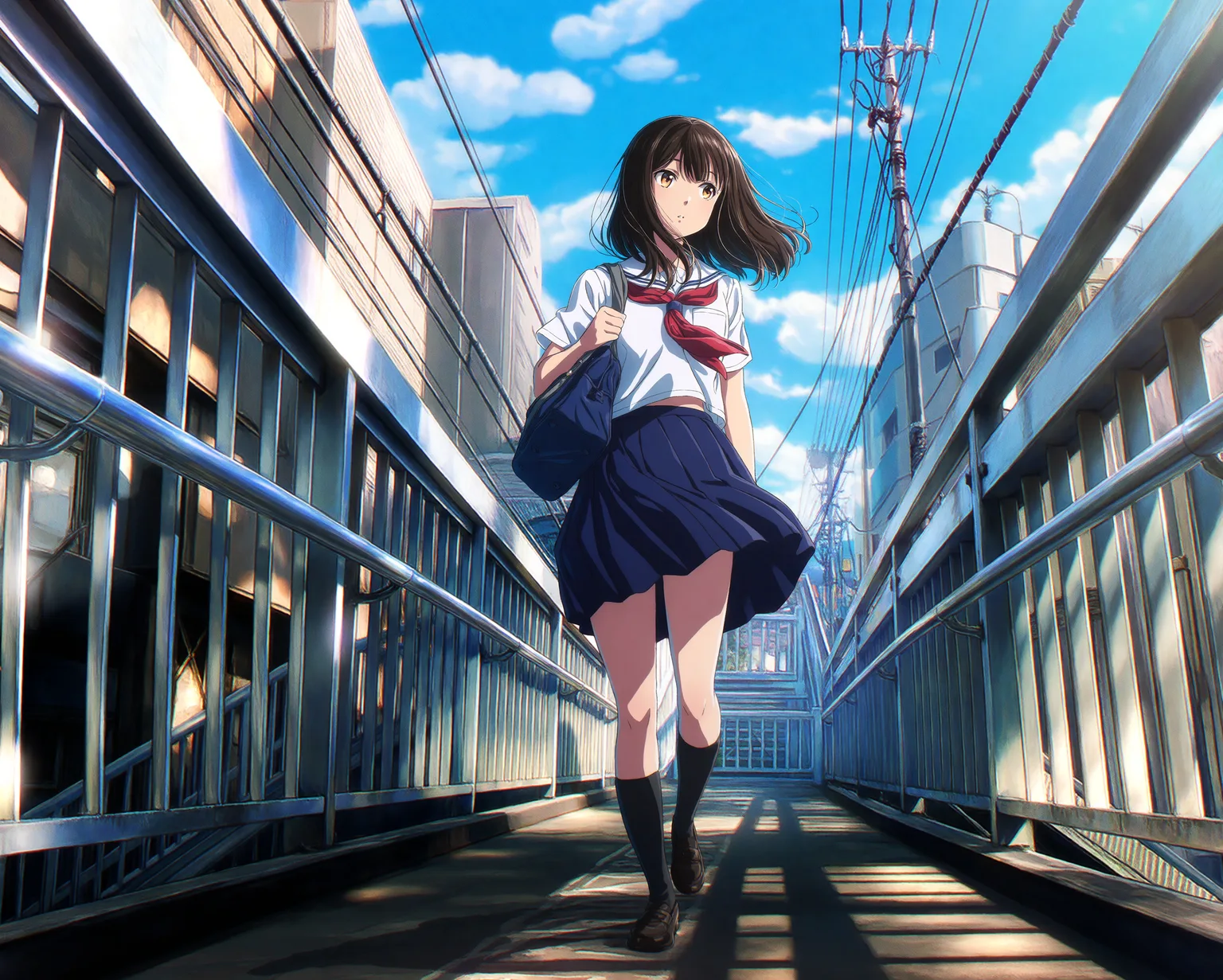
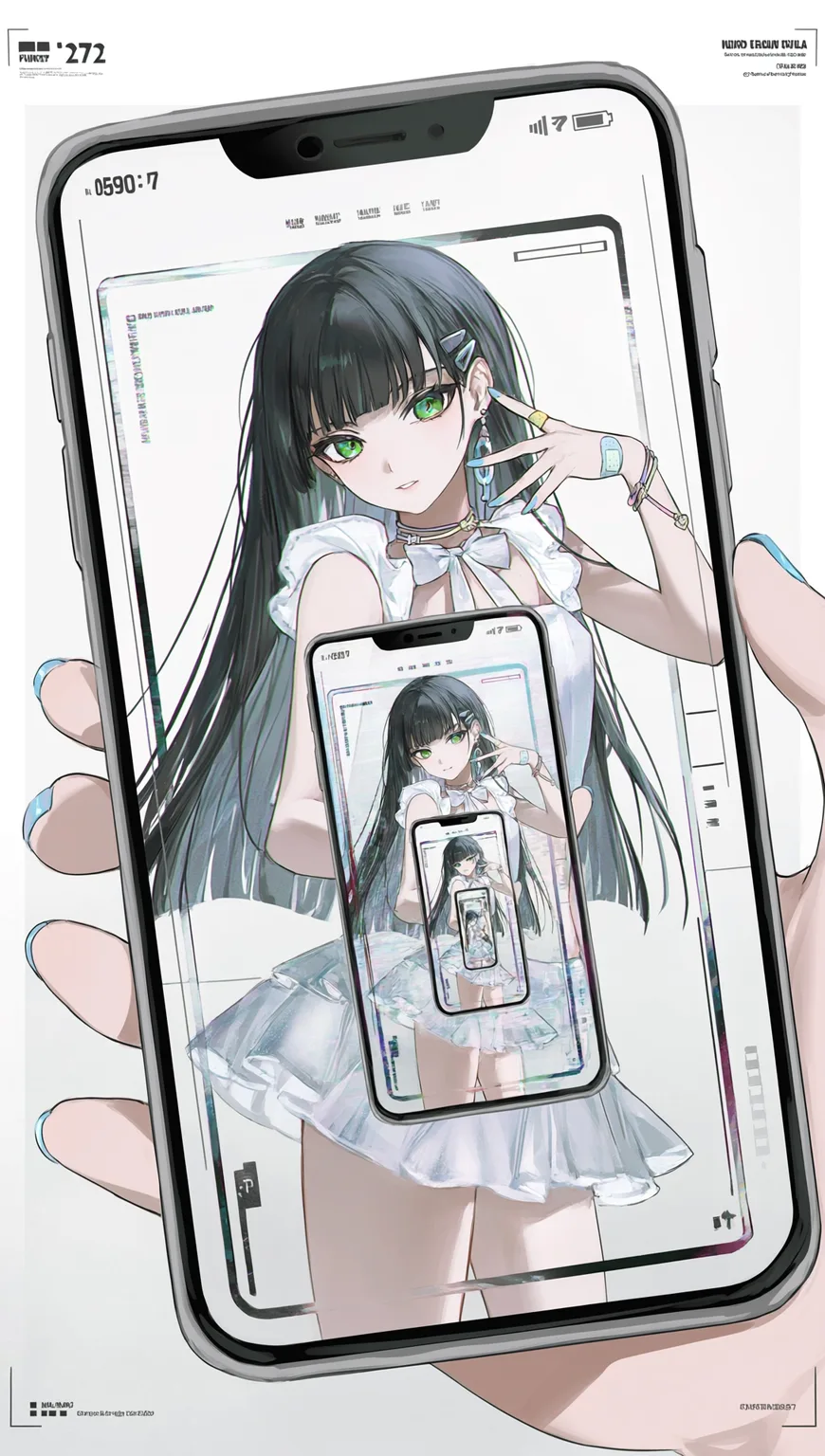
Where the camera sits and how the space is built can be written directly as conditions. Tsubaki.3 constructs the composition exactly to your spec — top-down, low-angle, wide-angle, and multi-layered depth all execute reliably.
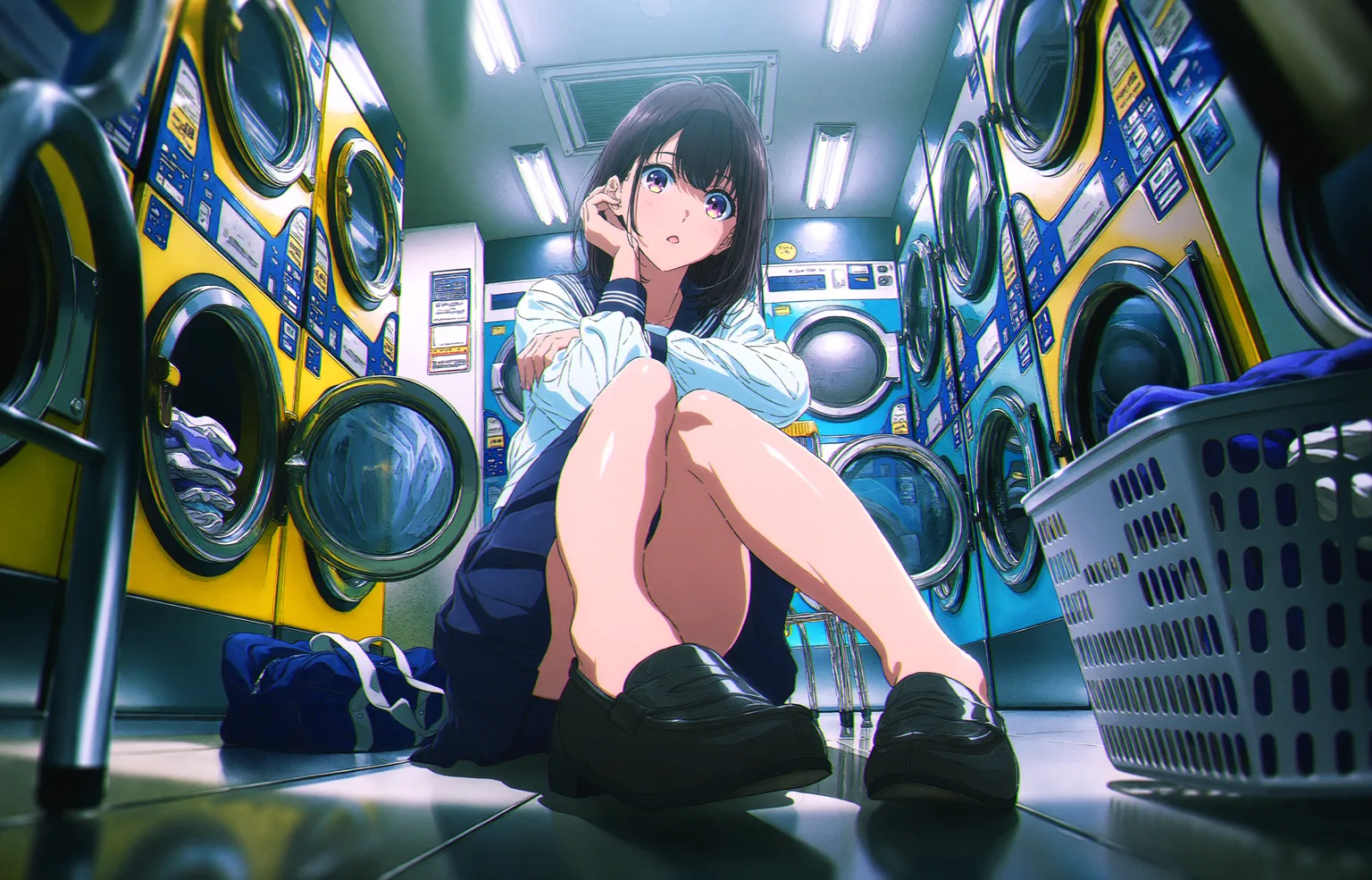
9. Concept Art
What the concept phase lacks most is volume. Tsubaki.3 can pull a dozen directions in a day — diverge first, then converge, which beats staring at a blank canvas waiting for inspiration.
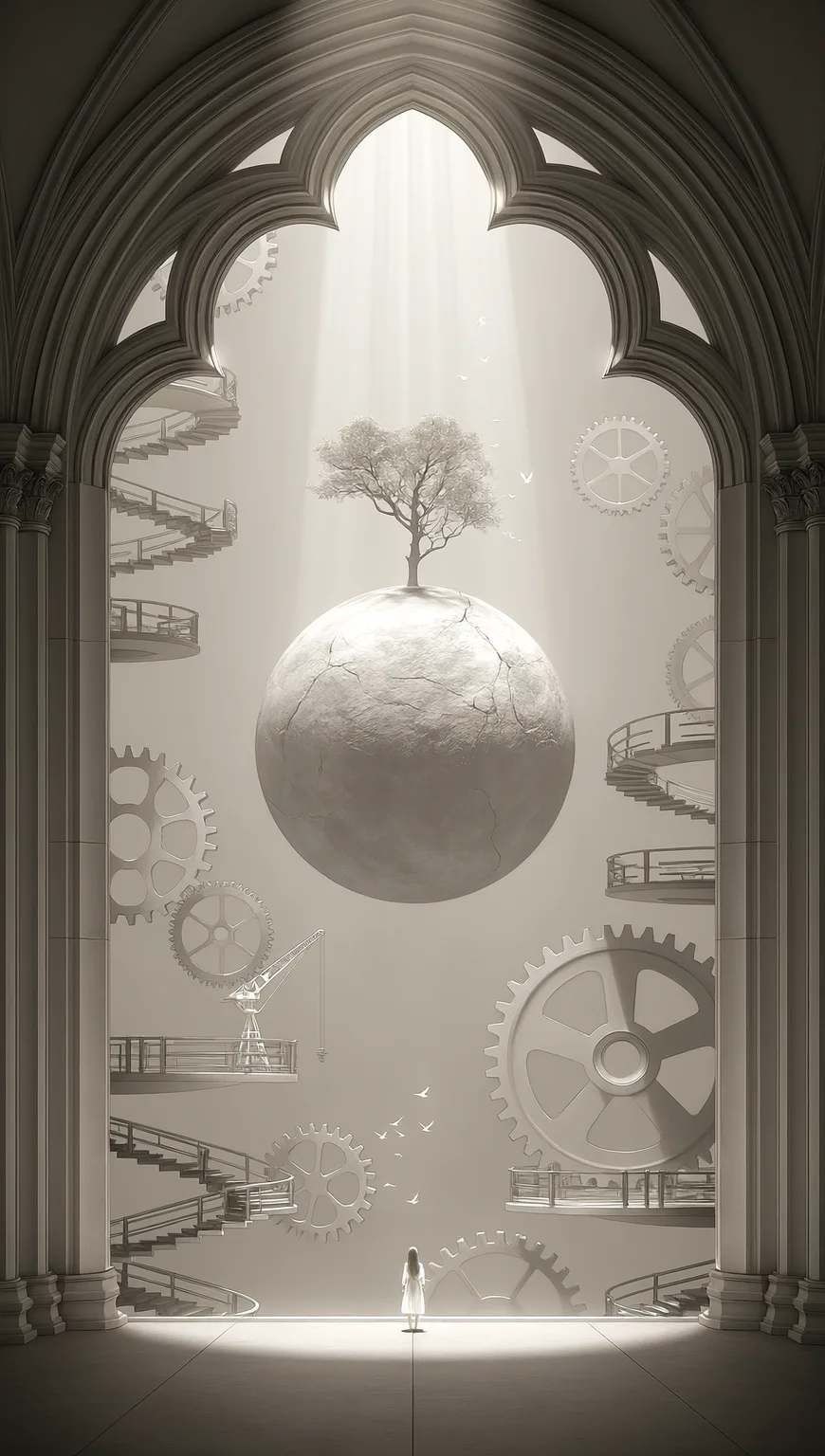
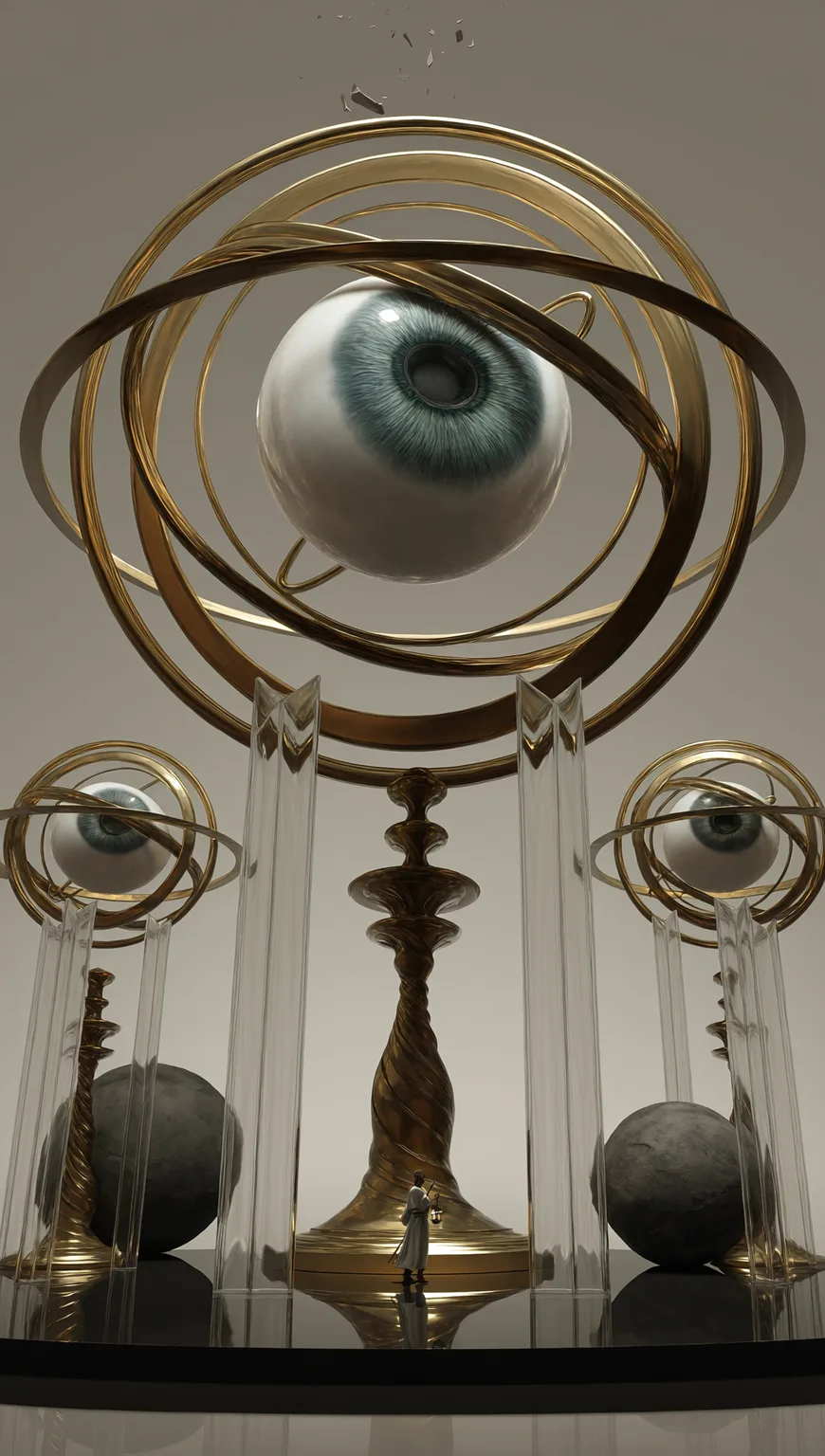
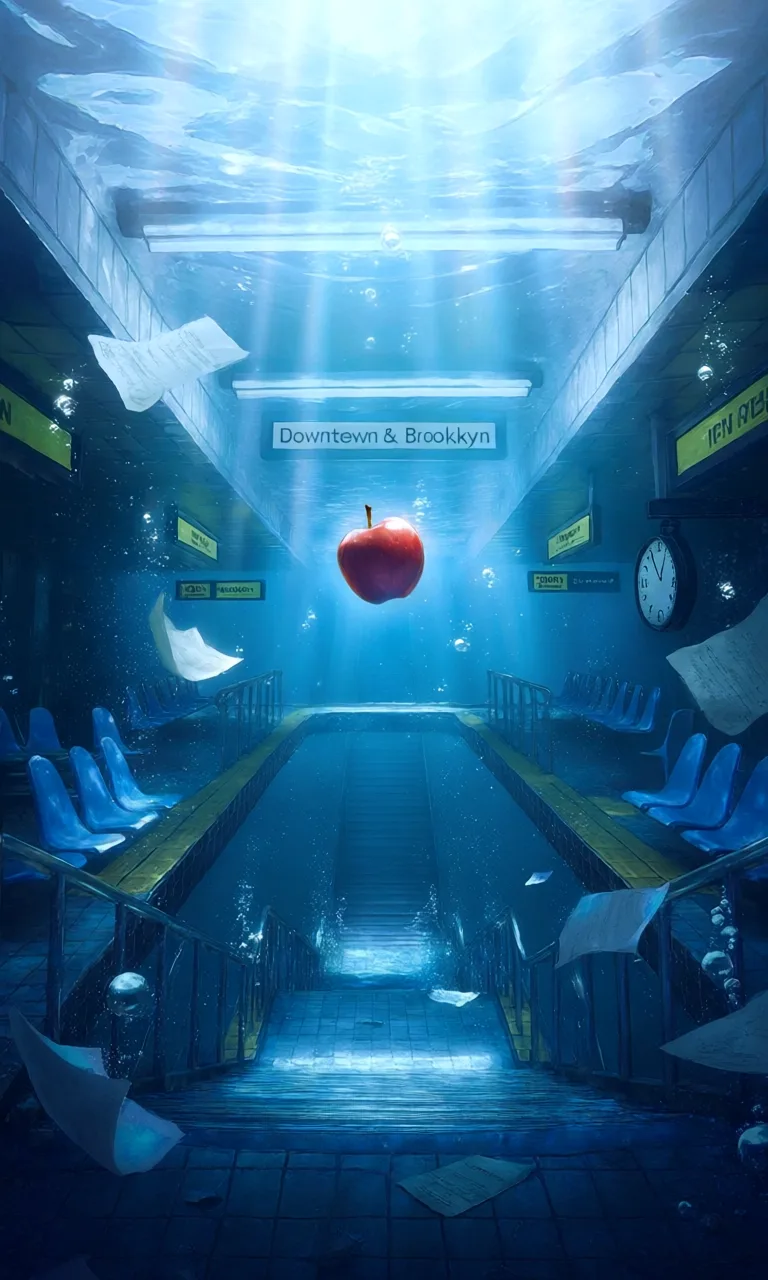
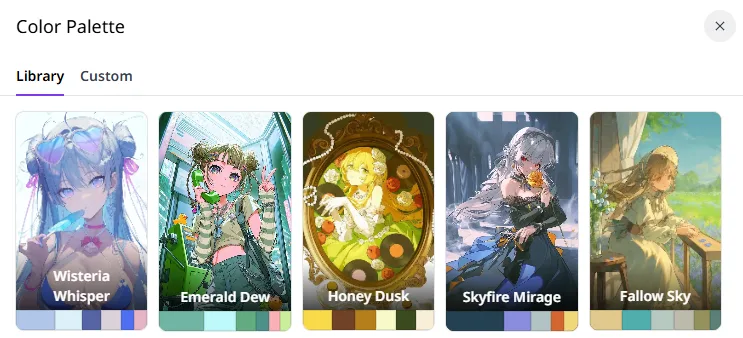
Color Palette
To control the color scheme, you don't have to describe every color in the prompt — pick a palette in the generation panel and the main and accent colors are set, keeping the whole image tonally unified.

You can pick a ready-made palette from the Library (Wisteria Whisper, Emerald Dew, Honey Dusk, and more) or build your own with Custom:
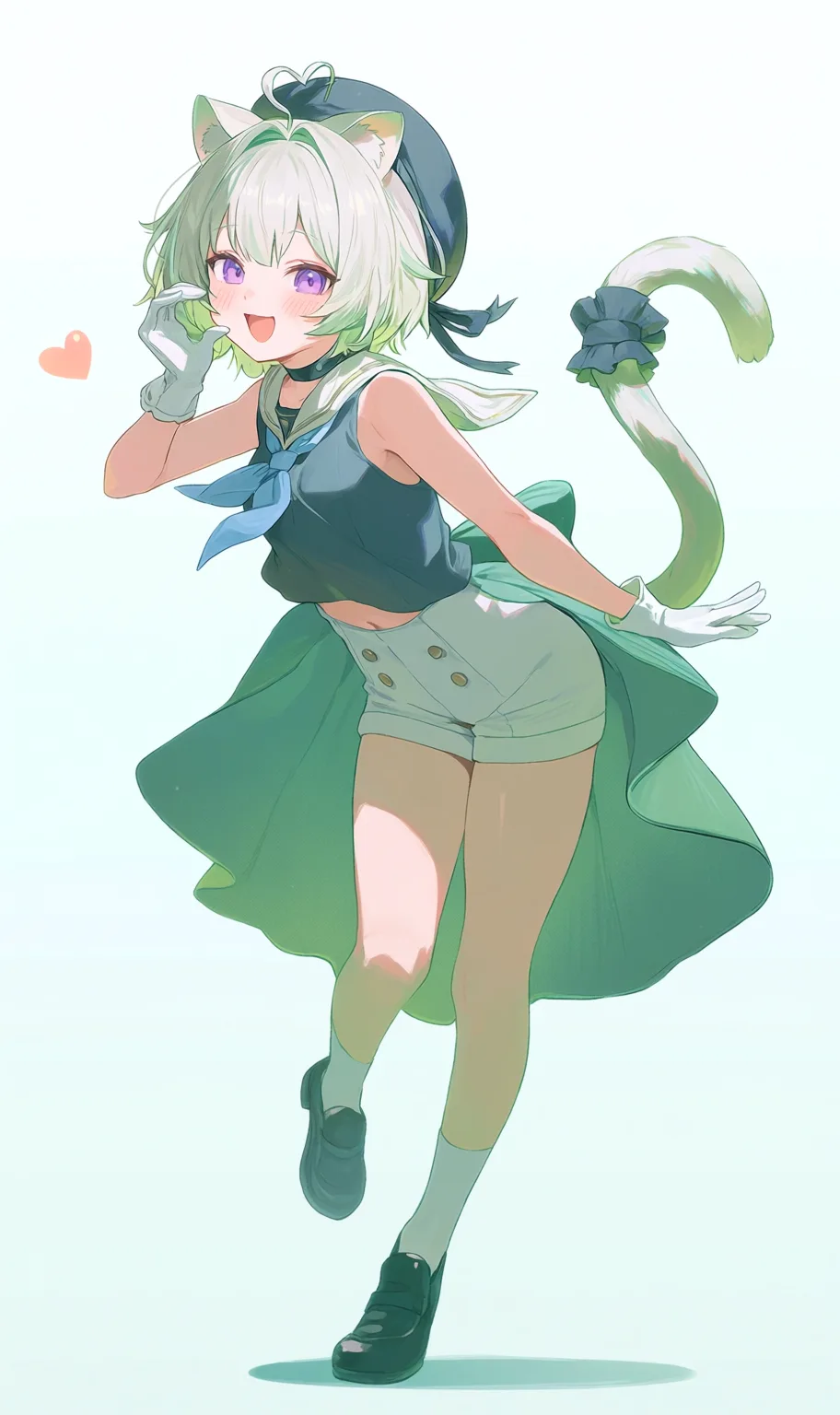
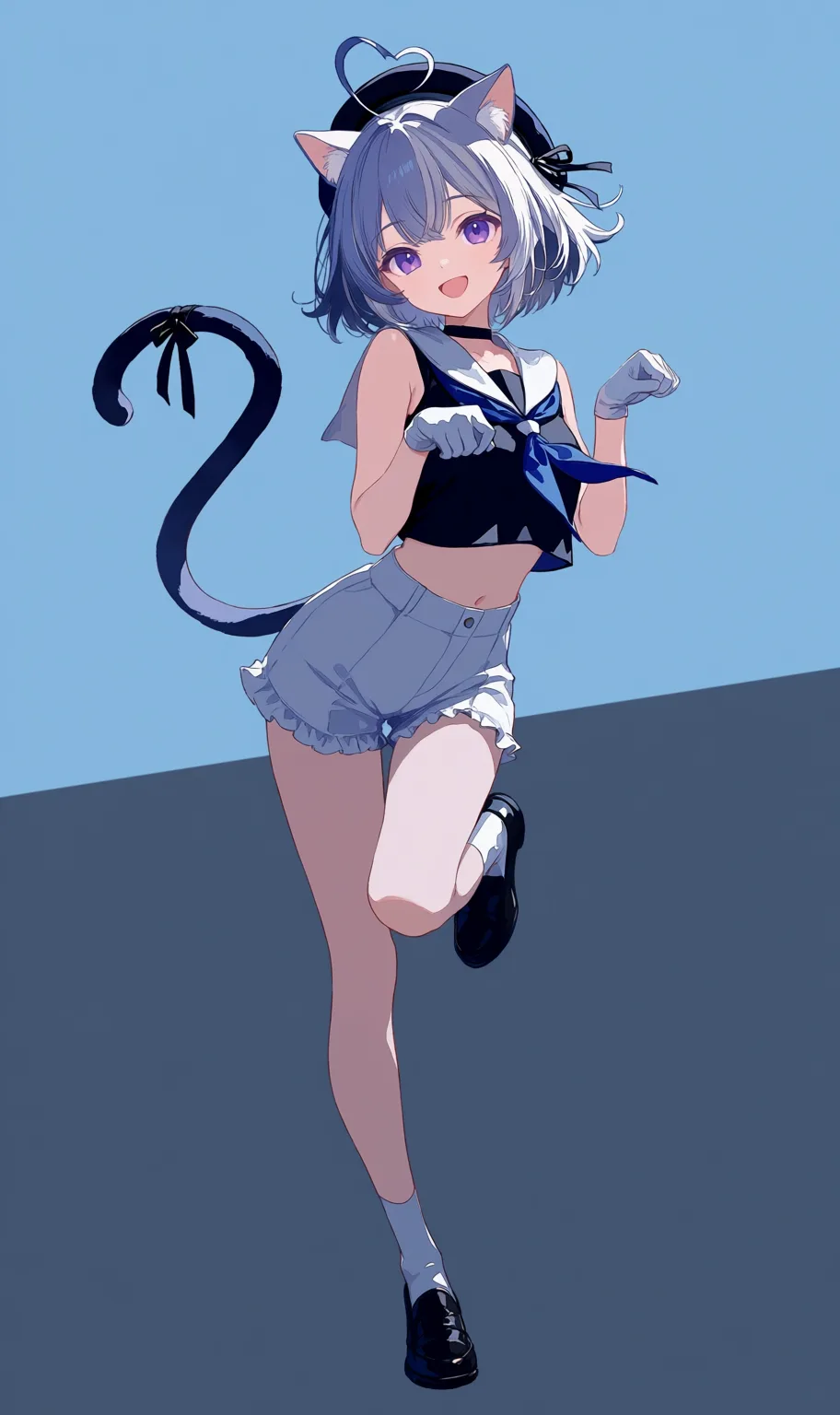
Natural-language image editing and reference-image generation — the two features unique to Tsubaki.3 — are collected together with the prompt building blocks in Tsubaki.3 Prompt Templates.

Open the generation page on PixAI, pick Tsubaki.3 in Quick Select, and start your first image!
Quick Start
Follow the tutorial and generate your first image with Tsubaki.3.
Tsubaki.3 Prompts in Action
Official examples broken down: prompt writing for magazine covers, design sheets, and live CGs.
Tsubaki.3 Prompt Templates
Natural-language image editing, reference-image generation, and quality/style prompt blocks.
Other PixAI Models
Compare the strengths and use cases of PixAI's models.
Was this page helpful?
🎁 Adopted valid suggestions earn a 5,000 Credit reward!
Advanced Prompting
Advanced prompt techniques — composition thinking, layering control, lighting and depth-of-field description for more polished AI art.
Tsubaki.3 Prompt Templates
A practical Tsubaki.3 handbook — natural-language image editing, reference-image generation examples, and reusable quality/style prompt building blocks.