
Tsubaki.3 Prompt Templates
A practical Tsubaki.3 handbook — natural-language image editing, reference-image generation examples, and reusable quality/style prompt building blocks.
The three tools that make Tsubaki.3 a pleasure to use are all on this page: natural-language image editing that changes exactly what you point at, reference-image generation that reuses a character from a single image, and quality/style prompt building blocks you can copy and stack directly. They work best combined with the full workflow in Tsubaki.3 Prompts in Action.
Natural-Language Image Editing
Say in one sentence what to change and what to change it into, and Tsubaki.3 touches only that spot — character features, composition, and lighting all stay exactly as they were, and it can even rewrite or add text inside the image. Point and edit — no more rerolling and hoping.
Change hair, eye, or outfit colors
Change the @image1 character's hair color from white to pale pink.


Change the character's outfit
Replace the black sailor-style top with a white button-up shirt while keeping the red bow, jacket, skirt, and all other elements unchanged.


Change gestures
Change the character's right-hand V-sign gesture to a thumbs-up while keeping the original art style, pose, and all other elements unchanged.


Add or remove objects, change materials
Have the character in @image1 hold a cherry blossom branch.


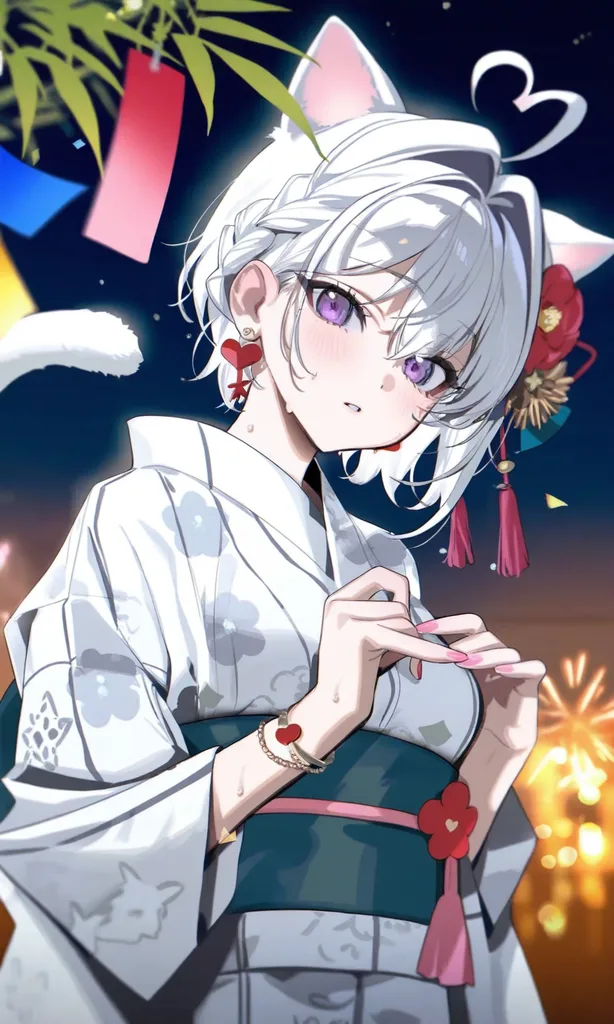
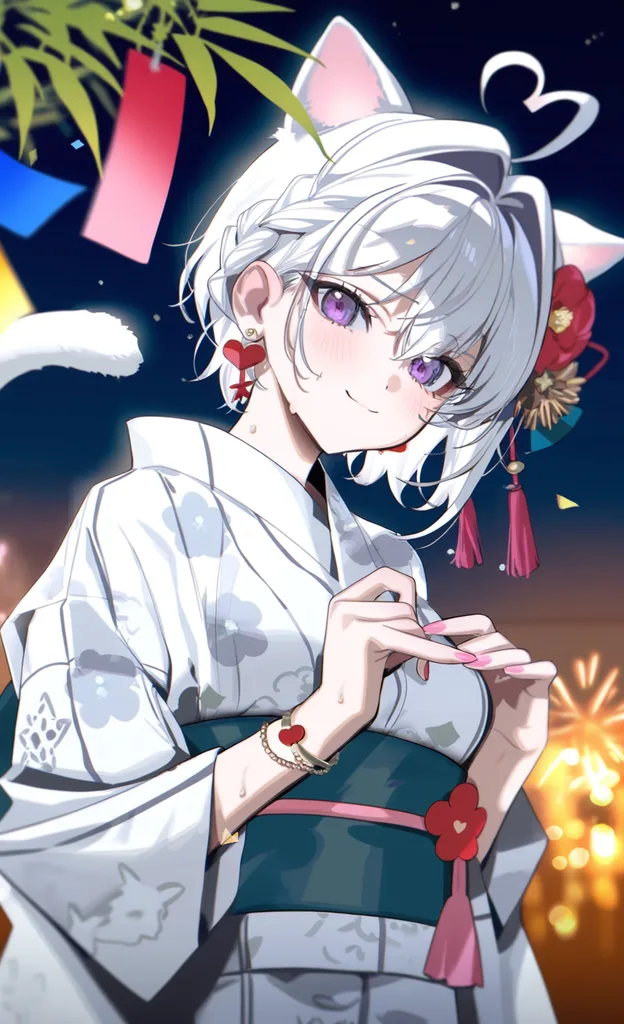
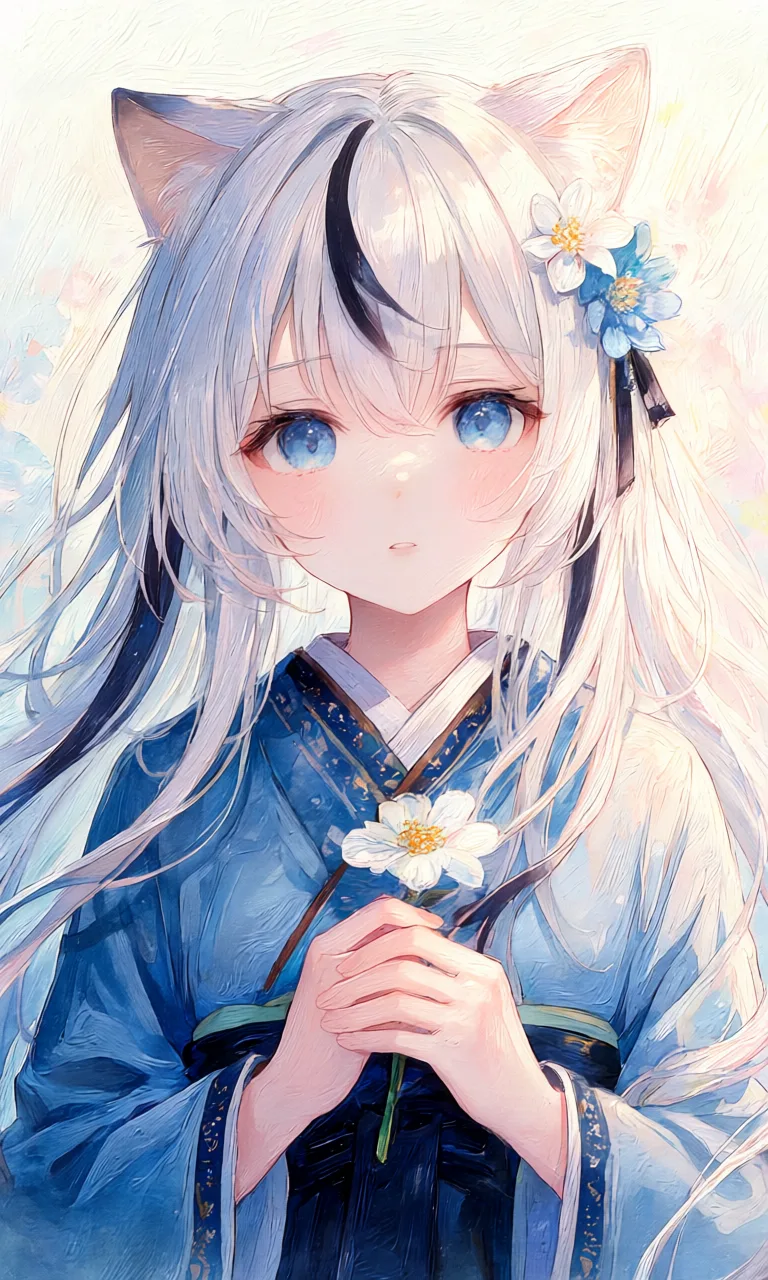
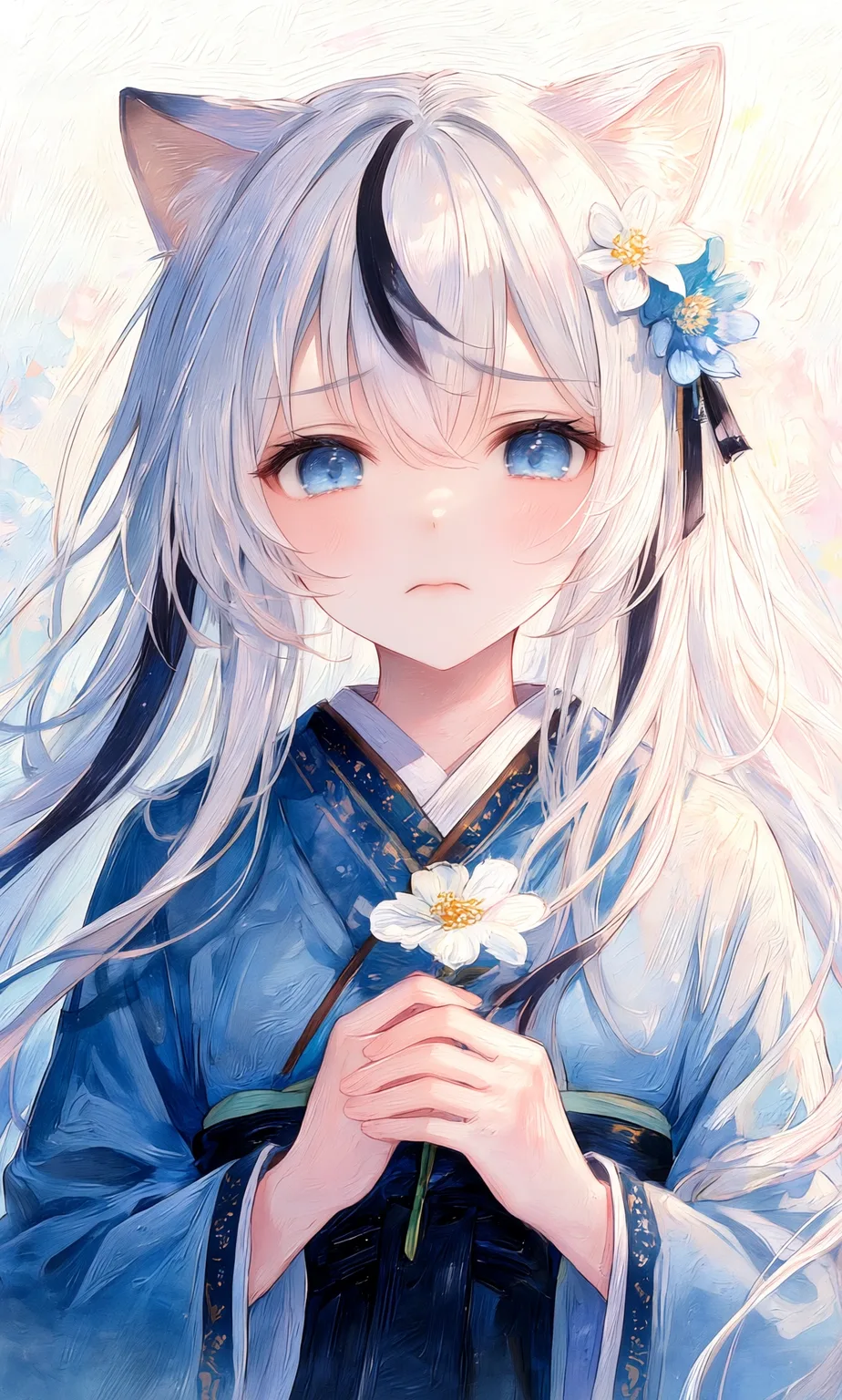
Change expressions
The same image can be edited into smiling, crying, surprised, upset, and other expressions:
Rewrite or add text in the image
Add a speech bubble at the upper left of the character in this image, with the text "Ruby, let's go together" inside it.


Reference-Image Generation
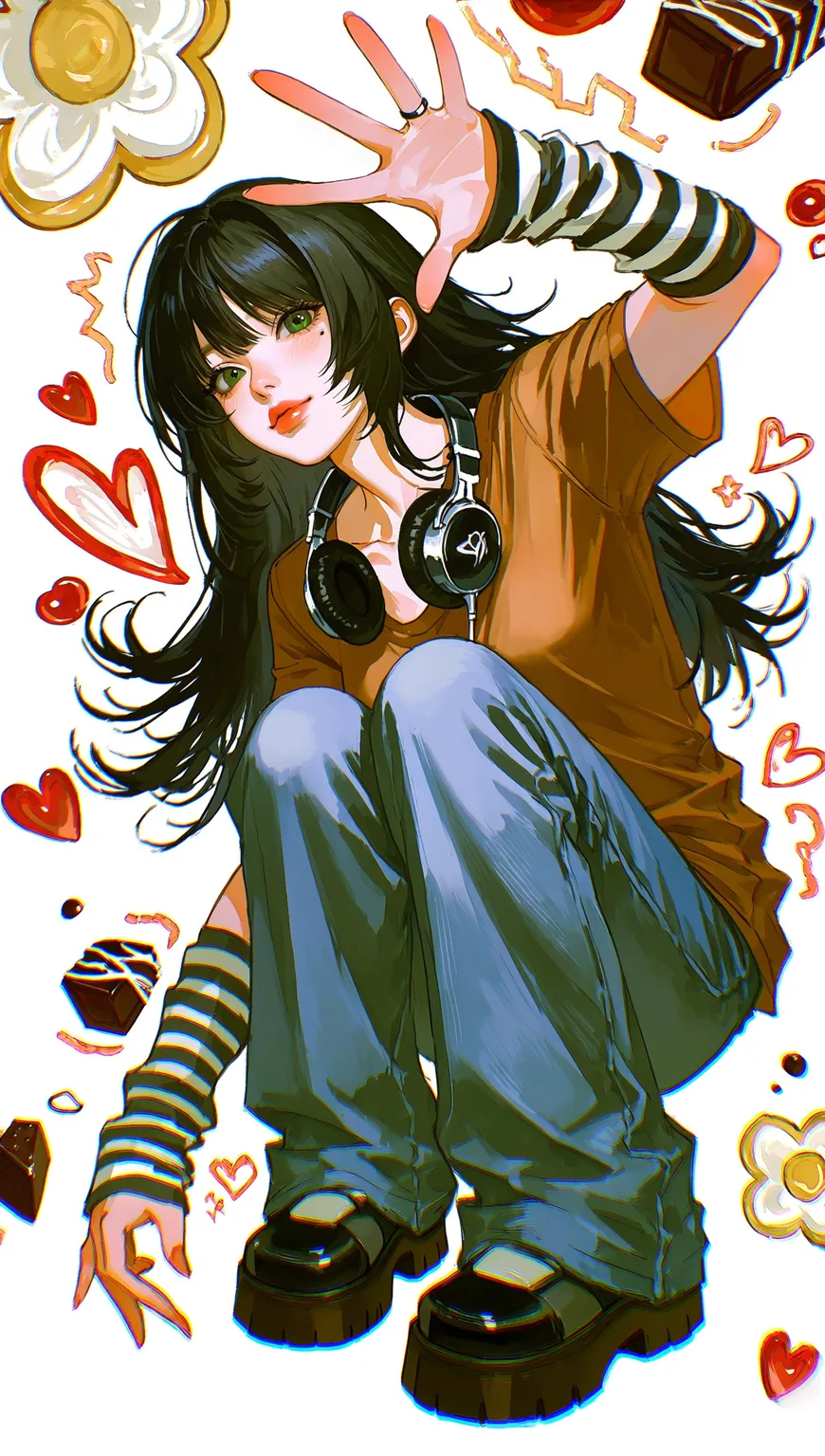
To reuse the same character, you used to collect materials and train a LoRA — now a single reference image is enough. Tsubaki.3 extracts the character's features from the image (objects and scenes work too) and carries the character into any scene you specify.
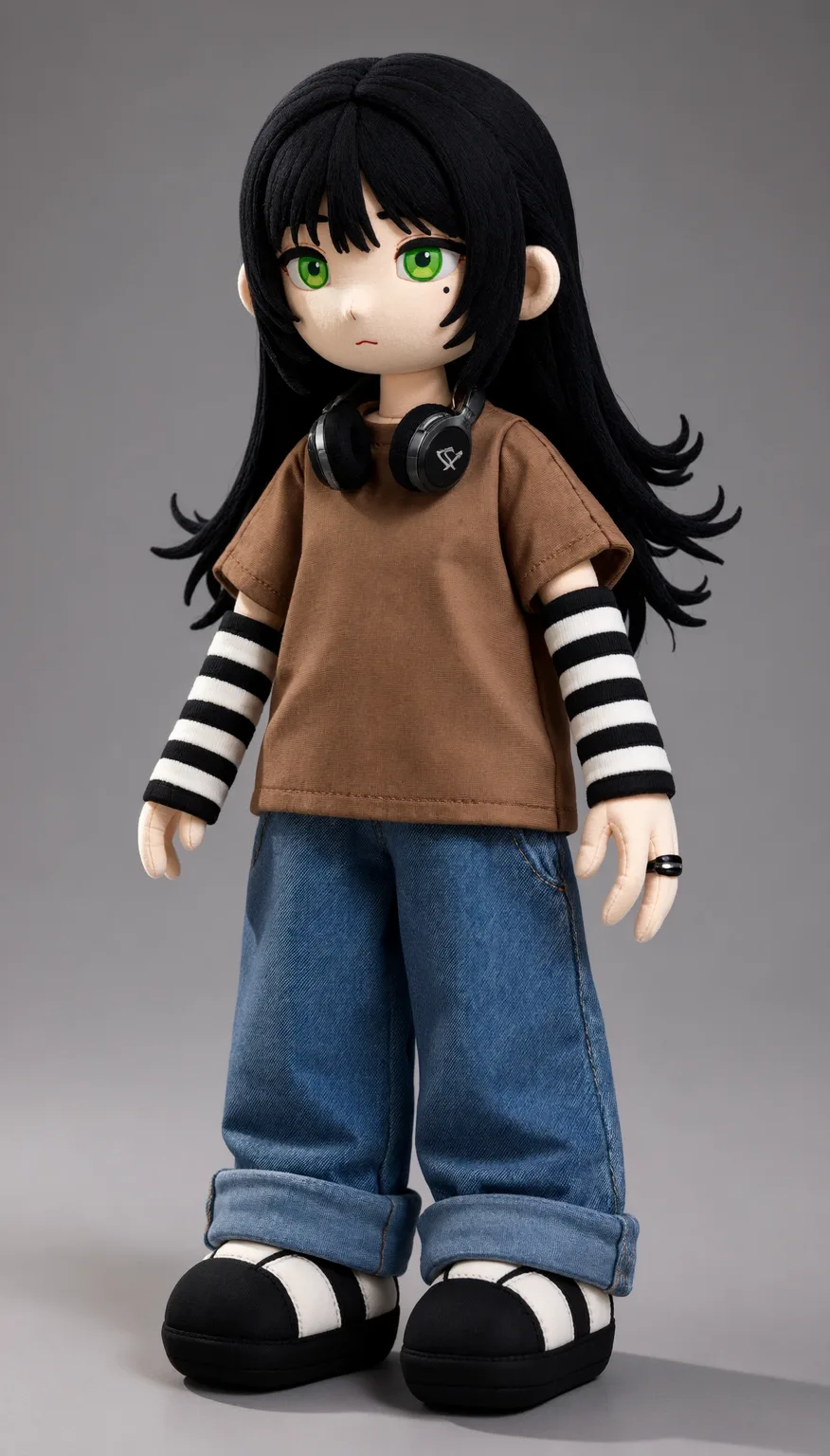
Turn a character into a figure
Generate a PVC figure of this @image1 character, Glossy painted plastic surface with smooth highlights

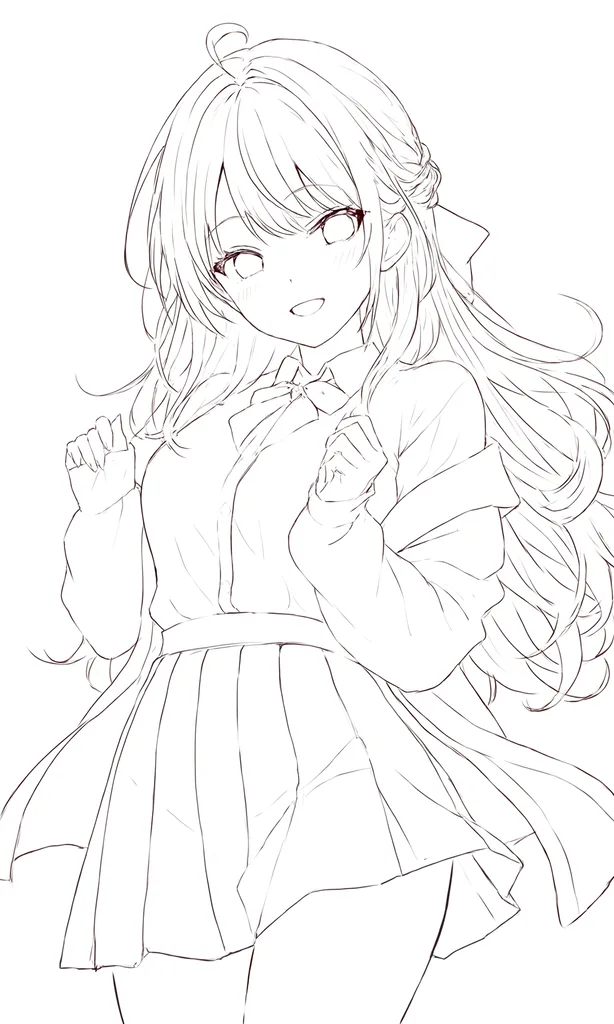
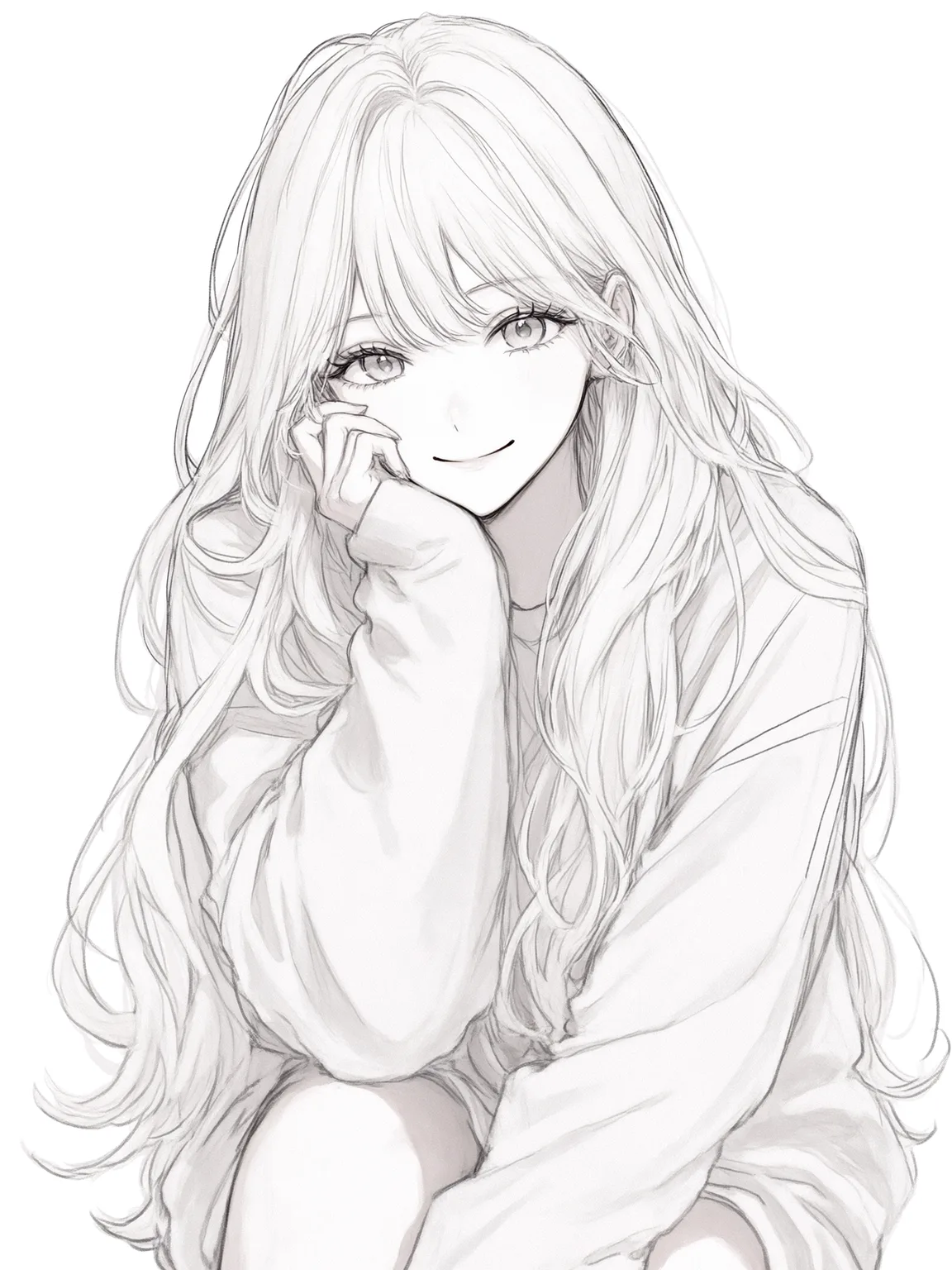
Color line art
your line art plus a reference image's coloring style:


Swap the character
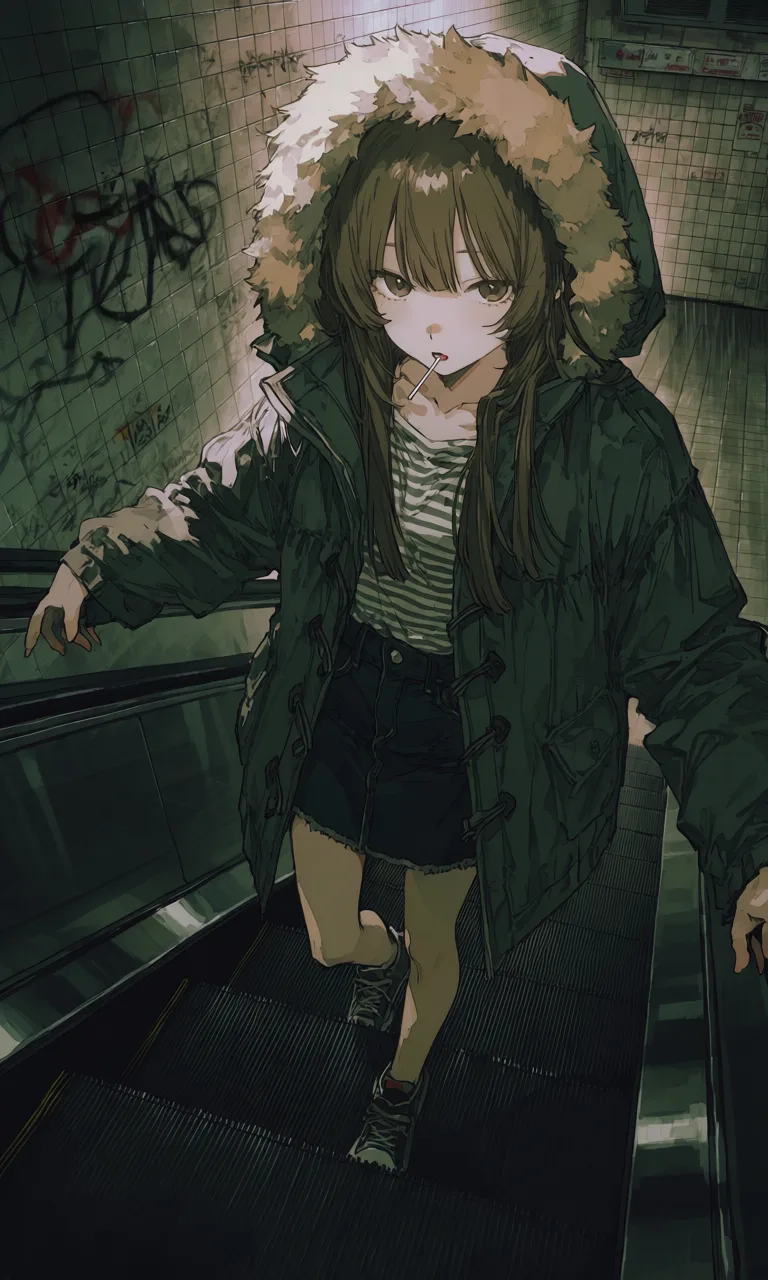
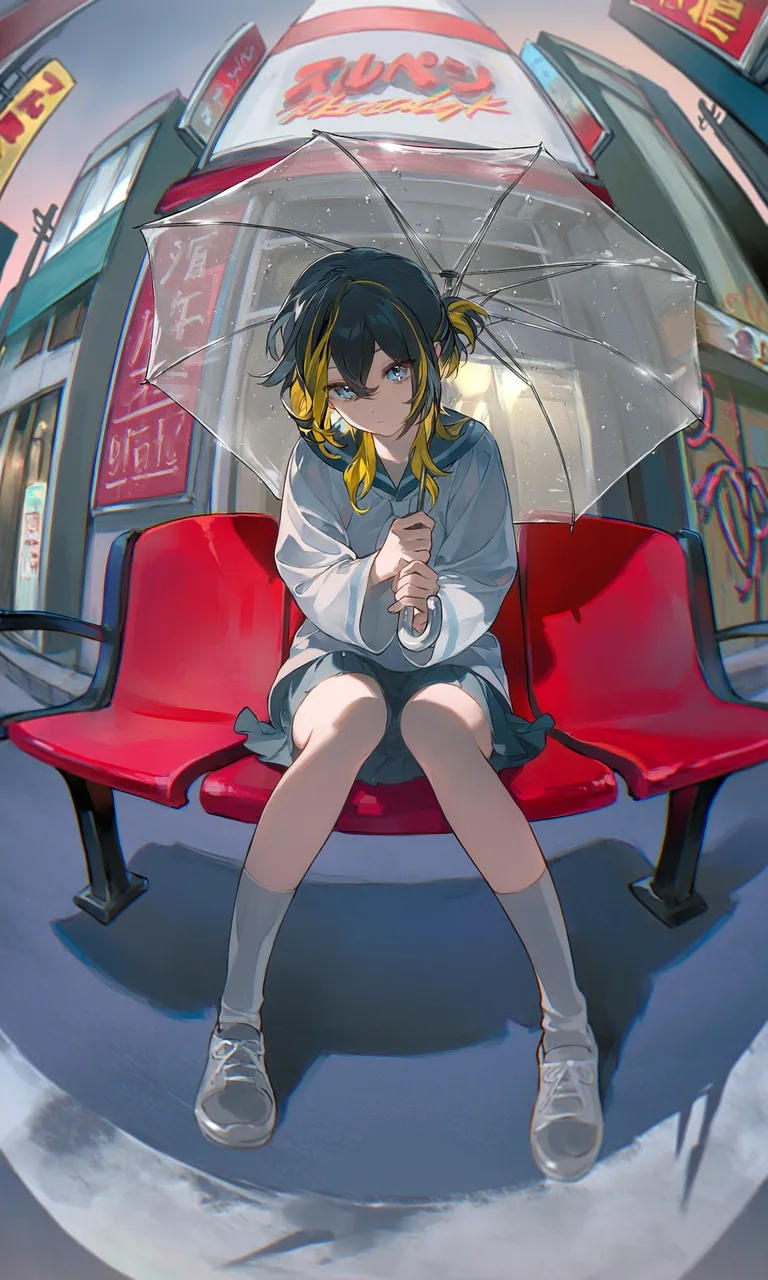
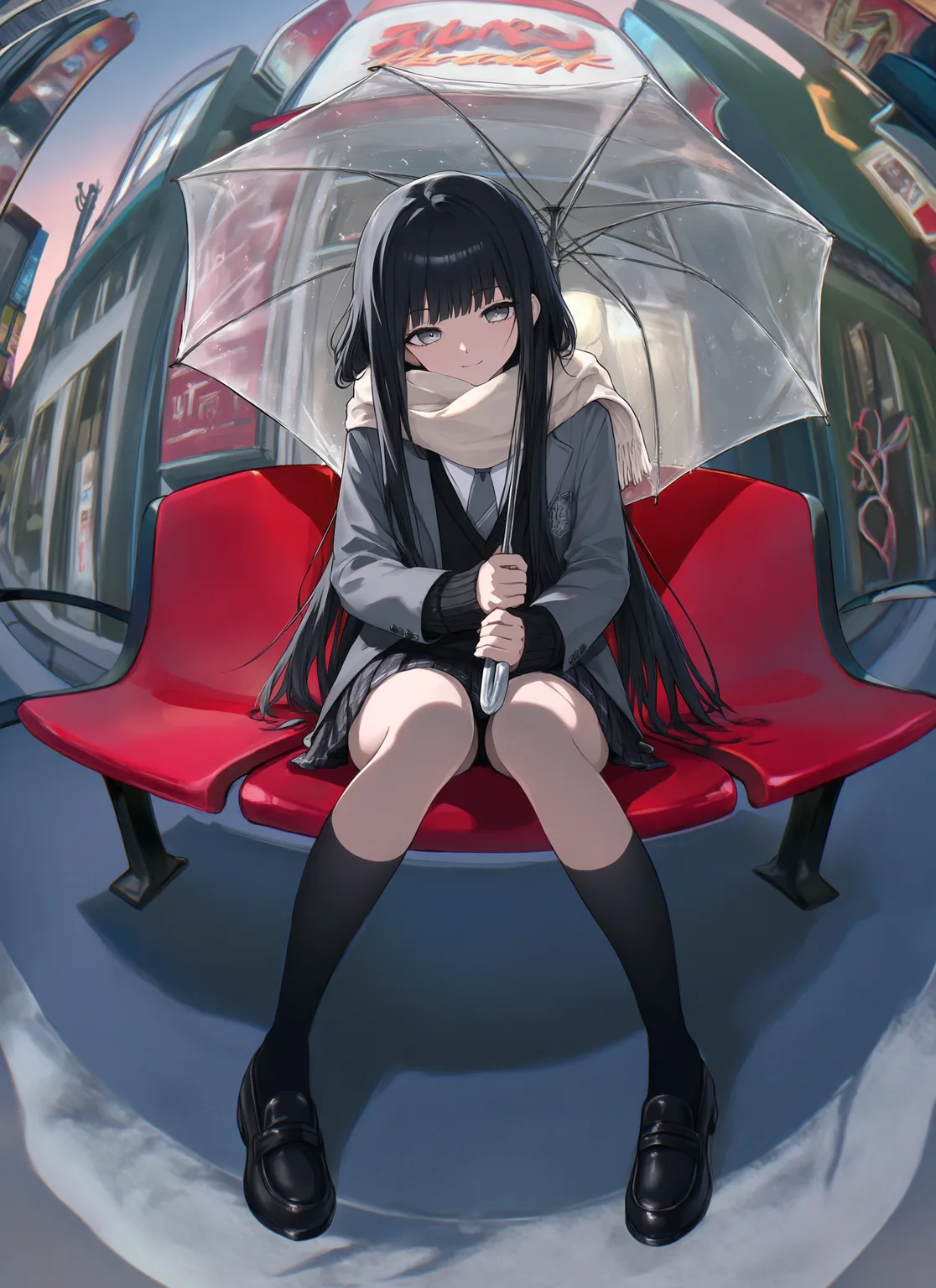
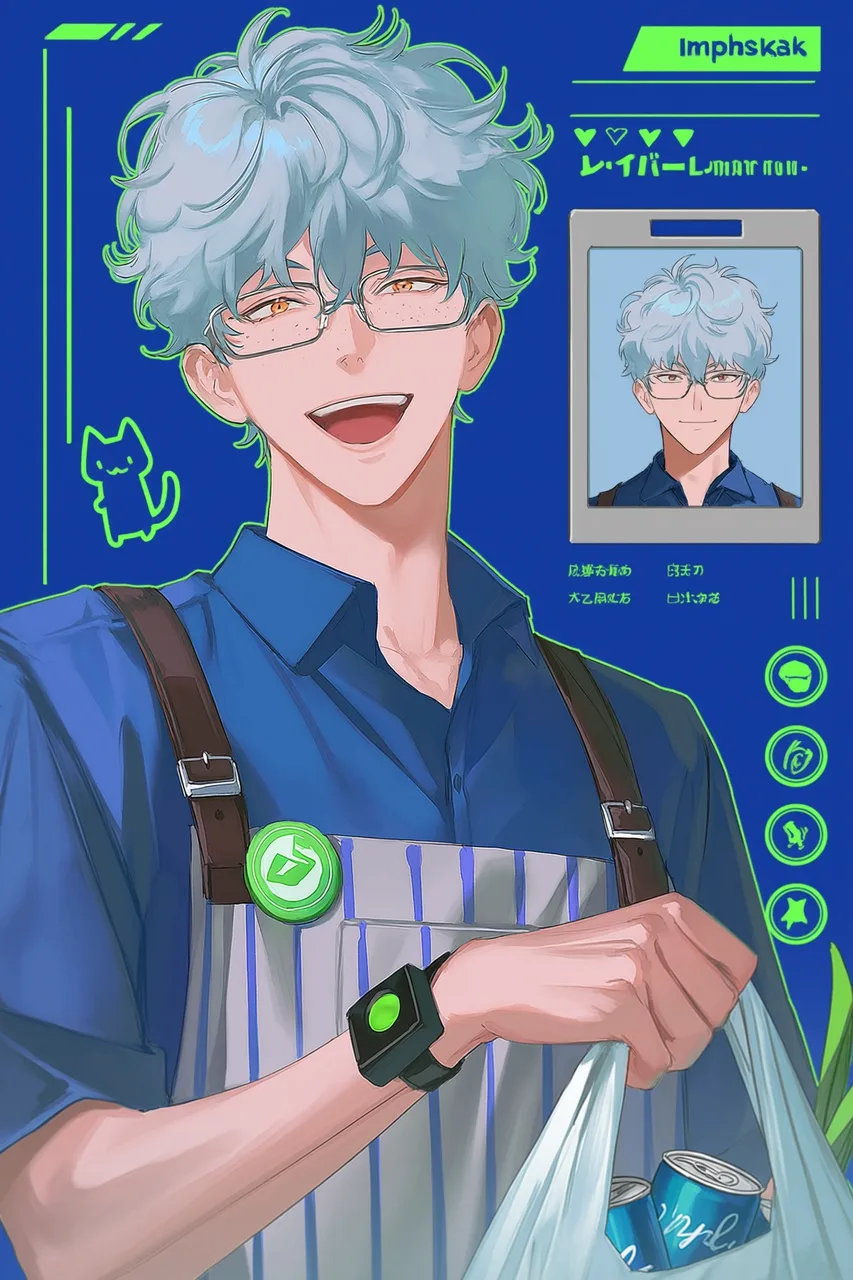
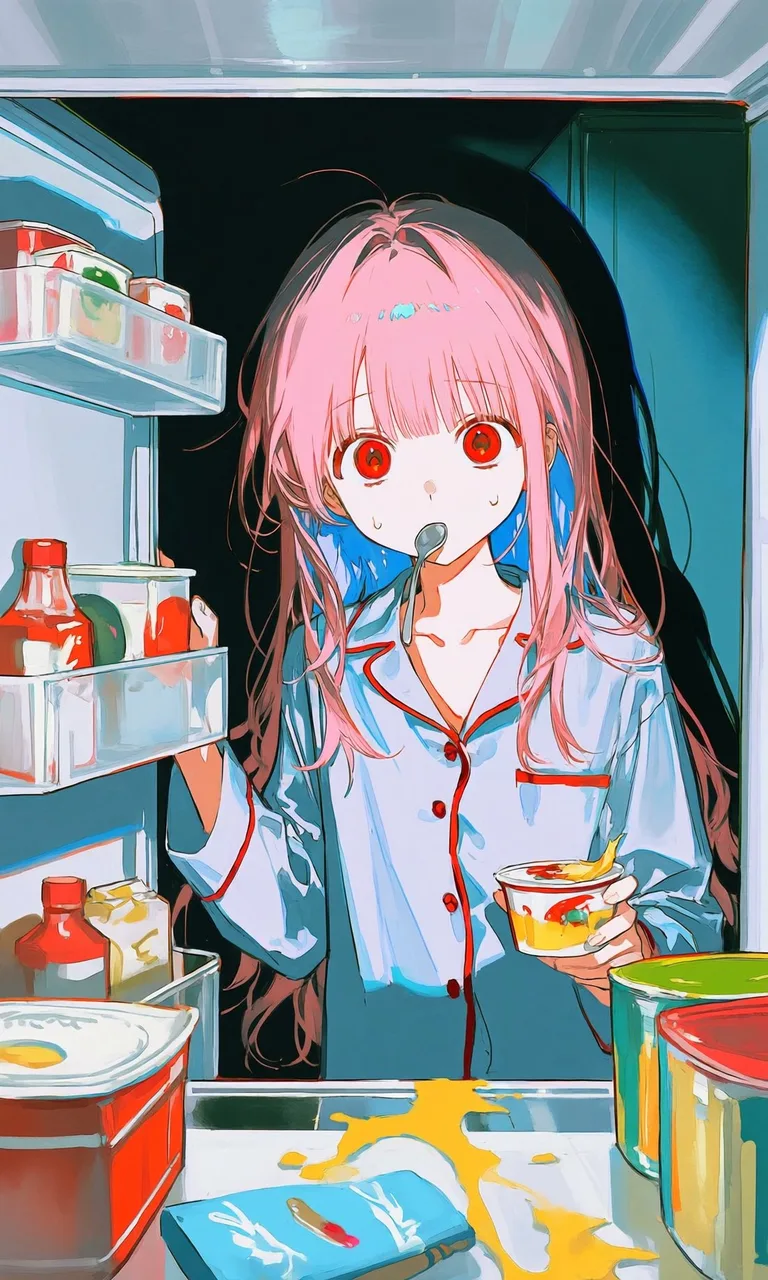
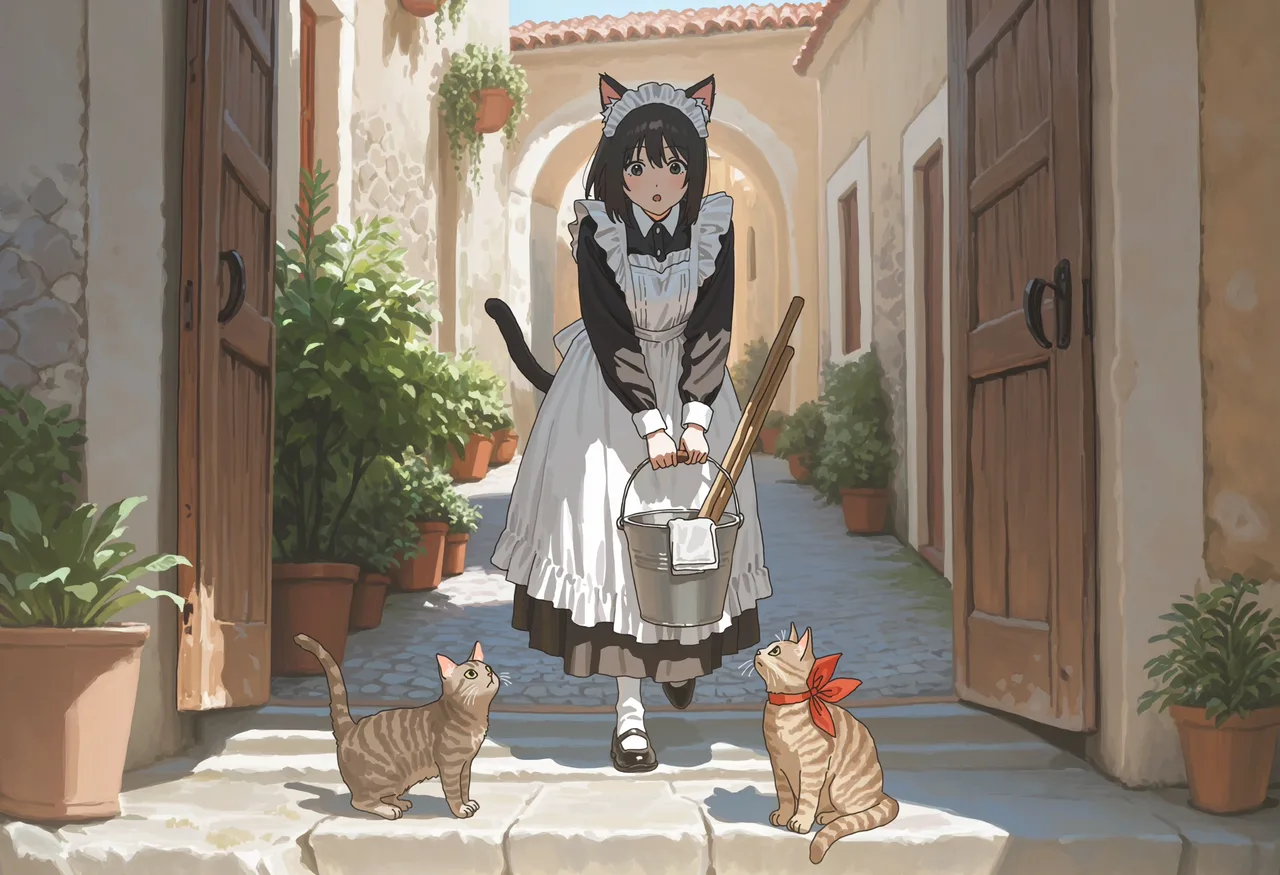
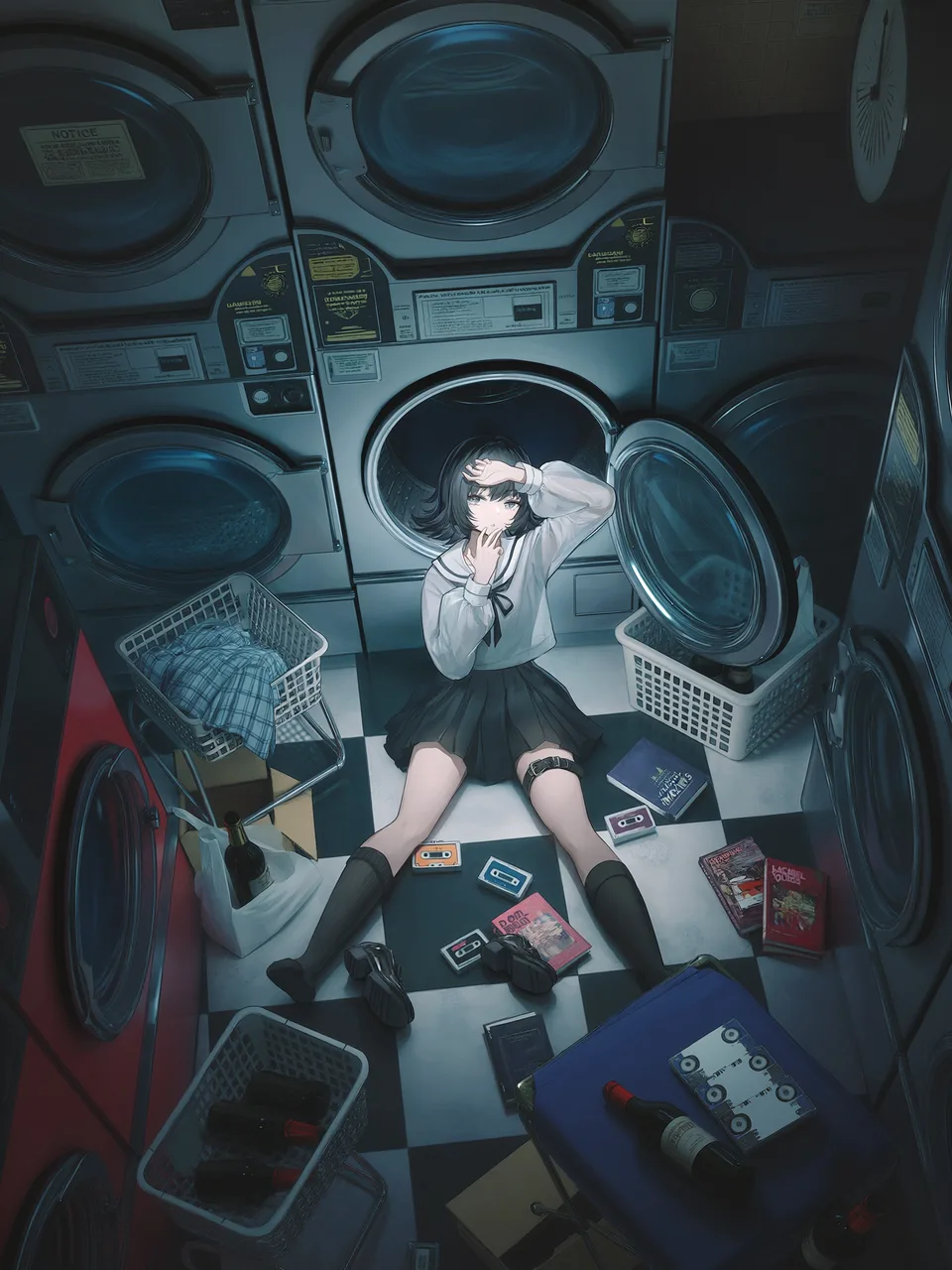
Tell it to replace only the character in the frame — the base image's composition, camera, lighting, and scene all stay put. You can also swap just the character's visual features.
Into a fisheye seat shot:
Into the convenience-store fridge scene:

Into a late-night laundromat:

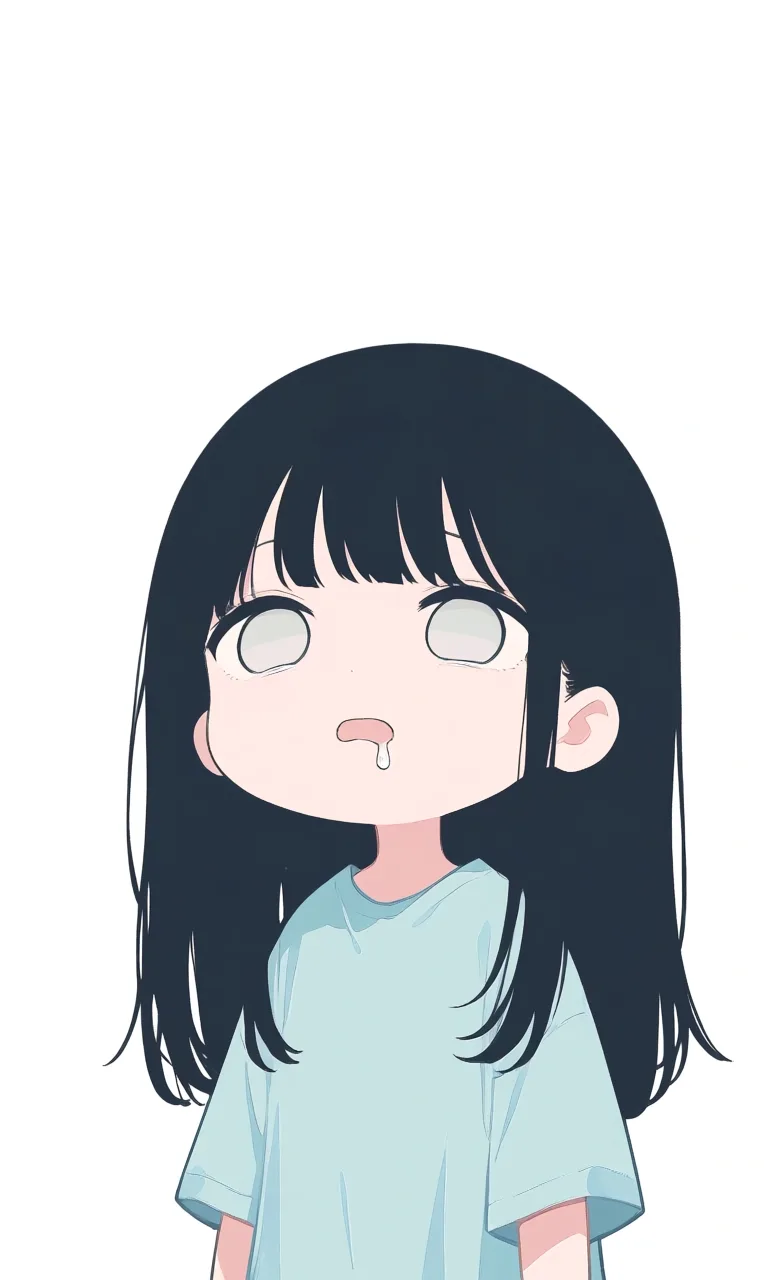
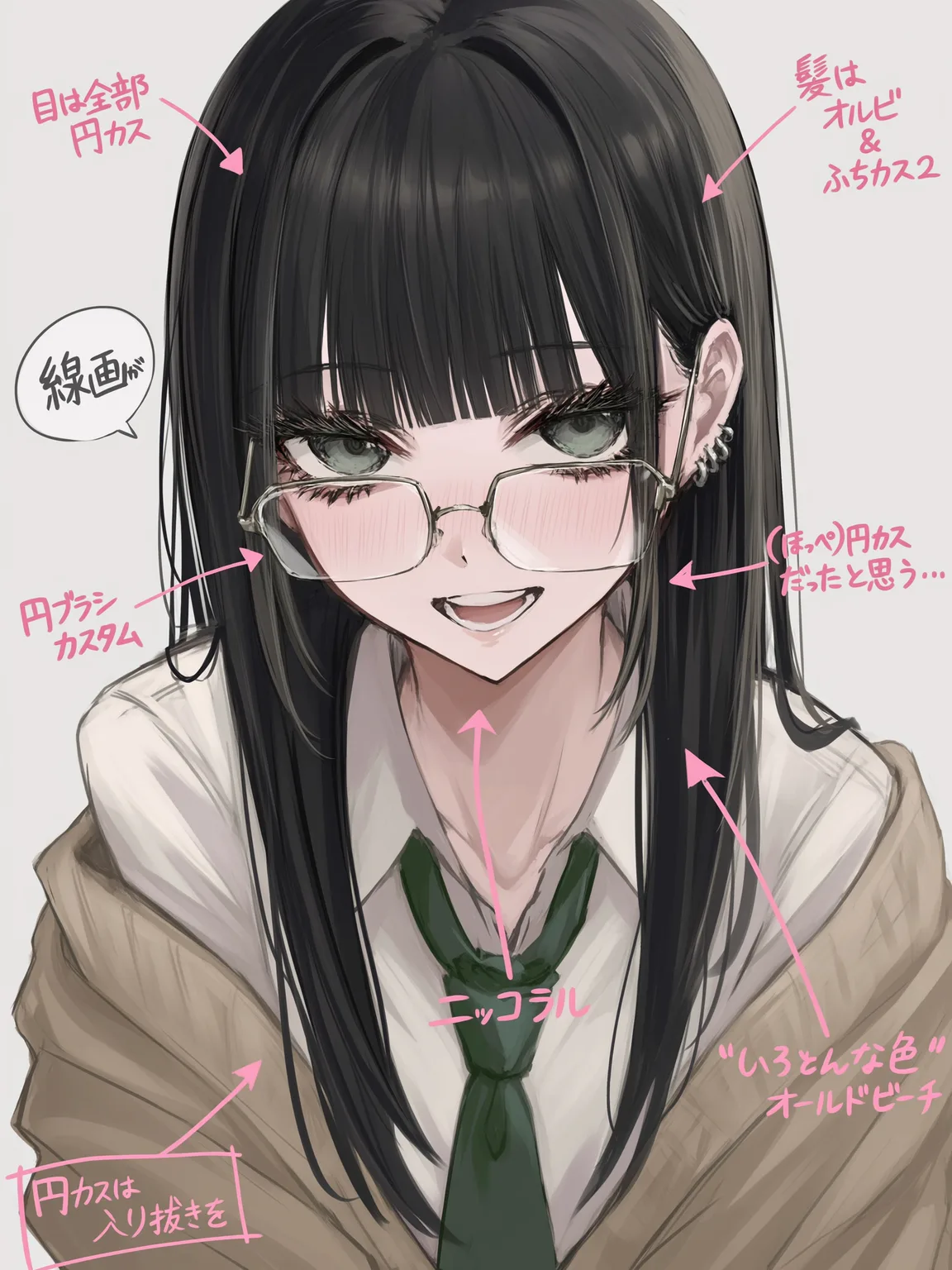
Works on chibi too — swap only the facial and hair features:

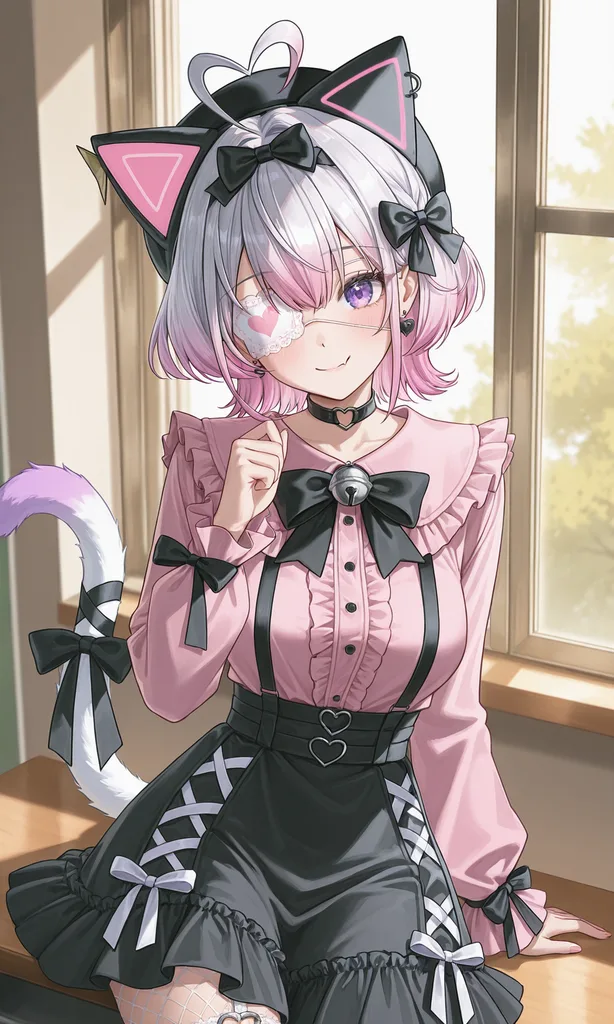
Specify an outfit
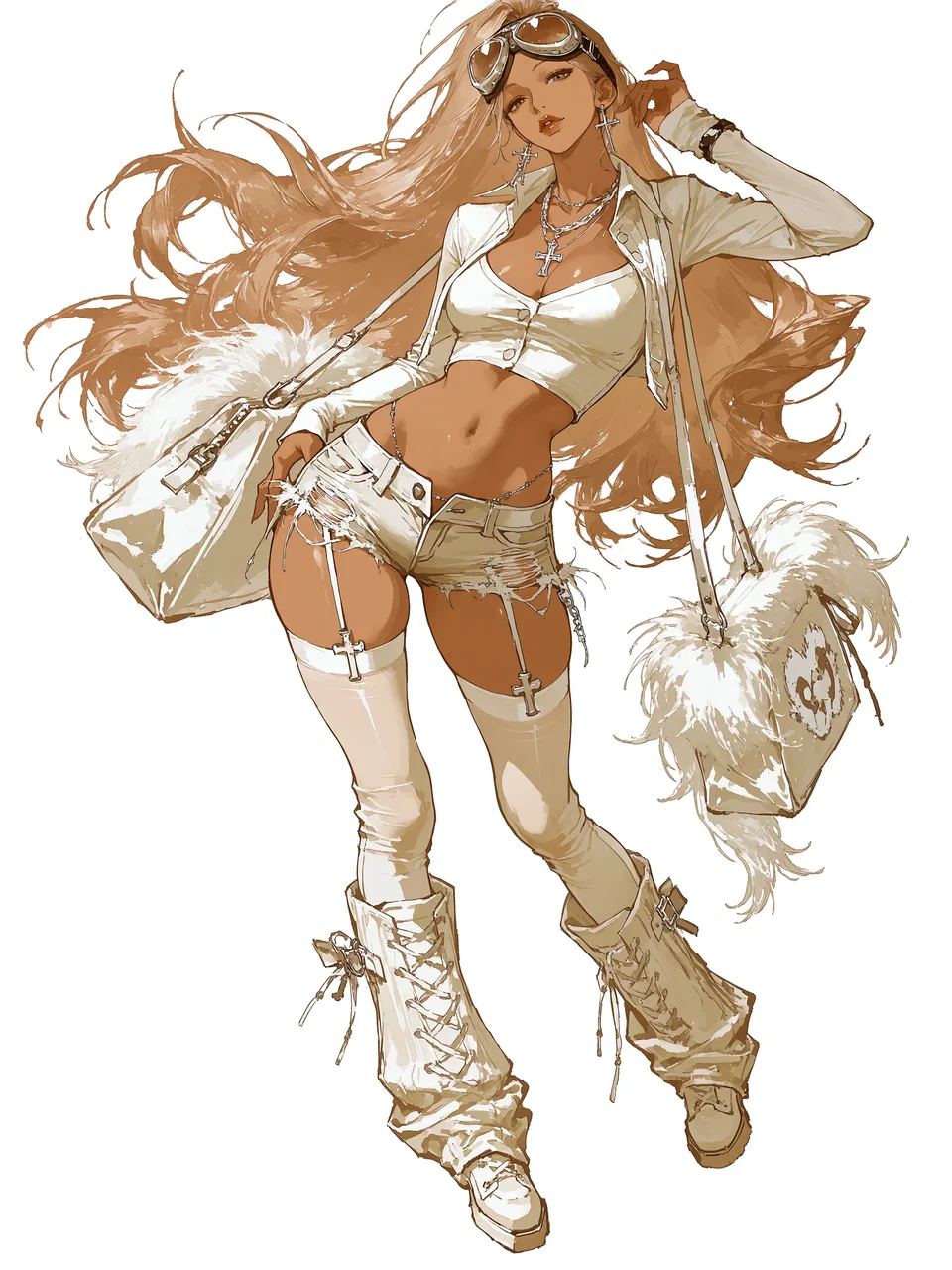
one character reference plus one outfit reference:

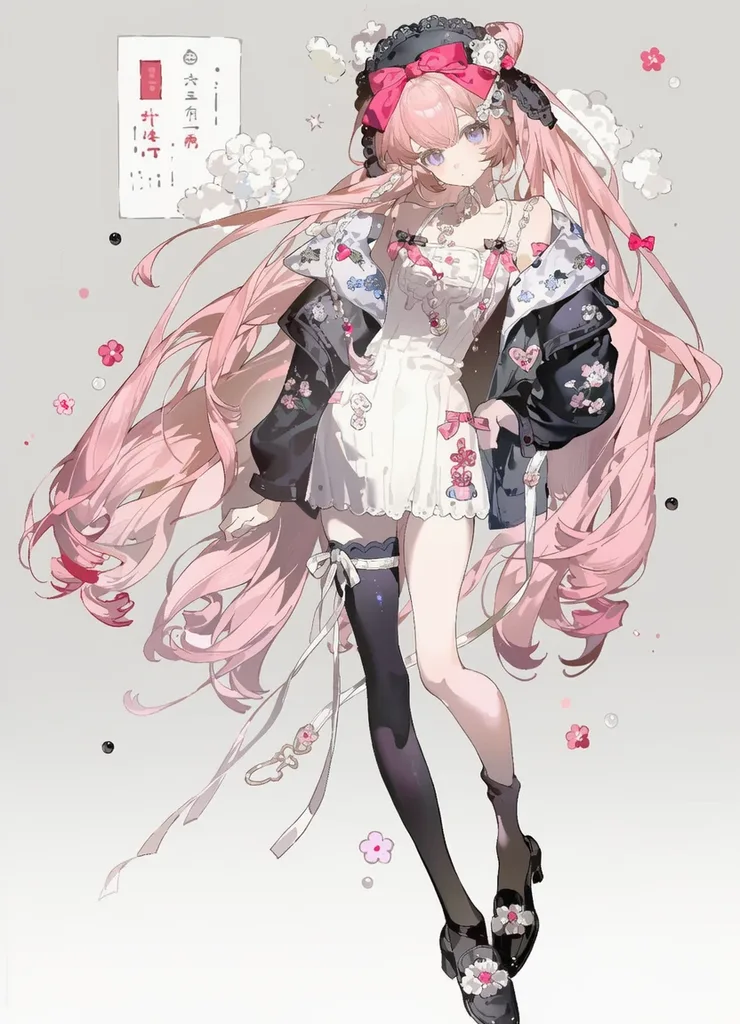

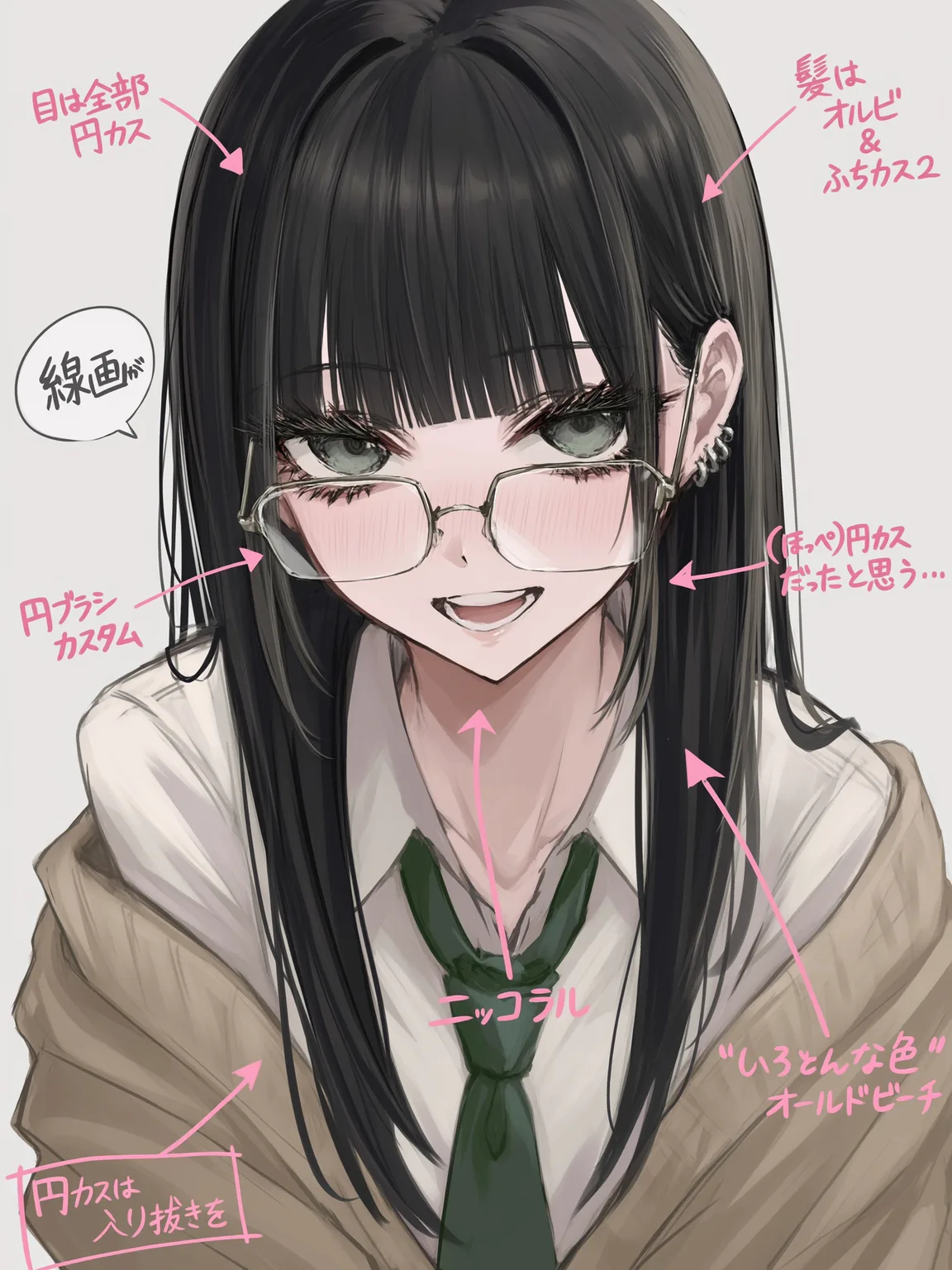
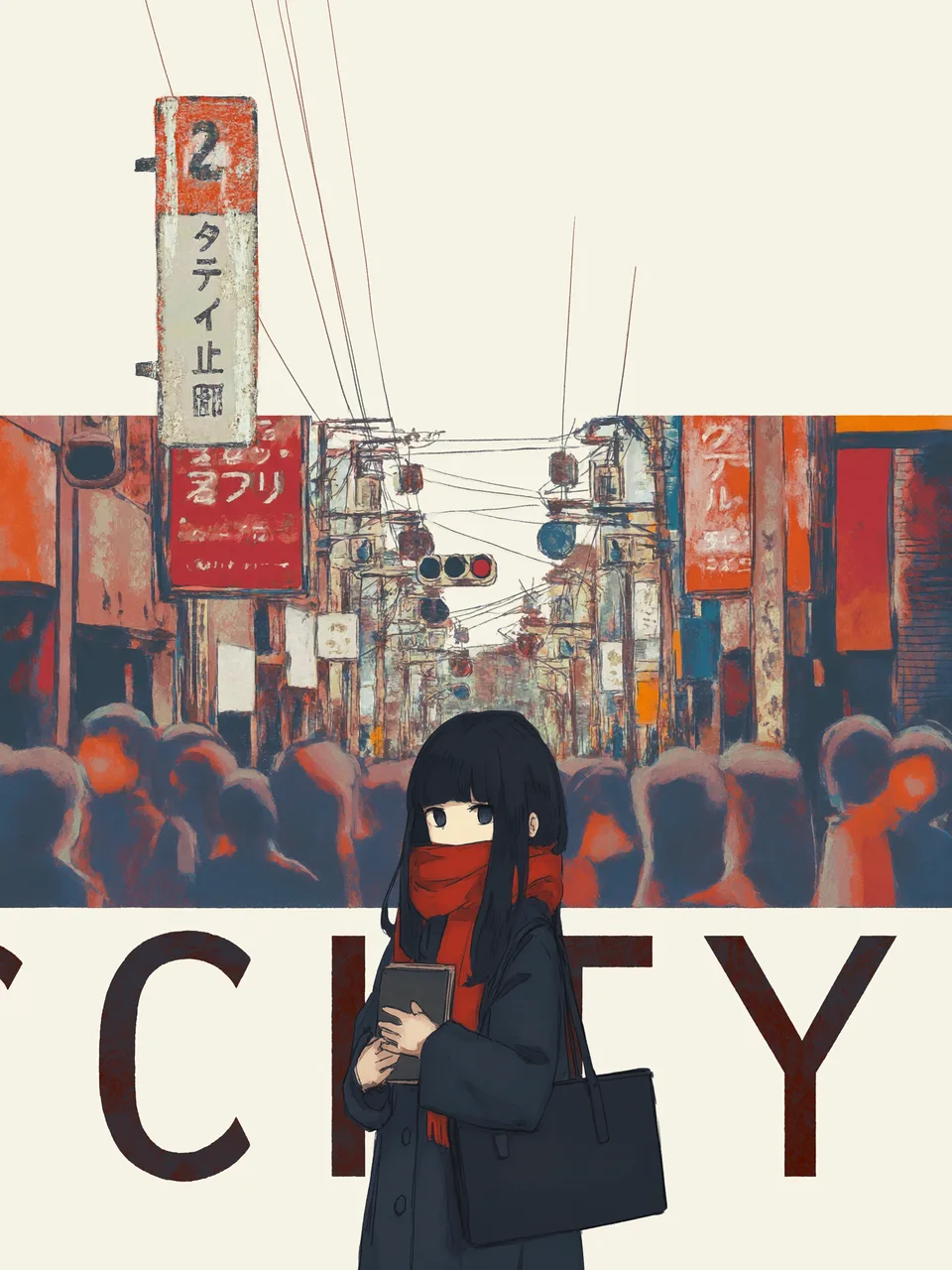

Describe the outfit in plain text:


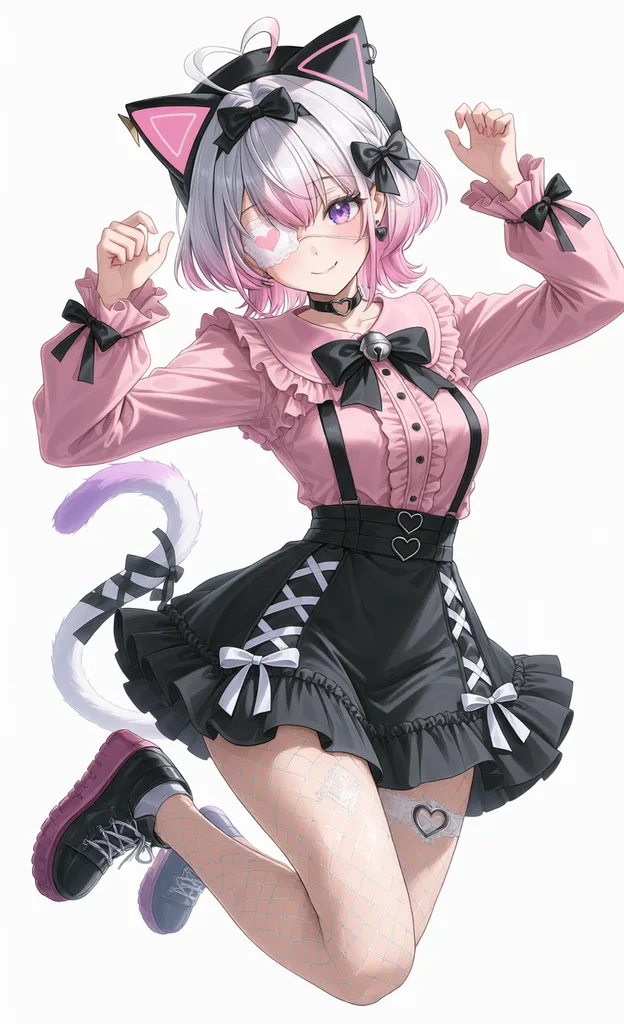
Specify a pose
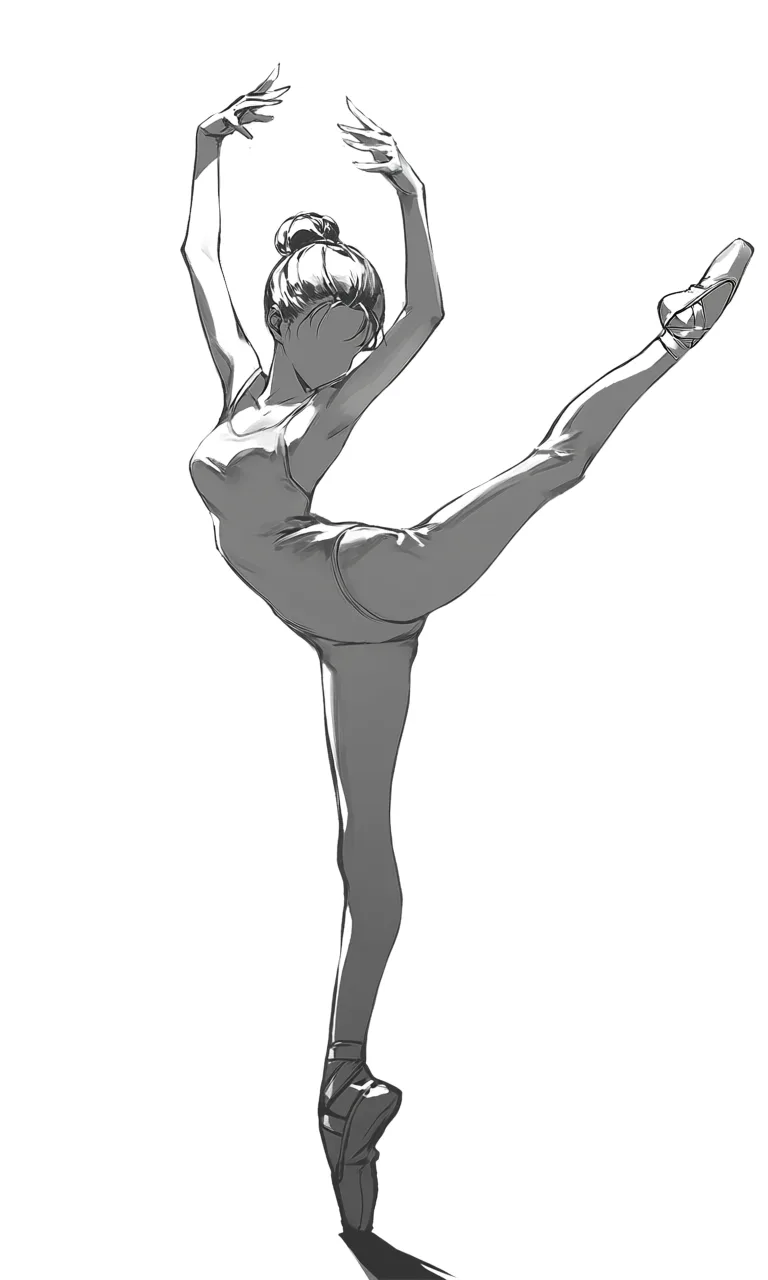
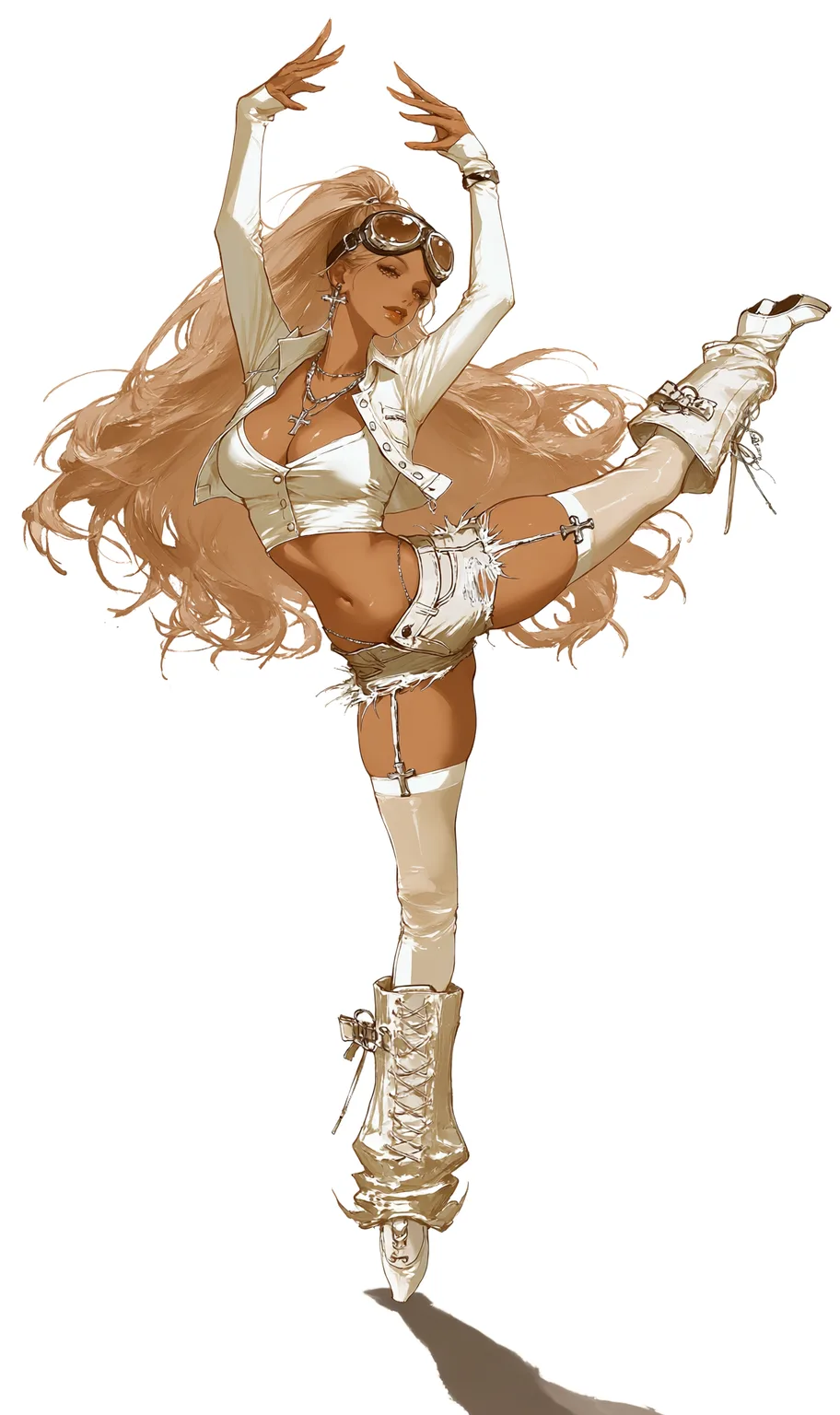
one character reference plus one pose reference:
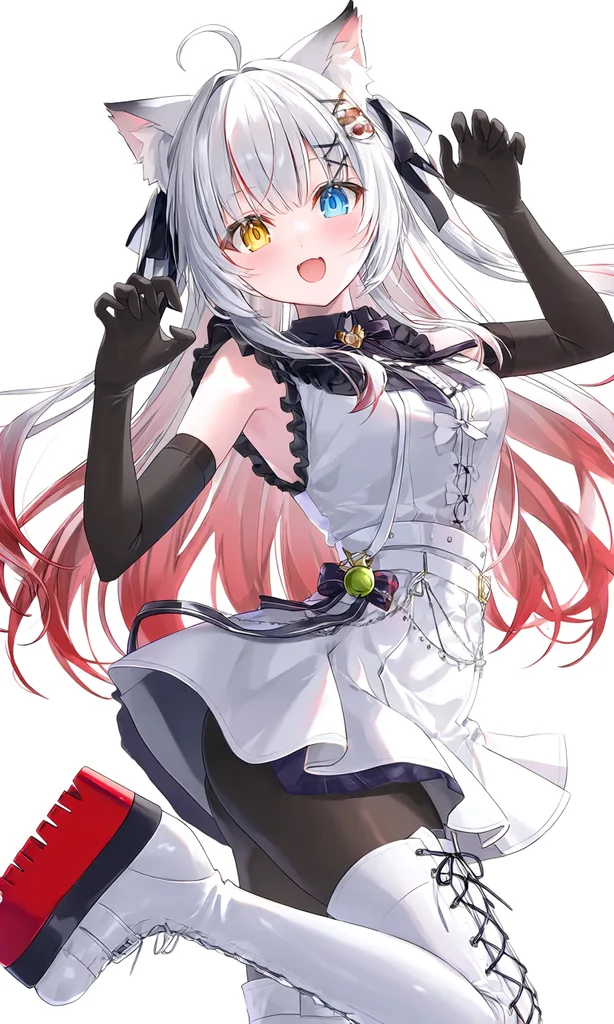
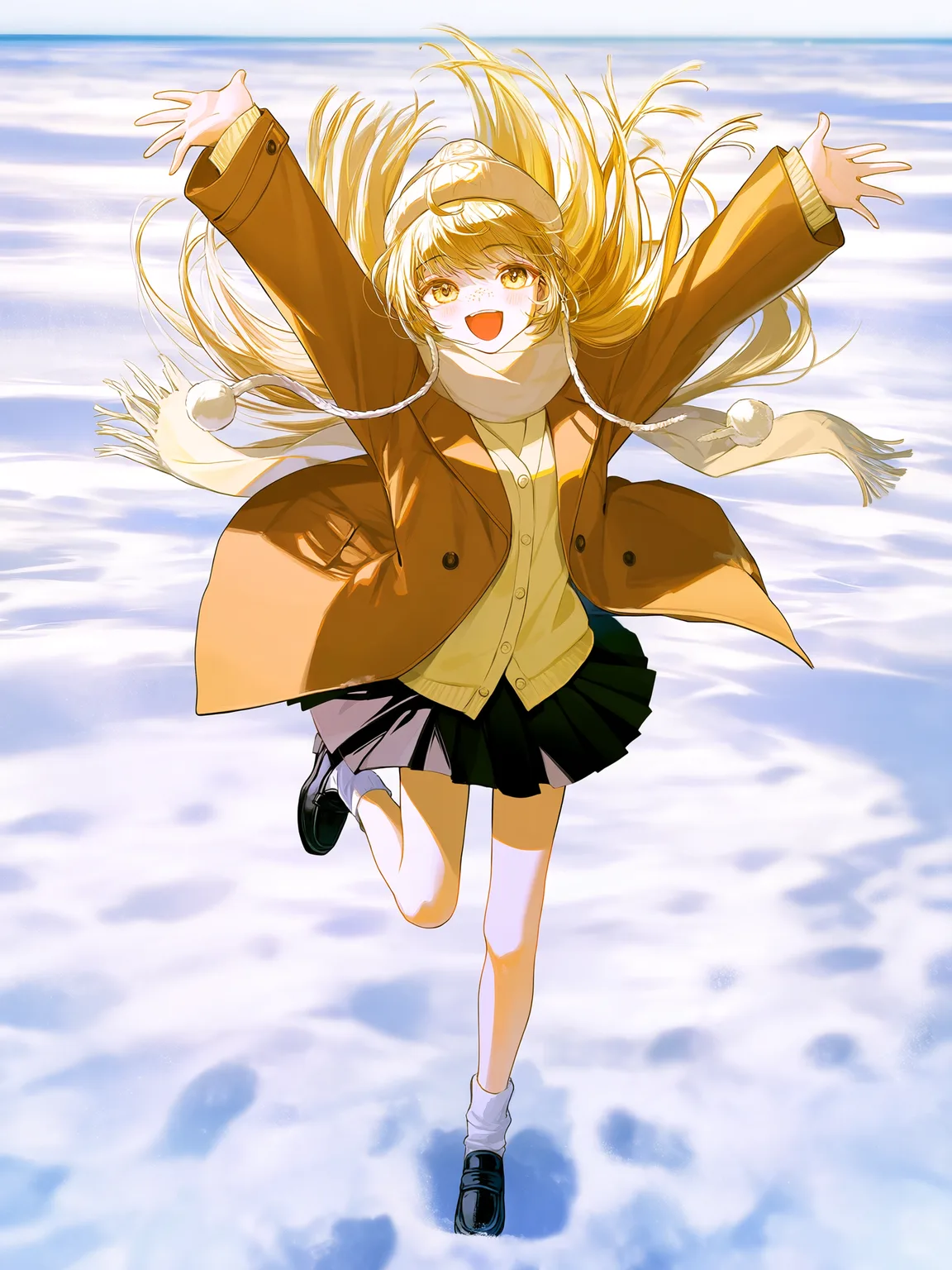
Composition reference
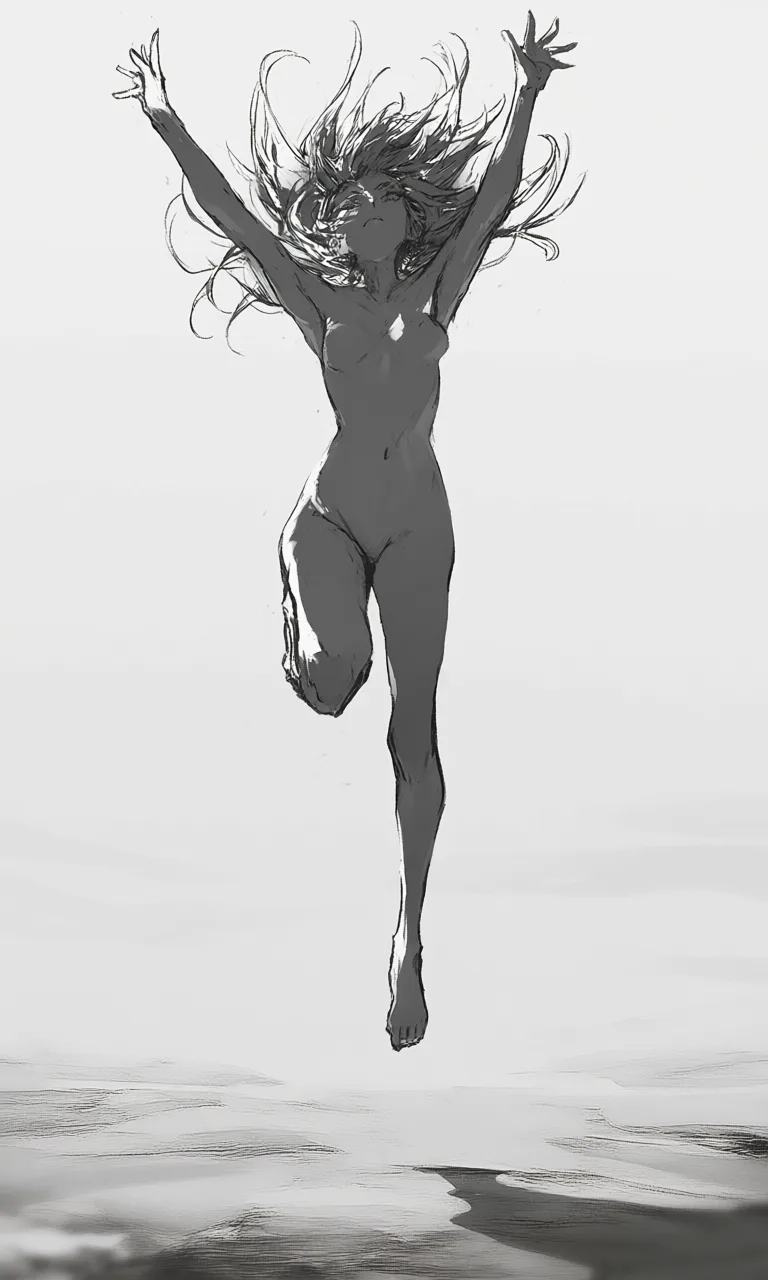
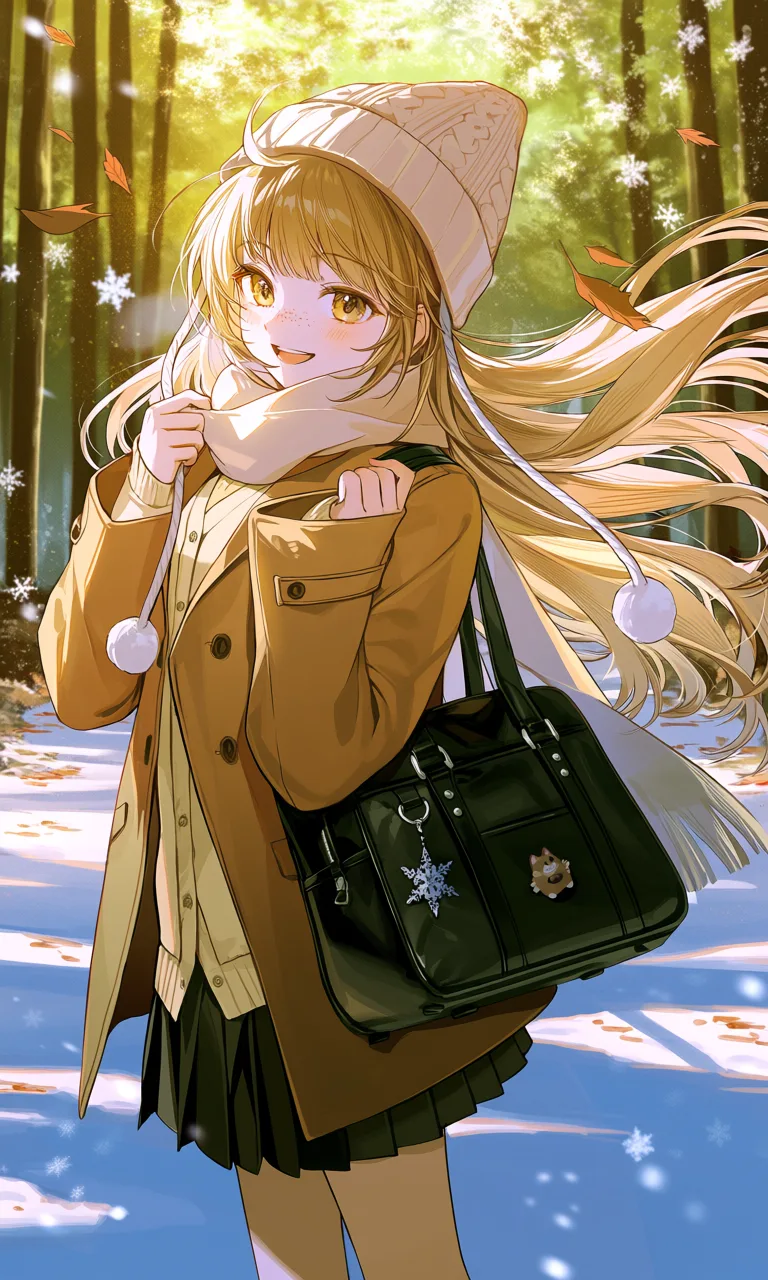
One reference sets the composition, another sets the character — let a rough sketch or pose study drive the camera while the character sheet drives the design.
Set the composition with a rough sketch:
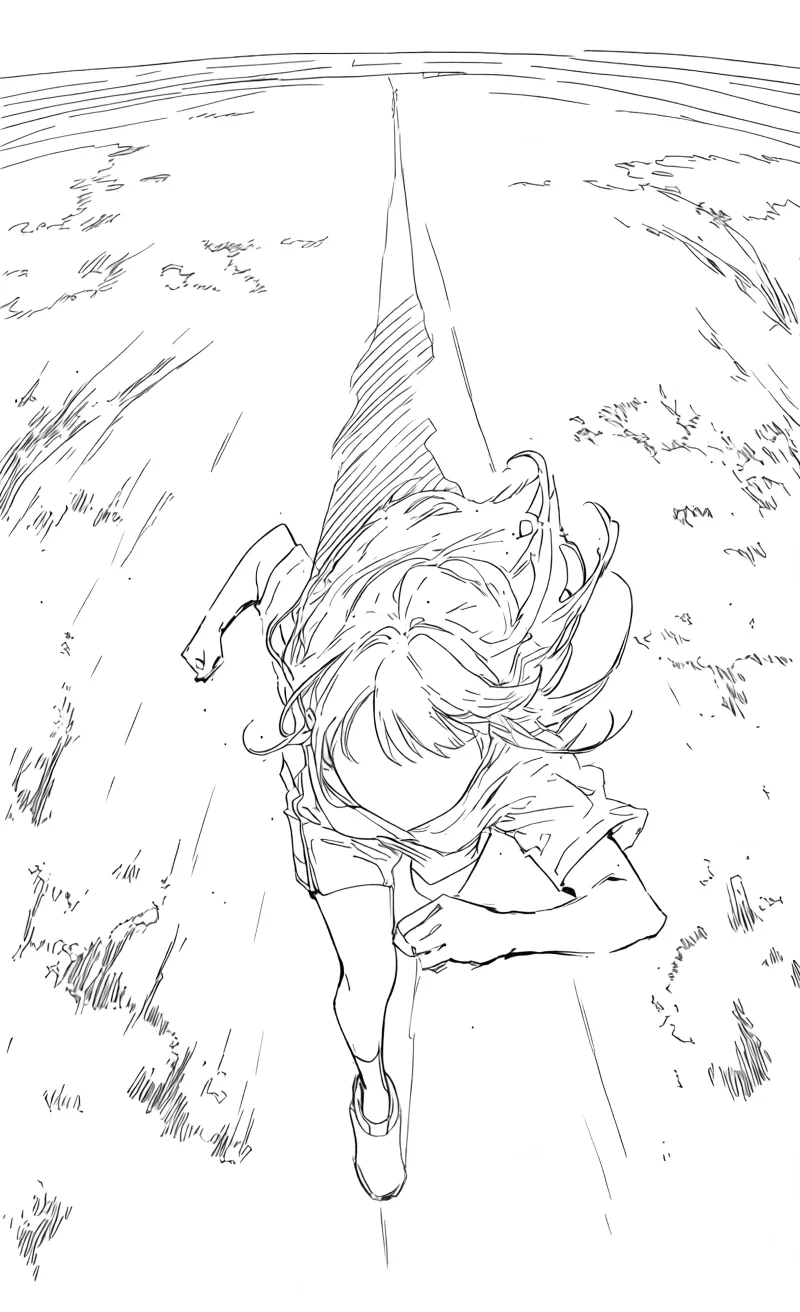
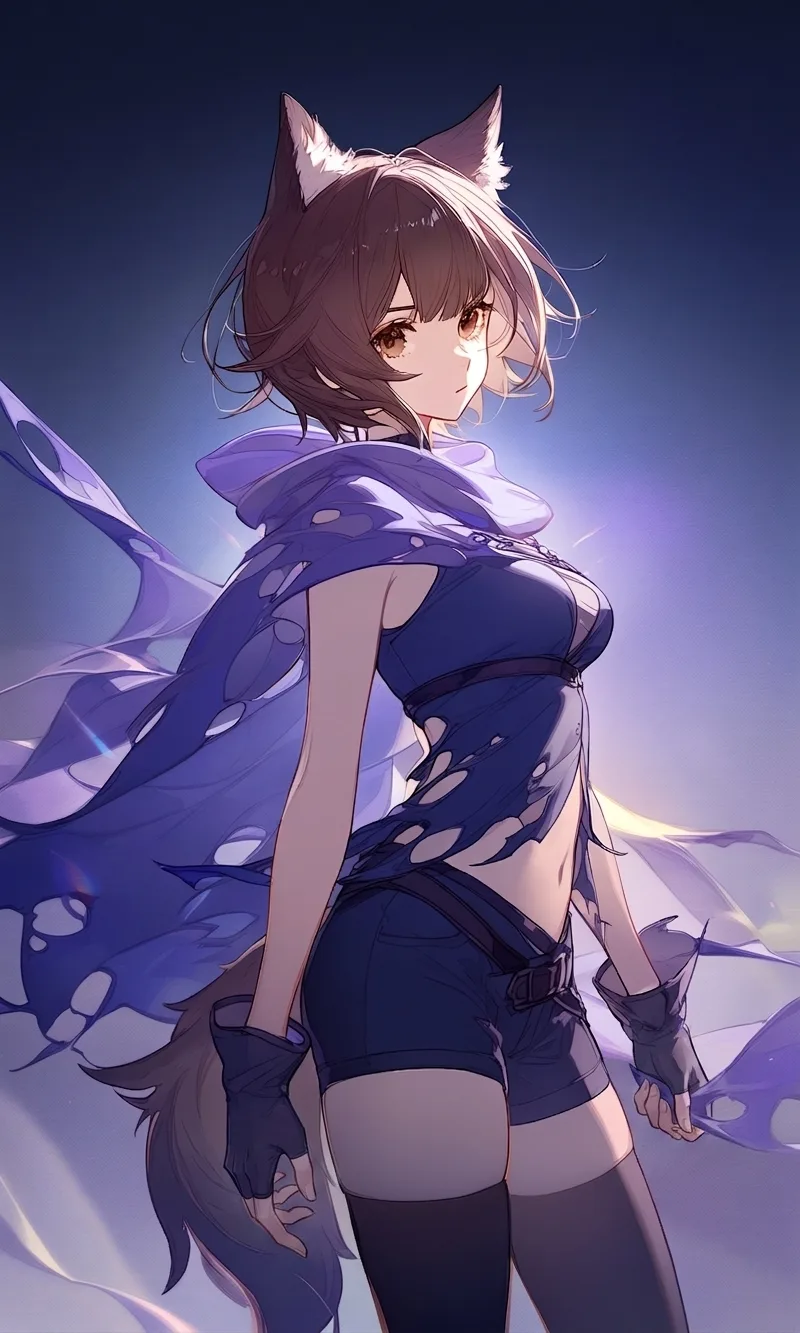
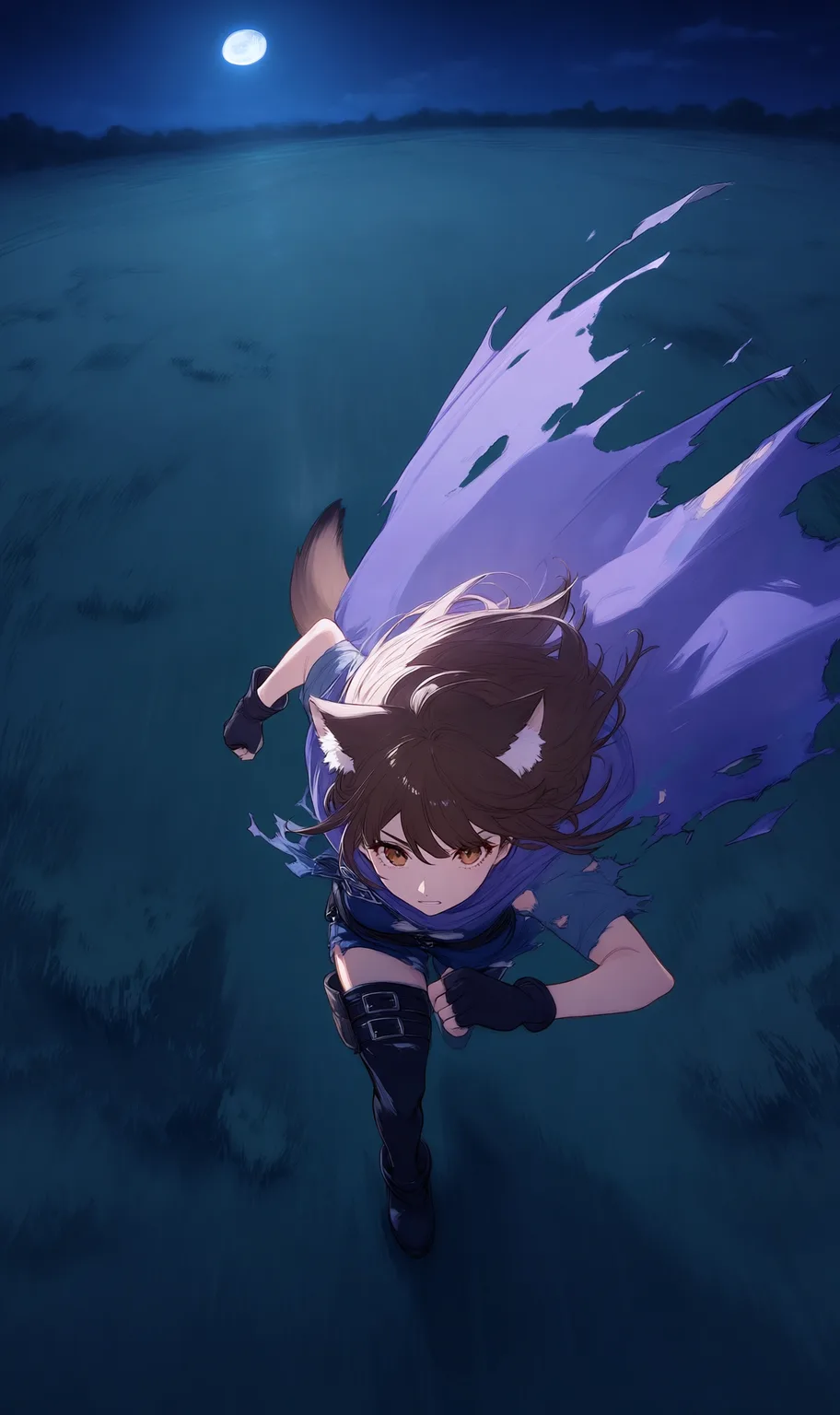
Set the pose with a figure study:
Generate a four-panel manga
Hand over one character reference, describe the story in plain language, and get a black-and-white four-panel manga.
The clerk's late-night shift:


The maid, a vase, and a black cat:


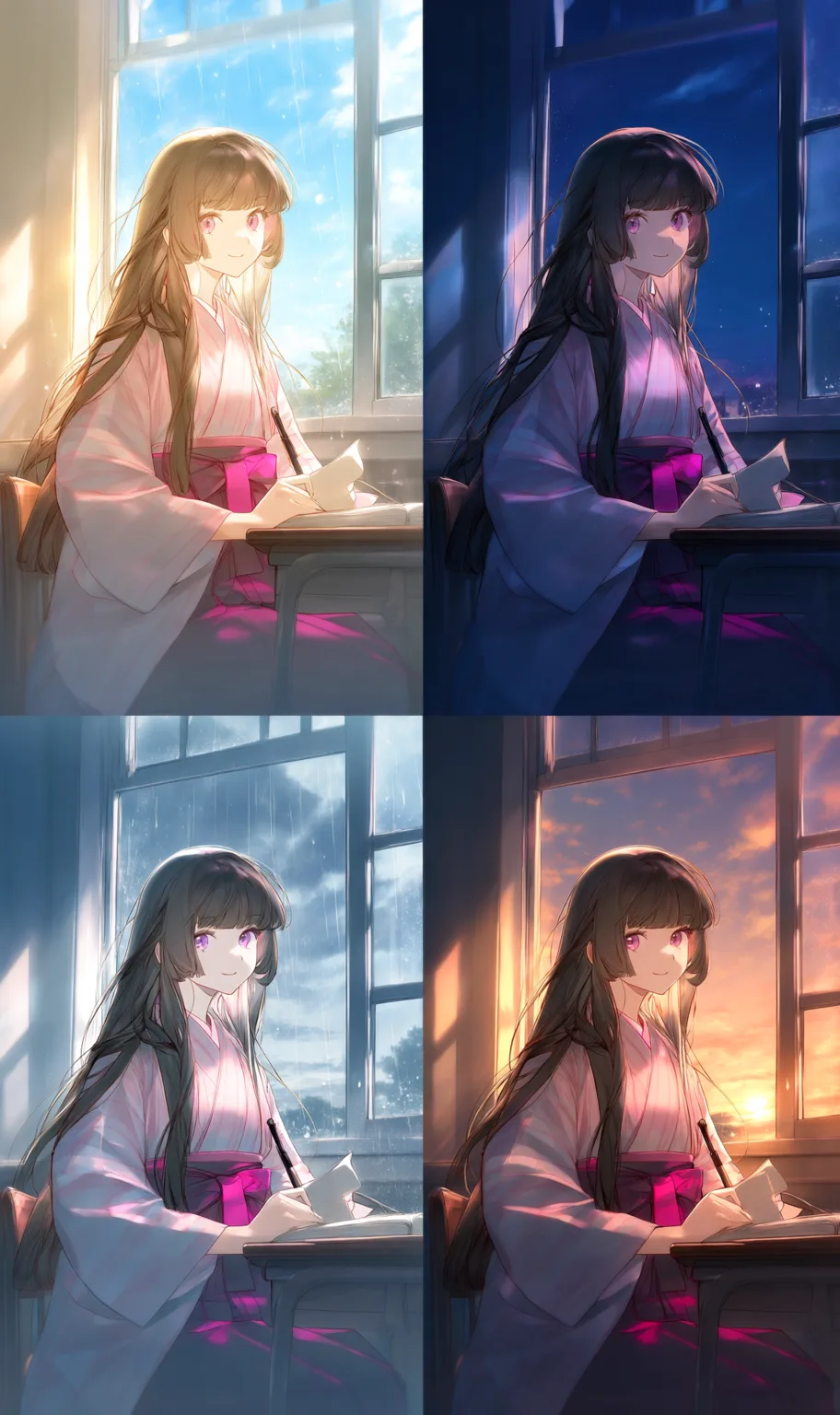
Mood studies
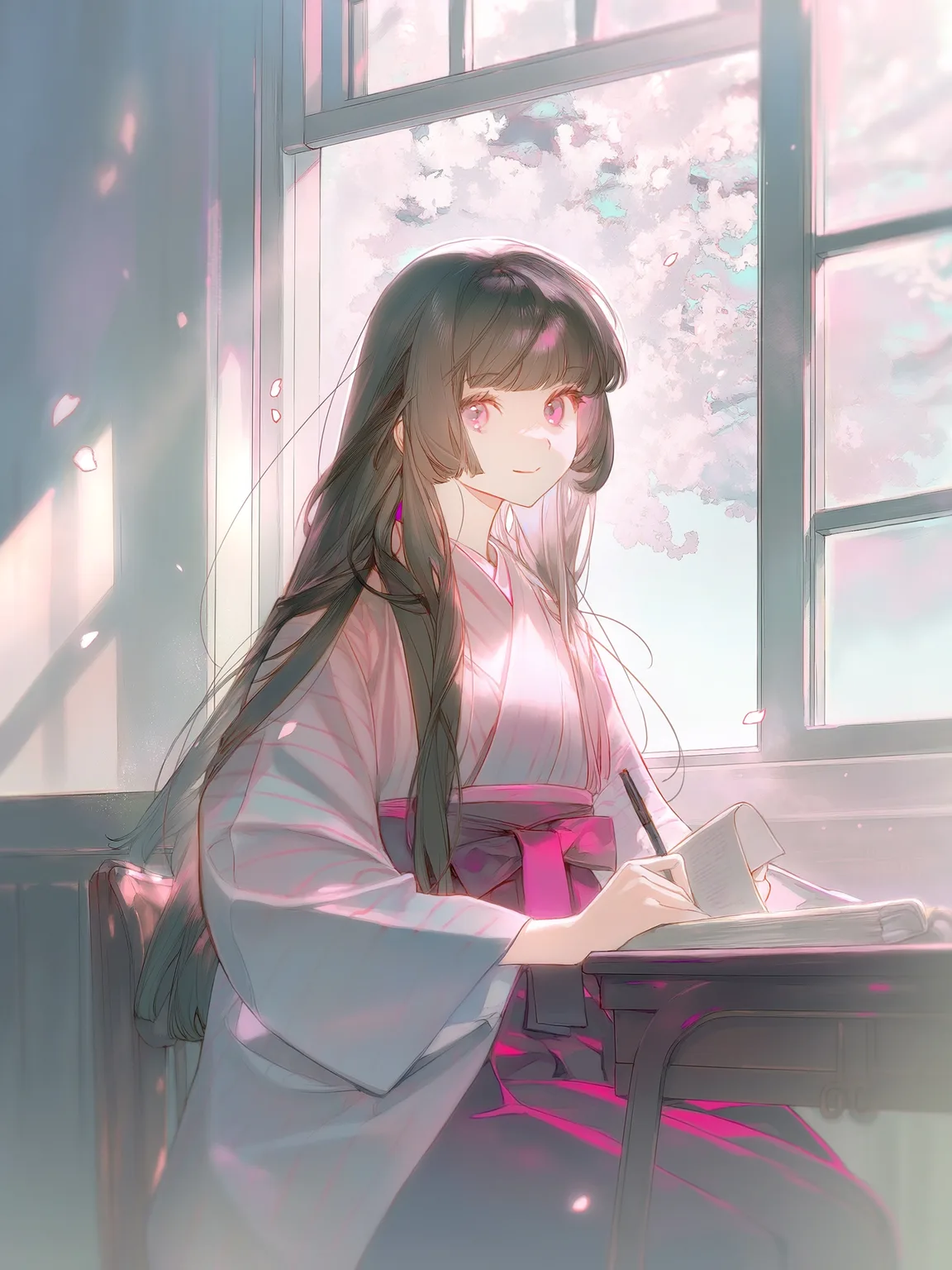
From a single image, generate a 2×2 grid of lighting and color mood studies for side-by-side comparison.
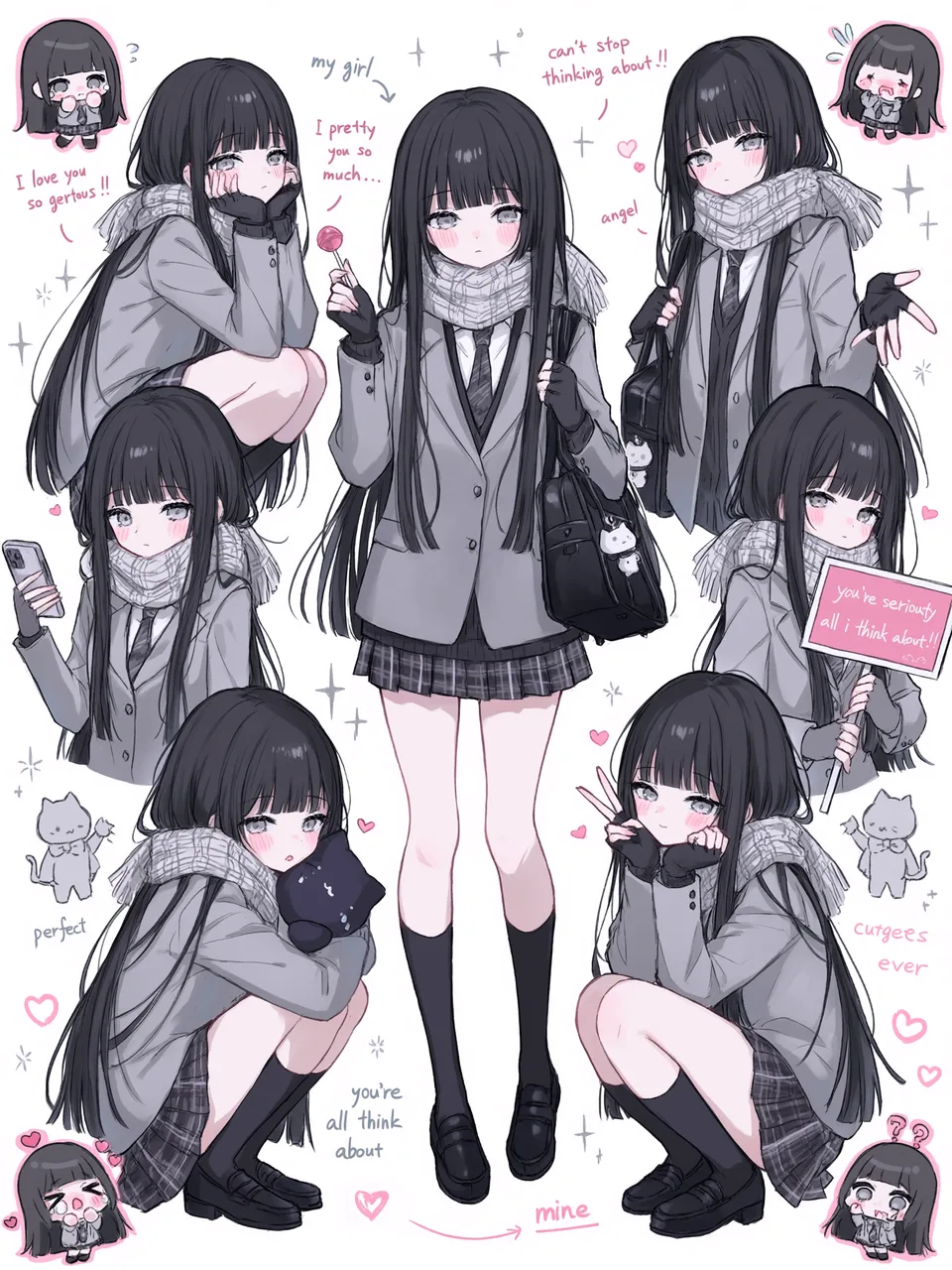
Generate stickers
a full expression sticker set in one go:


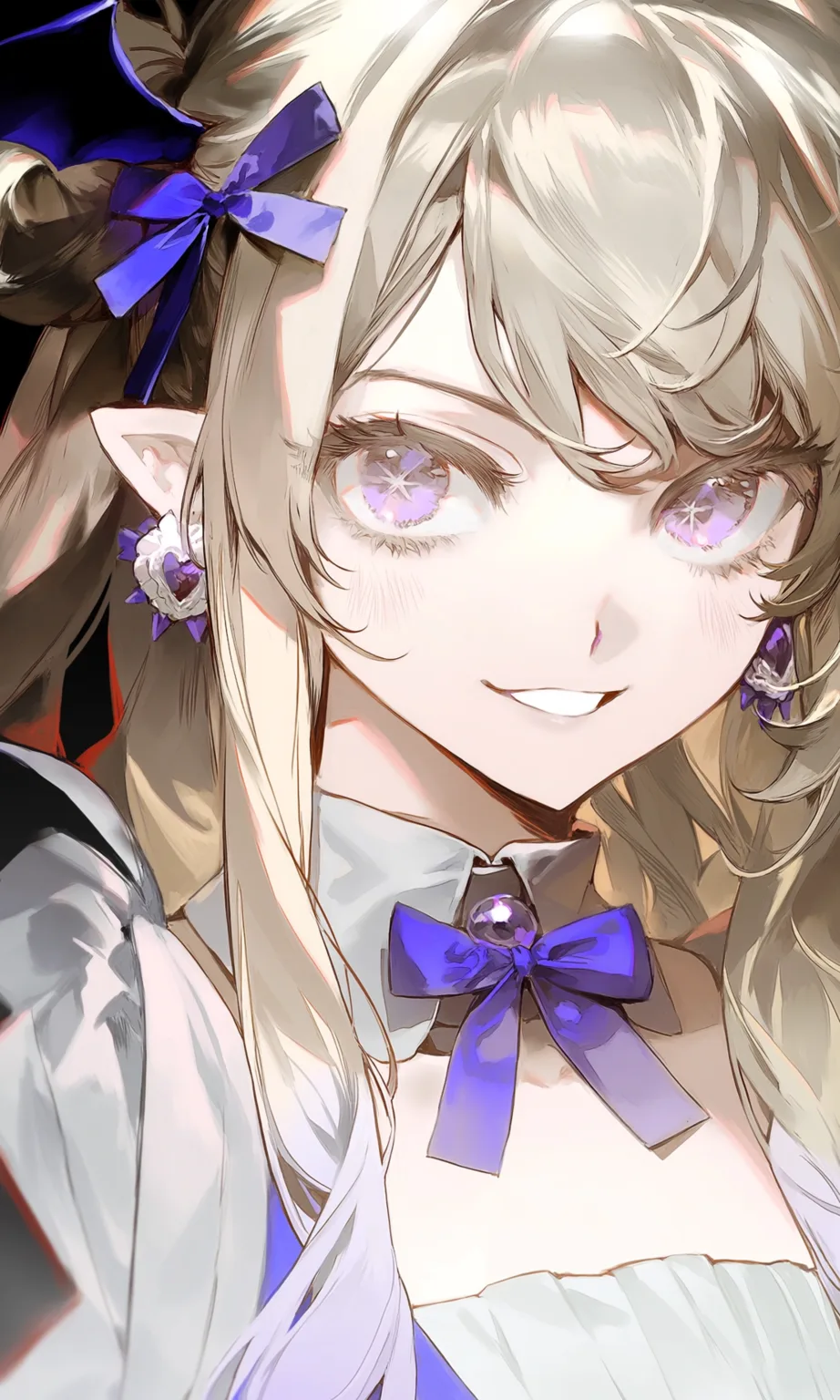
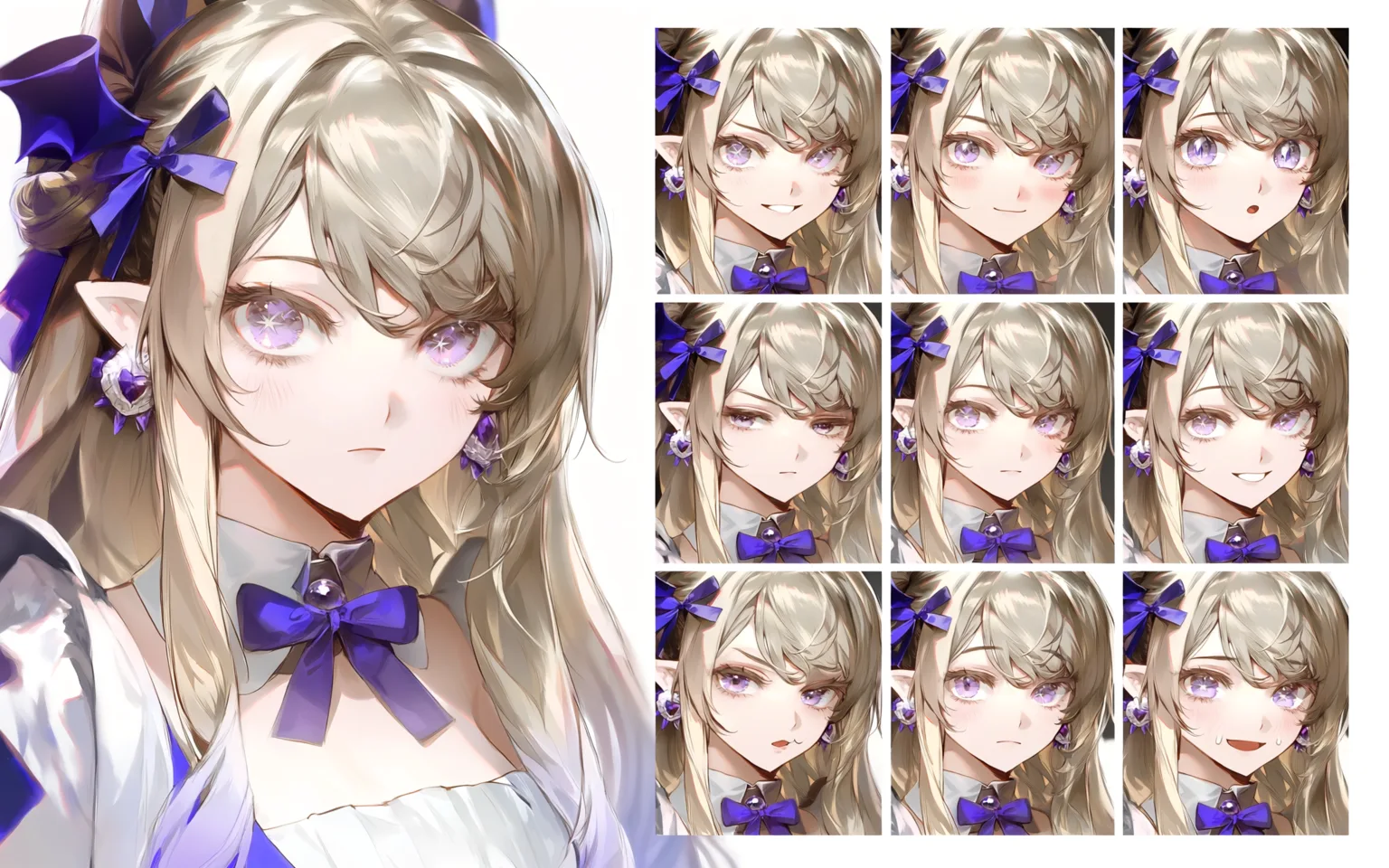
Expression reference sheet
From one character image, generate a portrait plus a 3×3 expression grid with the design kept consistent throughout.
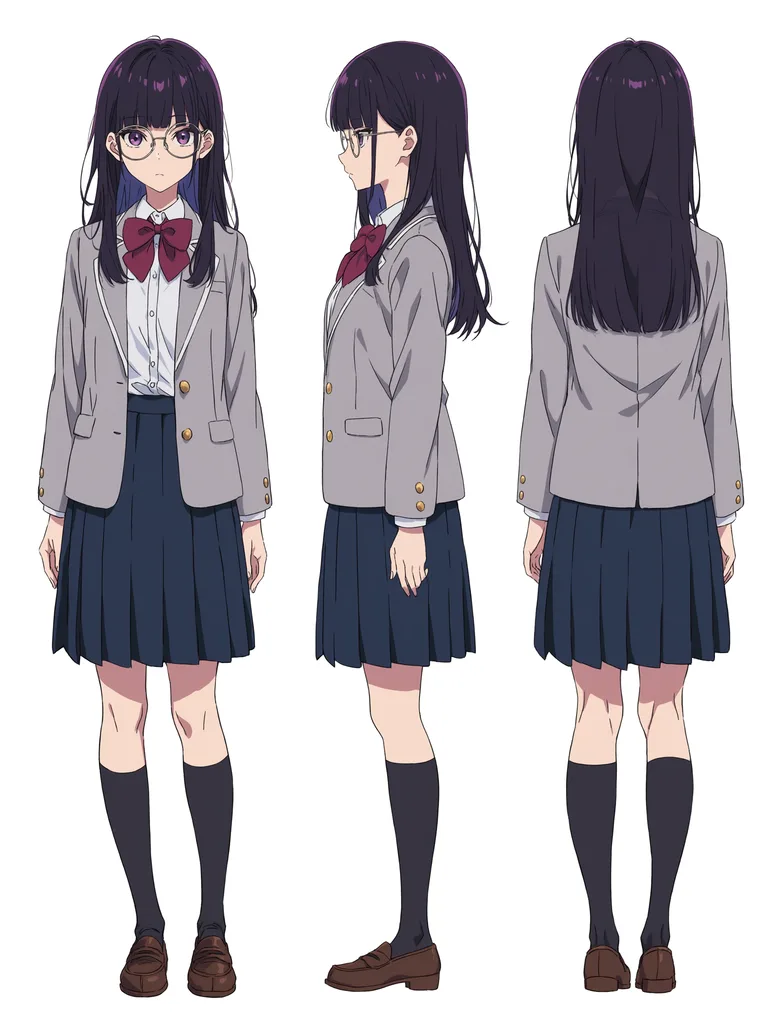
Generate a turnaround
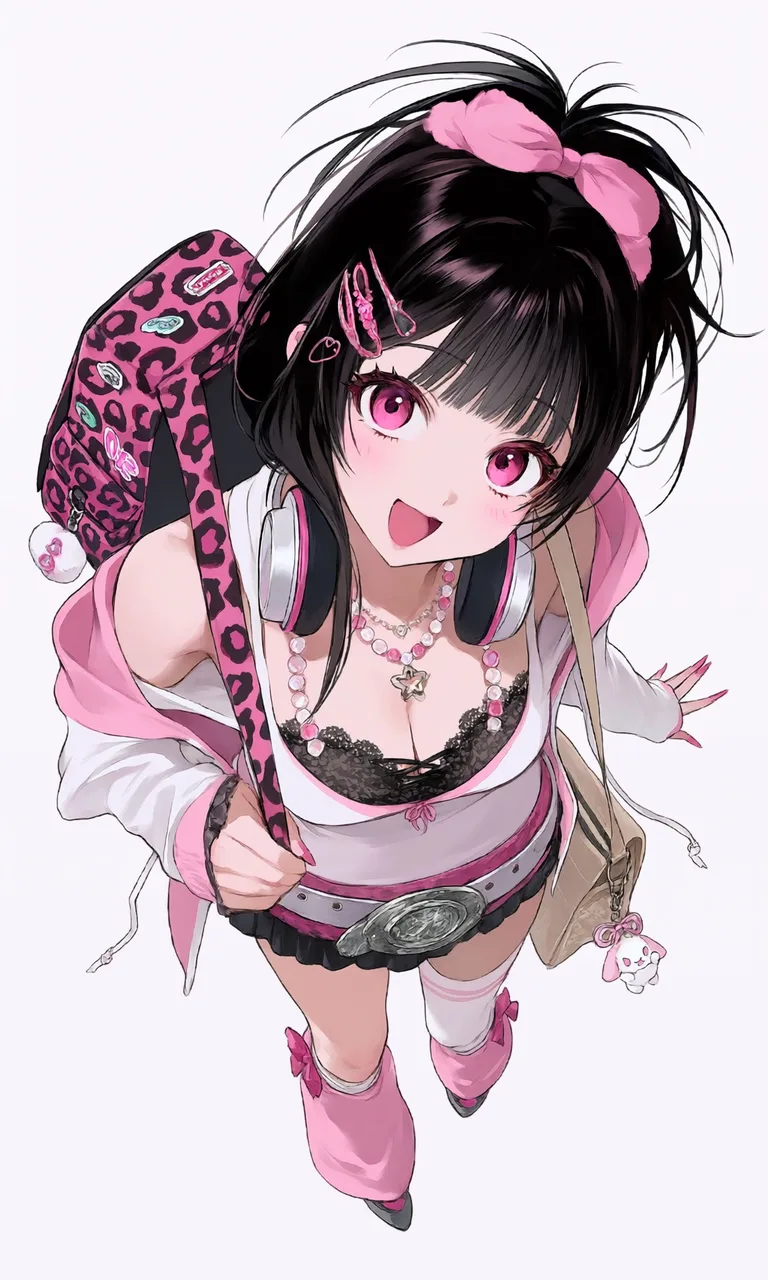
front, side, and back in one pass:

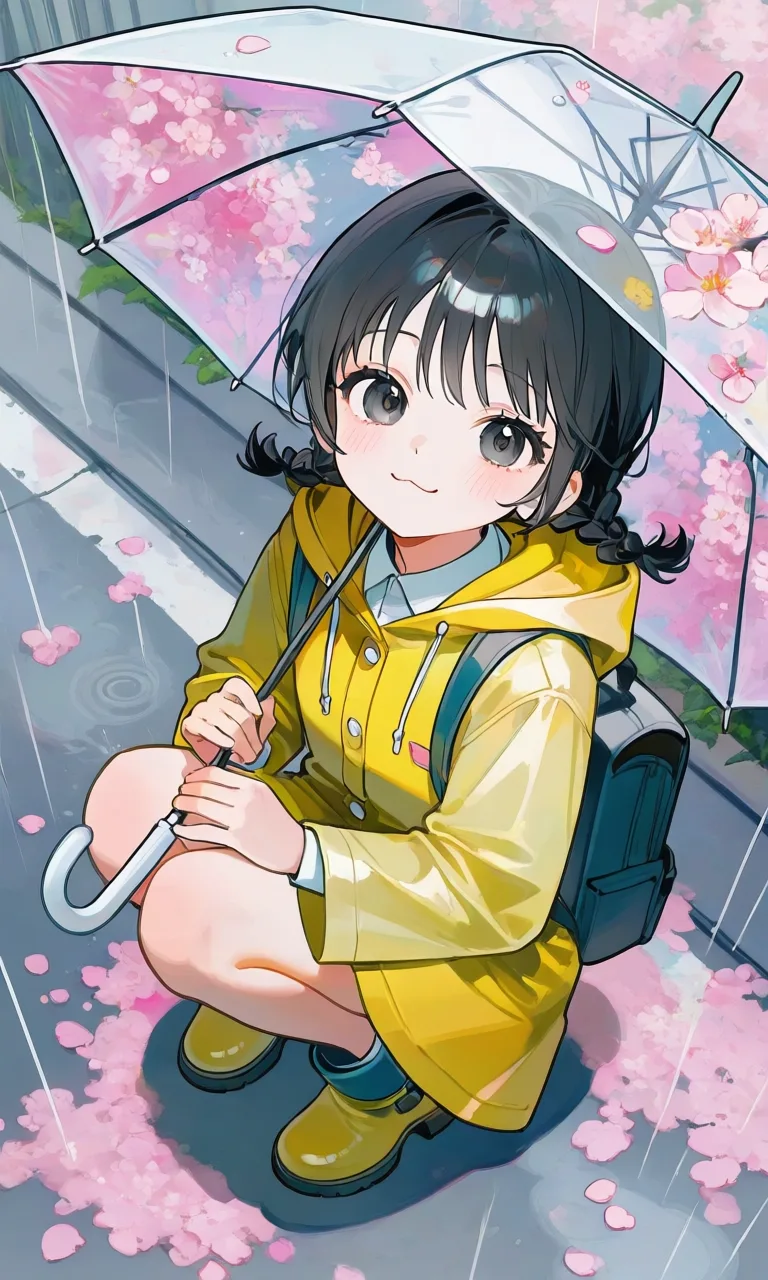

Common Quality and Style Prompts
The "style" section of every step in Prompts in Action is actually assembled from the building blocks below. To steer the finish of your output, grab them and stack them directly:
Every block's example pair below was generated by stacking that block onto the same base prompt — here's the base prompt first:
Lighting and lens effects


Detail and content richness


Deeper darks, brighter highlights, higher contrast


Flat coloring
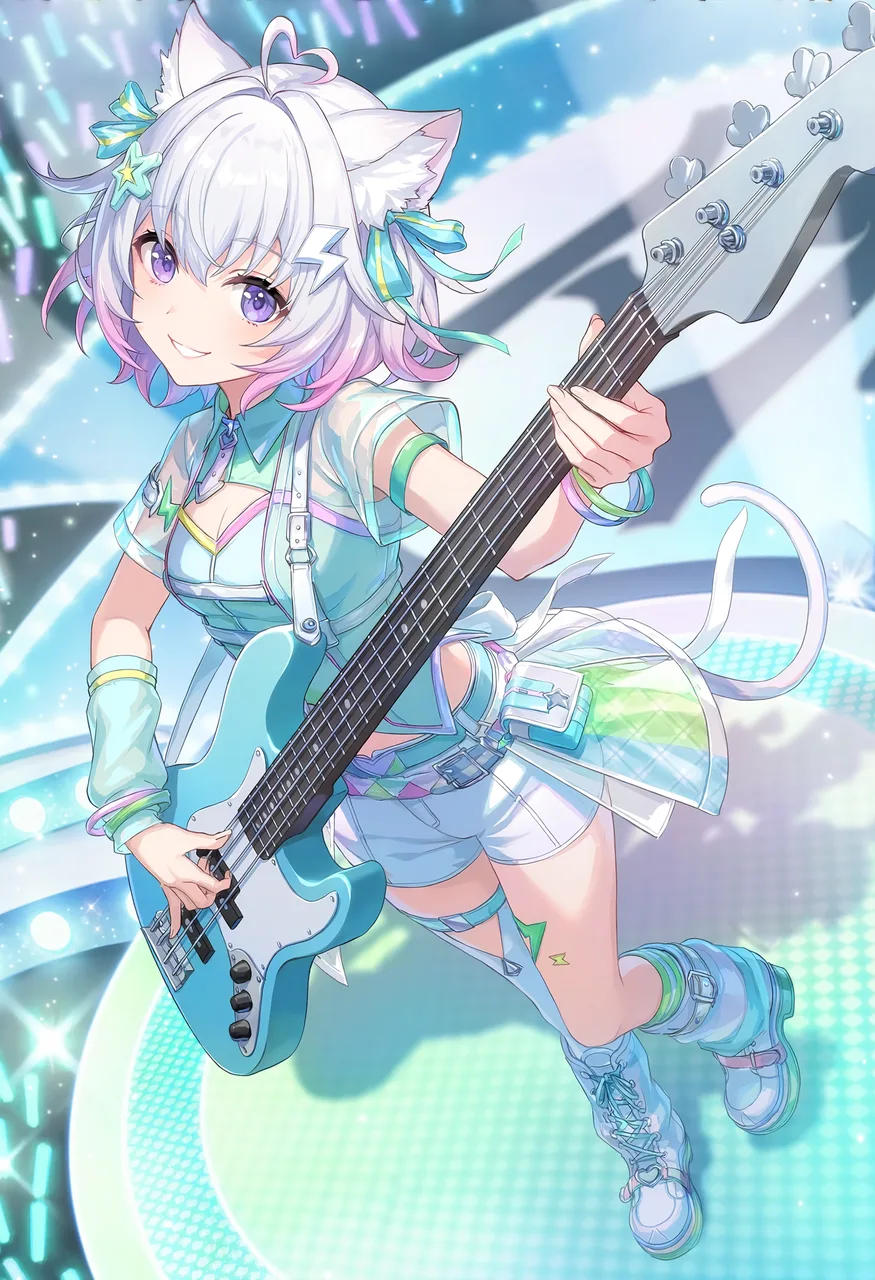
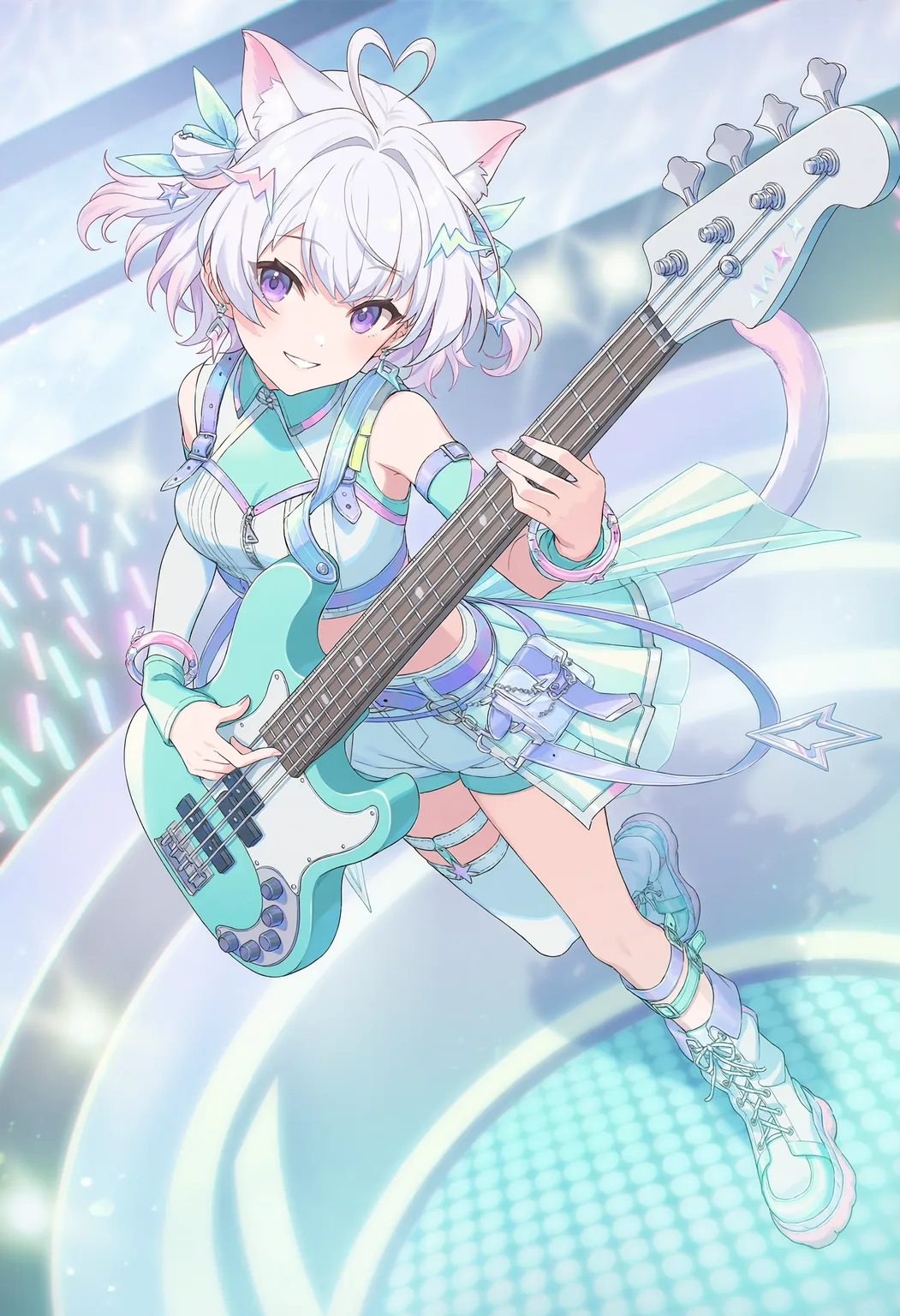
Stronger linework


General manga linework


Another take on fine manga lines


Cel anime style
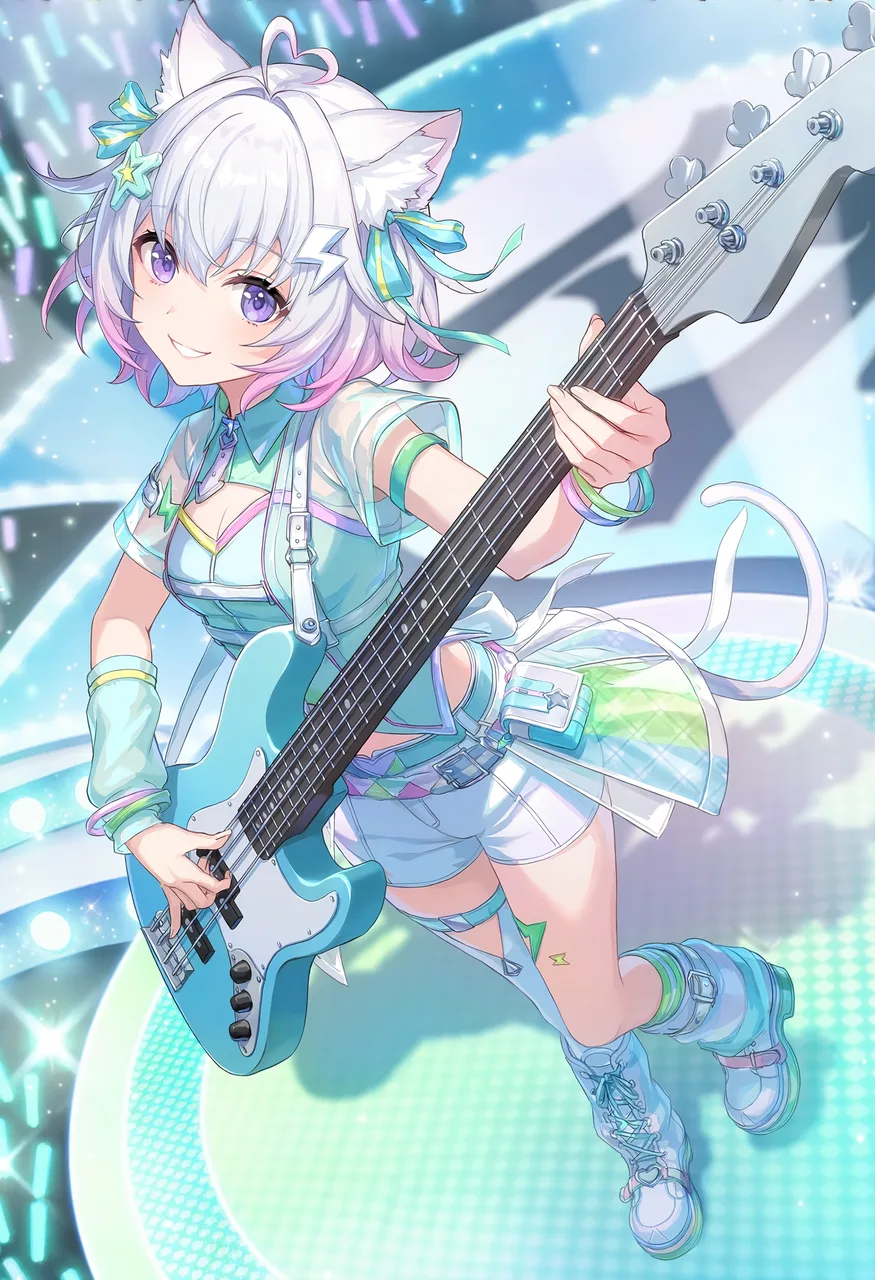
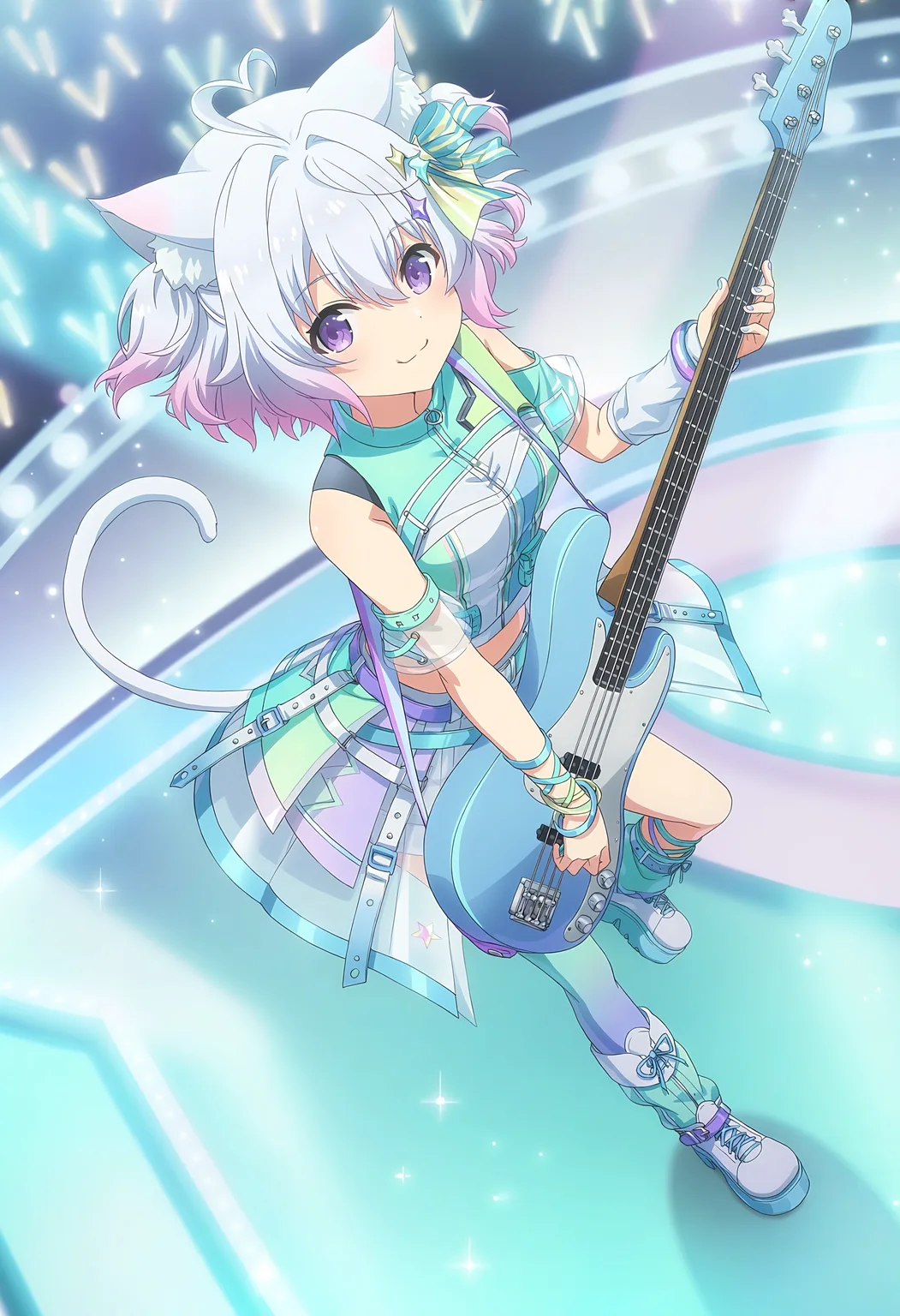
More realistic backgrounds


3D-render look

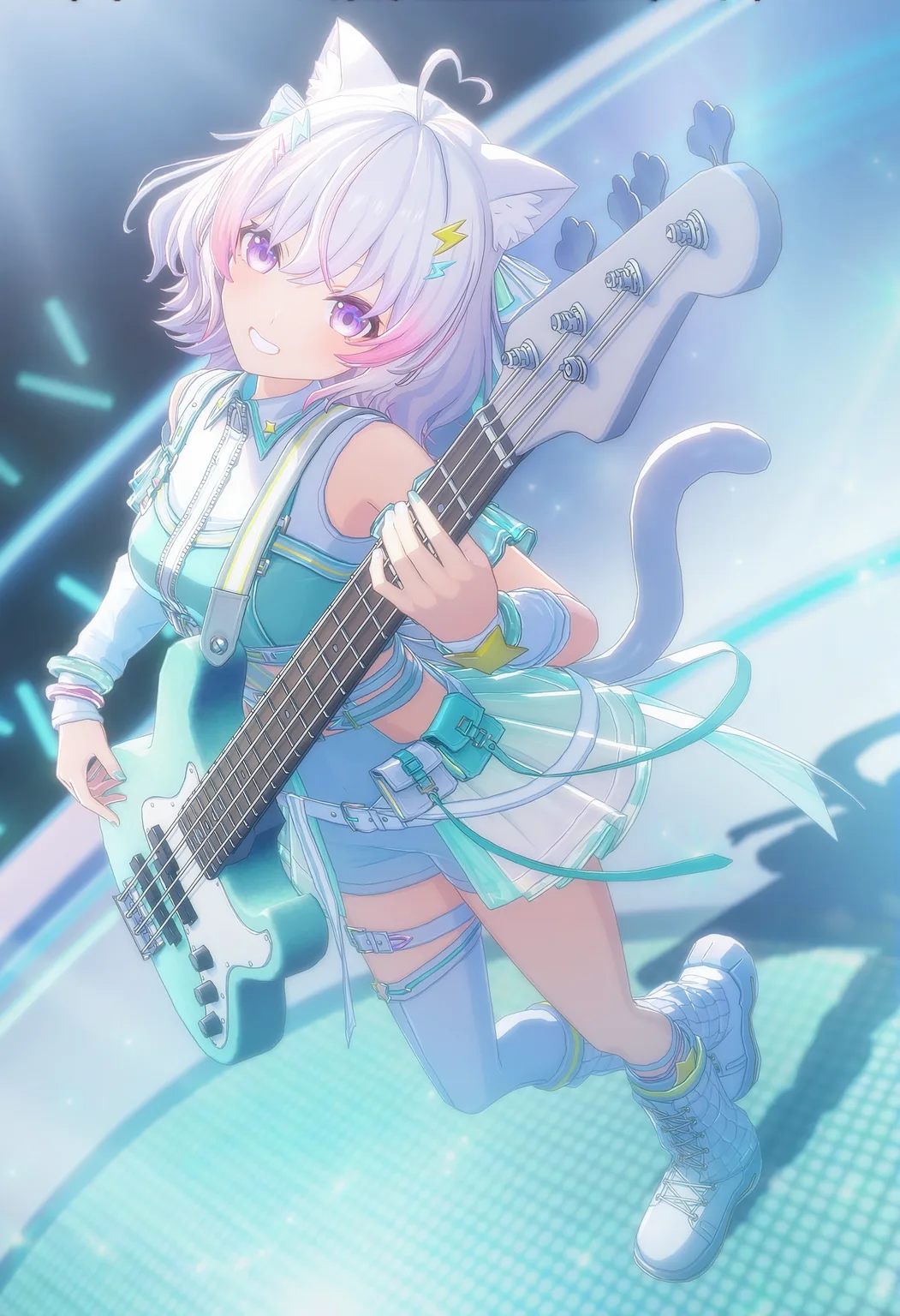
Bold lines (ukiyo-e woodblock print)


GALGAME


Pixel art
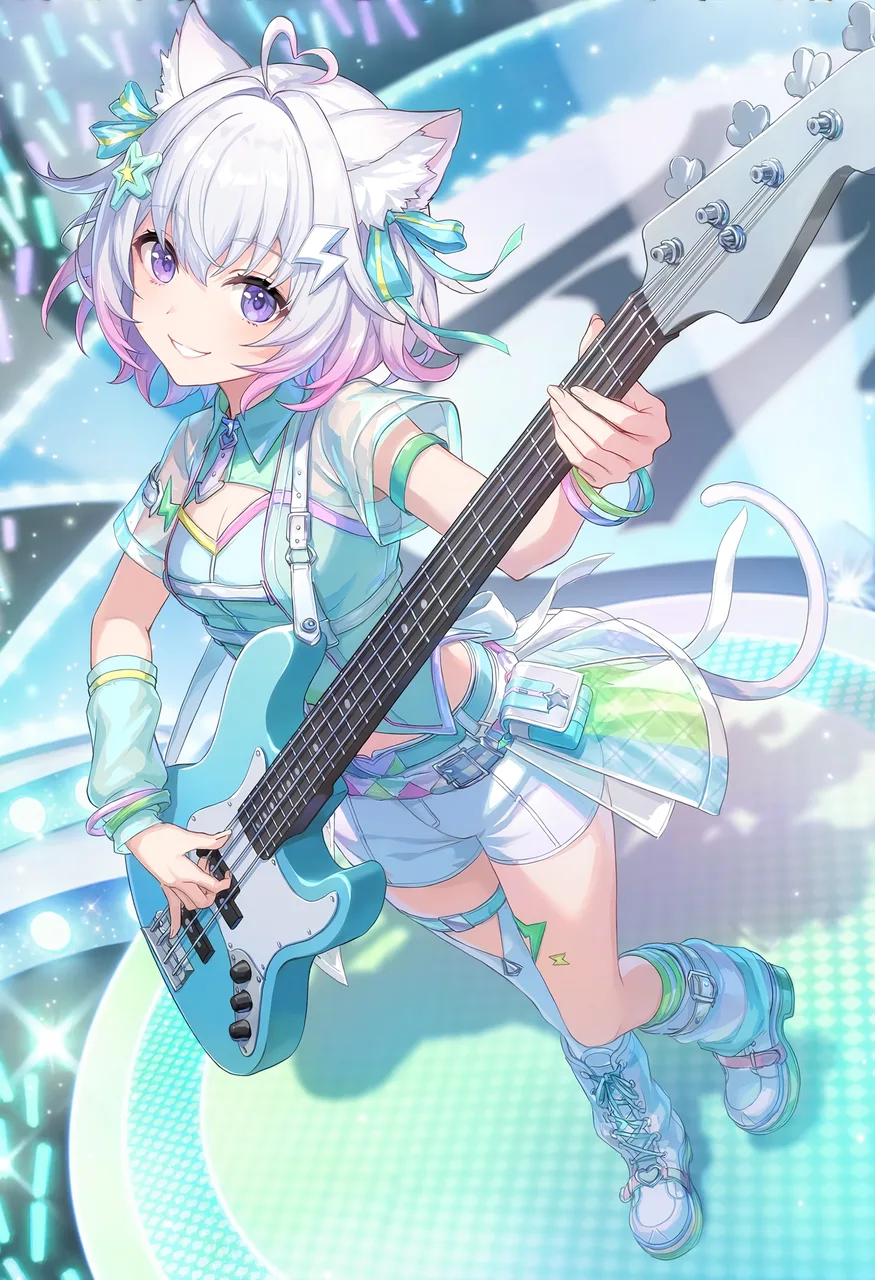
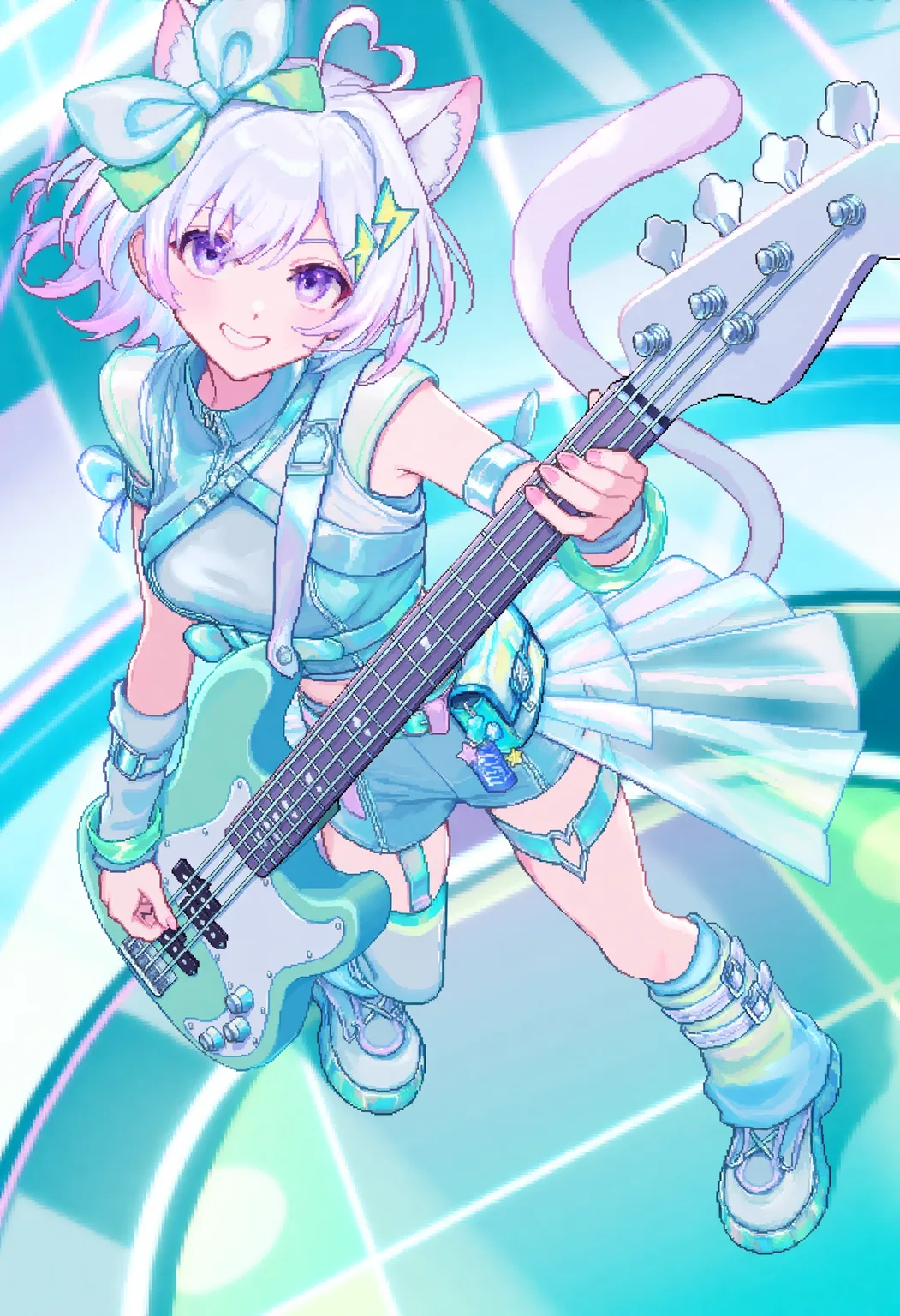
Next Steps
Tsubaki.3 Prompts in Action
The full commercial workflow from character design sheets to anniversary art.
Tsubaki.3 Overview
The complete list of Tsubaki.3's capabilities.
Prompt Basics
Learn prompt structure from the ground up.
Was this page helpful?
🎁 Adopted valid suggestions earn a 5,000 Credit reward!
Tsubaki.3 — Latest Flagship
A complete introduction to Tsubaki.3 — PixAI's new-generation flagship model, with nine capability showcases from style range and character consistency to lighting-driven storytelling, plus the exclusive Color Palette.
Tsubaki.3 Prompts in Action
Walk a commercial-grade workflow with the official MIO band project — character design sheets, a magazine key visual, live CGs, a serialized manga, and anniversary art, with full prompts and section-by-section breakdowns.