
LoRA Advanced
Advanced LoRA techniques — stacking and combining multiple LoRAs, weight-tuning strategies, and LoRA compatibility across model architectures.
Practical LoRA Combinations
The key idea behind combining LoRAs is simple: fill in the gaps.
Don't just stack random LoRAs from the get-go! The right move: first learn what your chef (the model) is good at and not so good at, then use LoRAs as "sample dishes" to add the flavors that are missing.
Core Workflow
Get to Know Your Chef
Every chef (model) has signature moves and weak spots. Skip LoRAs and generate a few images first to see what your model tastes like "raw."
Find What's Missing
Compare against your ideal image and see what's lacking:
- Hands look bad? → Need a quality-boost LoRA like "better hands"
- Image looks gray, low saturation? → Need a vivid color style LoRA
- Lines look soft and blurry? → Need a sketch / line-art LoRA
- Want a specific character? → Need a character LoRA
- Character style off (you want a handsome young man but get a cute teen)? → Need a handsome-male LoRA
Address One Issue at a Time
Add LoRAs in priority order, one at a time, and watch the changes carefully:
- Tackle the most obvious problems first (wrong character, broken hands)
- Then handle stylistic needs (color, line work)
- Finally, fine-tune the details
Example: A Handsome Young Man with Haruka v2
Let's see how a LoRA solves a real model problem with a concrete example. Haruka v2 has gorgeous highlights and beautiful eyes, but it leans cute — male characters tend to look short and round, more like teens than young men.
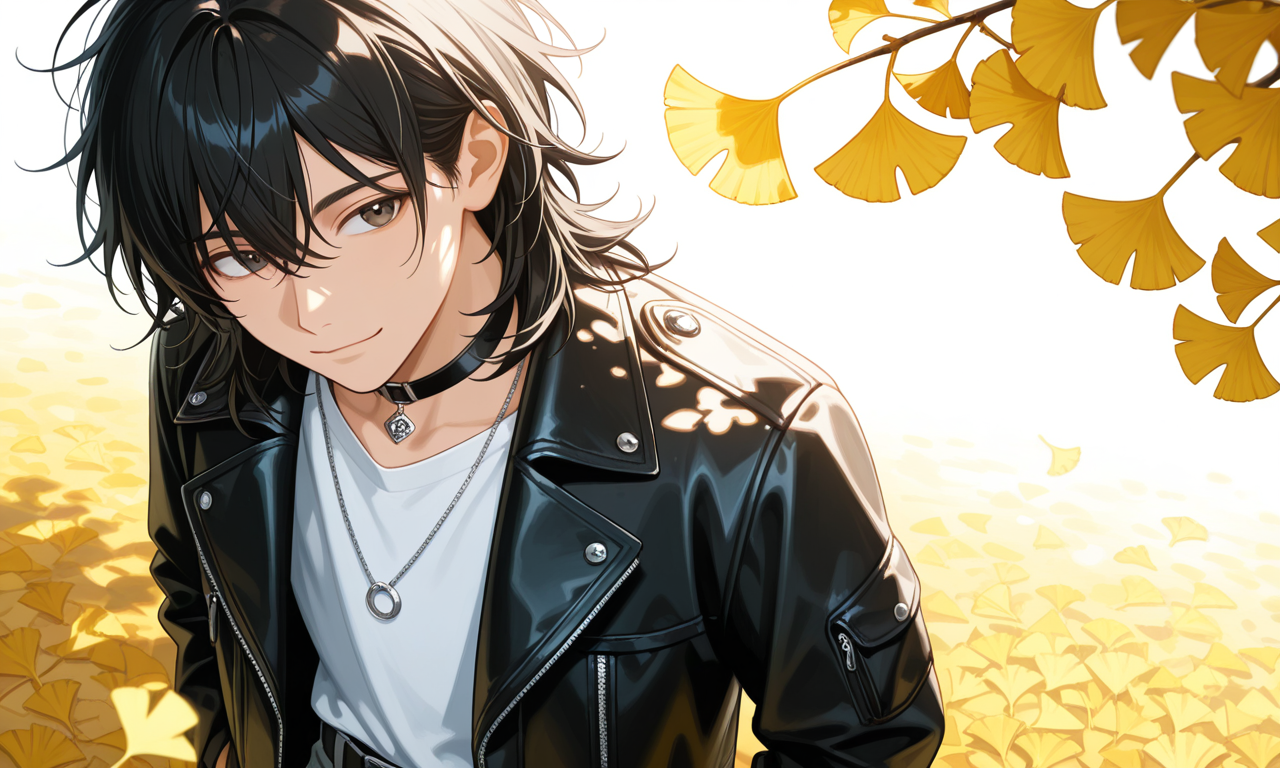
Fill-in-the-gaps thinking:
- Signature moves: highlight reflections, refined eyes → keep them!
- Weak spot: male characters lean cute and teen-like → fix with a LoRA
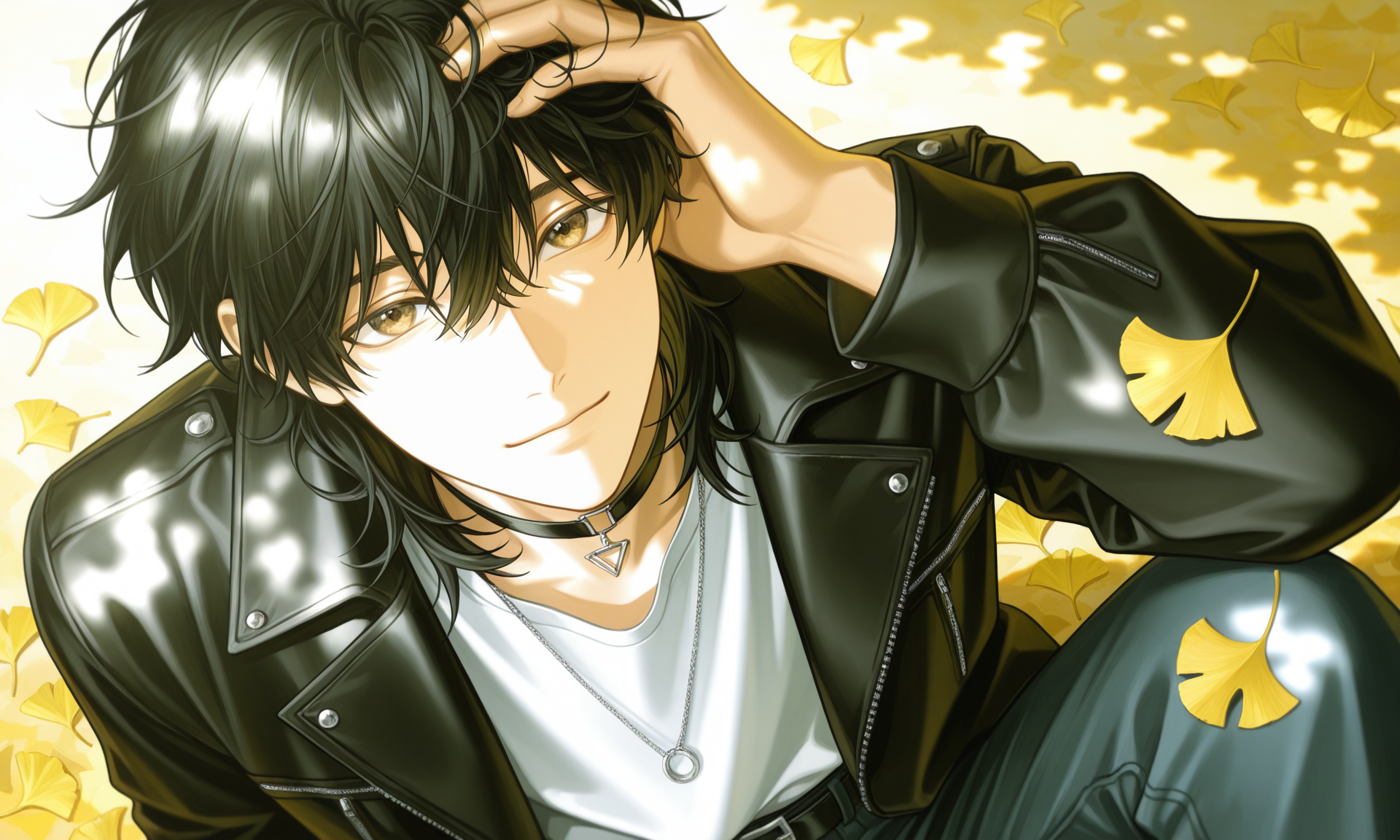
Solution: Add a handsome young man LoRA (e.g., K Style.Male) so the proportions and vibe feel more mature:
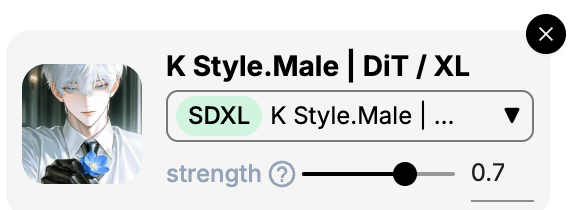
With the LoRA added and the same prompt, the character is clearly more handsome, with taller, more mature proportions, while keeping Haruka v2's beautiful lighting:

Browse the model marketplace, try lots of different LoRAs, and remember each one's effects! No shortcuts here — just keep generating images and building experience. When you spot something interesting, save it and gradually build your own LoRA toolbox!
Stacking Multiple LoRAs
PixAI's huge LoRA and model marketplace lets you combine LoRAs to achieve almost any style — but combining too many can also wreck the result.
Combination Patterns
Generally, mixing different types of LoRAs works well. But stacking the same type often makes them fight each other.
| Combination | Example | Notes |
|---|---|---|
| Character + Style | A specific character + watercolor style | Most common and most stable |
| Character + Pose | A specific character + battle stance | Useful when you need a specific composition |
| Style + Concept | Cyberpunk aesthetic + neon lighting | Builds a unique world atmosphere |
| Character + Character | Specific character + specific character | Avoid: LoRAs may conflict and break generation |
Why Multiple LoRAs Often Look Wrong
The interaction between LoRAs isn't a simple "A + B." Here are common situations and fixes:
| Symptom | Cause | Fix |
|---|---|---|
| Two character LoRAs stacked, face becomes a "blend" | Both LoRAs are fighting for the face area | Never use two character LoRAs at once |
| Character LoRA stops working after adding a style LoRA | Style LoRA weight is too high, overpowering the character | Lower the style LoRA weight; preserve the character first |
| Blotchy color patches or noise after stacking | Total weight too high, model can't process it | Lower all LoRA weights; keep the sum below 1.2 |
Membership Tiers and LoRA Limit
| Tier | Concurrent LoRAs |
|---|---|
| Non-member | 3 |
| Starter | 5 |
| Plus | 10 |
| Premium | 15 |

When you find a great model + LoRA combo, write it down! You can reuse it next time and save yourself a lot of work.
LoRA Basics
Revisit the basics of LoRAs, how to add them, and how to tune weights.
Model Parameters
Understand each generation parameter and how to tune it.
Was this page helpful?
🎁 Adopted valid suggestions earn a 5,000 Credit reward!
LoRA Basics
A LoRA primer — what LoRAs are, how to add them to a model, how to tune weights, and everything you need to know about AI art's go-to style add-on.
Panel Tools
A complete guide to PixAI generation panel tools — quality boosters, ControlNet, reference images, post-generation editing, and every helper feature.