
Batch runs and groups
Make several results in one run, choose the main result, group related nodes, and run a whole group with one click.
One run can make several images or videos, and the node keeps all of them. Put related nodes in a group to move them together, and run every node in the group with one click.
Make several results in one run
Before you generate, set Number of images on an Image node, or Number of videos on a Video node. A node with several results shows them as a stack of cards, with a count badge in the corner.
Look at all the results
Select the node and click the count badge (Show all N variants). The stack opens into a grid. Click outside the node to close it.
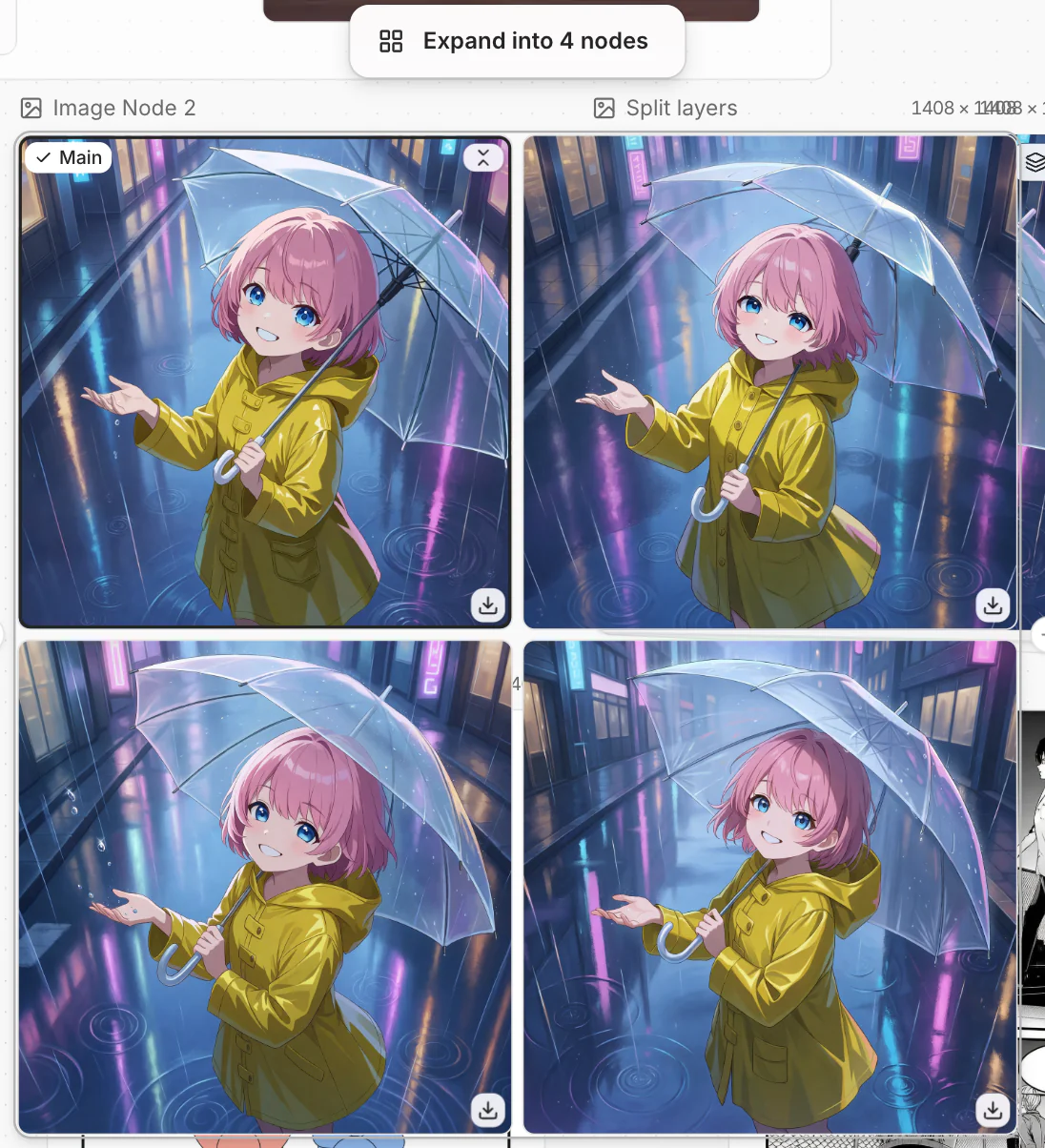
Choose the main result
The main result is the one the node shows when the stack is closed. Nodes connected after this node use the main result.
To change it, open the grid, point to the result you want, and click Set as main.
To put each result in its own node, open the grid and click Expand into N nodes.
Group nodes
Select two or more nodes. Drag a box around them, or hold Ctrl/Cmd and click each node.
Click Group in the toolbar above the selection, or press Ctrl/Cmd + G.
Drag the group to move all of its nodes. Drag a node in or out to add or remove it. Double-click the group name to rename it. To remove the group, select it and click Ungroup. The nodes stay where they are.
Run a whole group
When you run a group, a node that uses the result of another node in the group waits for that node. So a chain runs in the right order.
The dialog shows how many nodes will run and the estimated credits. If some nodes can't run, it lists them with the reason for each.
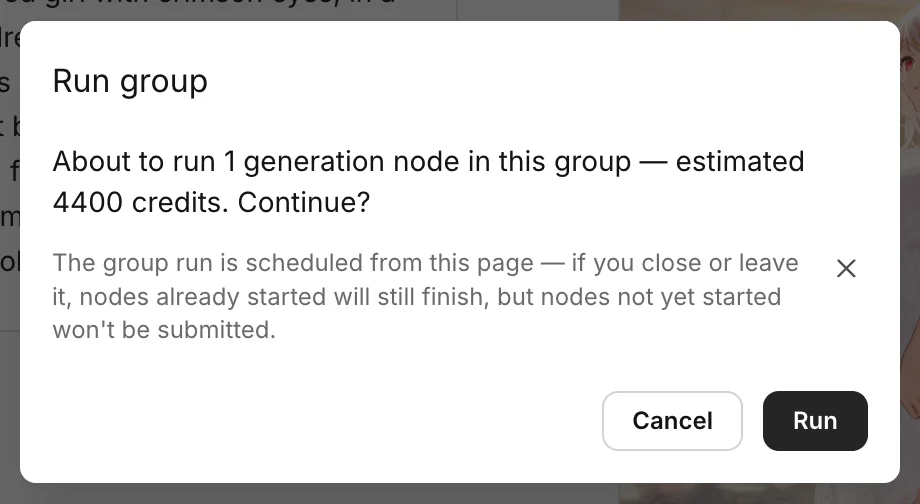
Keep the page open. If you leave it, nodes that have not started yet are not sent.
While the group runs, select it to see the progress, for example Stop · 2/5. Click Stop to end the run. Credits already spent are not refunded.
Common questions
Does a second group run make new results for every node?
Yes. A group run generates every node in the group again, including nodes that already have a result. To redo one node, run it on its own.
Which nodes does a group run include?
The Text, Image, Video and Audio nodes inside the group. Uploaded files and nodes outside the group don't run.
How do I download all the results?
Was this page helpful?
🎁 Adopted valid suggestions earn a 5,000 Credit reward!