
What's new
New features and improvements in PixAI Studio.
November 5, 2026
Pose a mannequin joint by joint
In a 3D stage, select a character and click Adjust pose. Drag a hand, foot or the head to move the limb, or click a joint to turn it.

Other improvements
- 3D stage: add a Man, Woman, Teen or Child from the Characters panel. Each has its own body.
- Video node: prompts can now be up to 20,000 characters, up from 10,000.
November 4, 2026
Sort and filter LoRAs
In the LoRA picker, sort by Trending, Newest, Most used or Most liked, and filter by source, category, date or license.

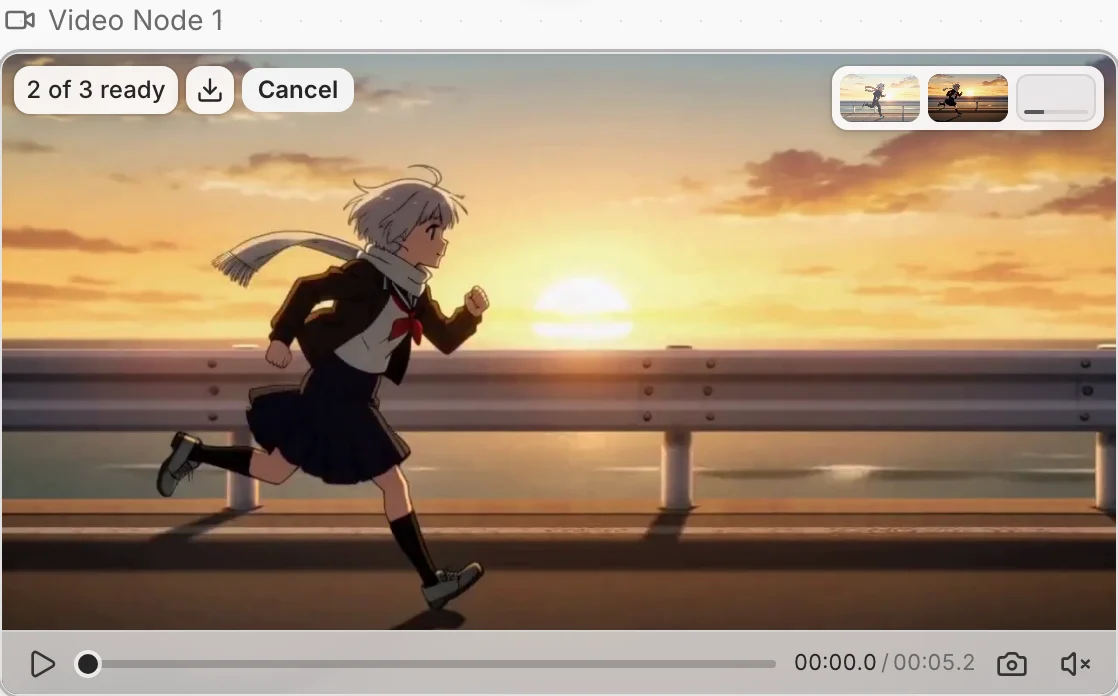
Watch videos as they finish
When you generate several videos at once, each one plays as soon as it's ready. Click a tile to switch while the rest keep going.
November 3, 2026
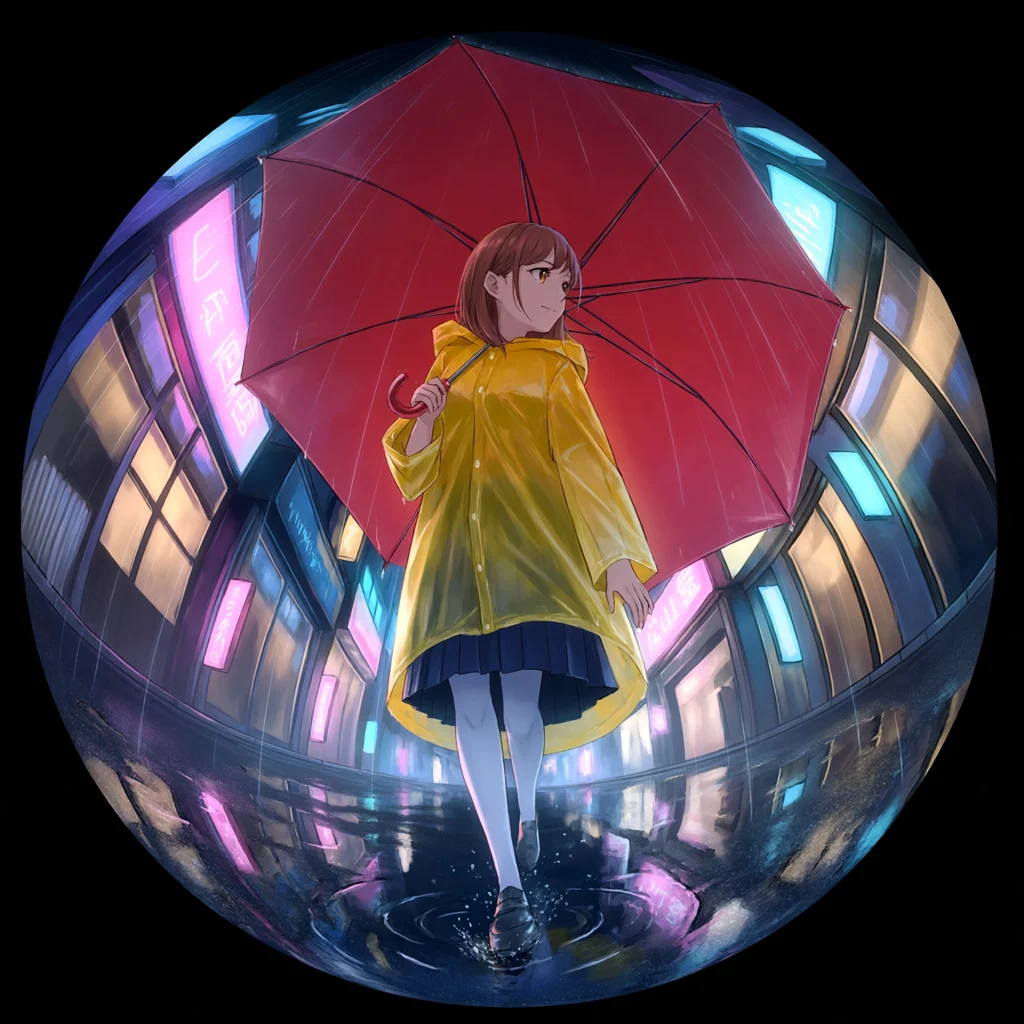
Set the camera for an image
Click Camera in the prompt bar and pick a lens effect, such as Circular fisheye, or set the lens and aperture yourself. Your prompt text stays as it is.
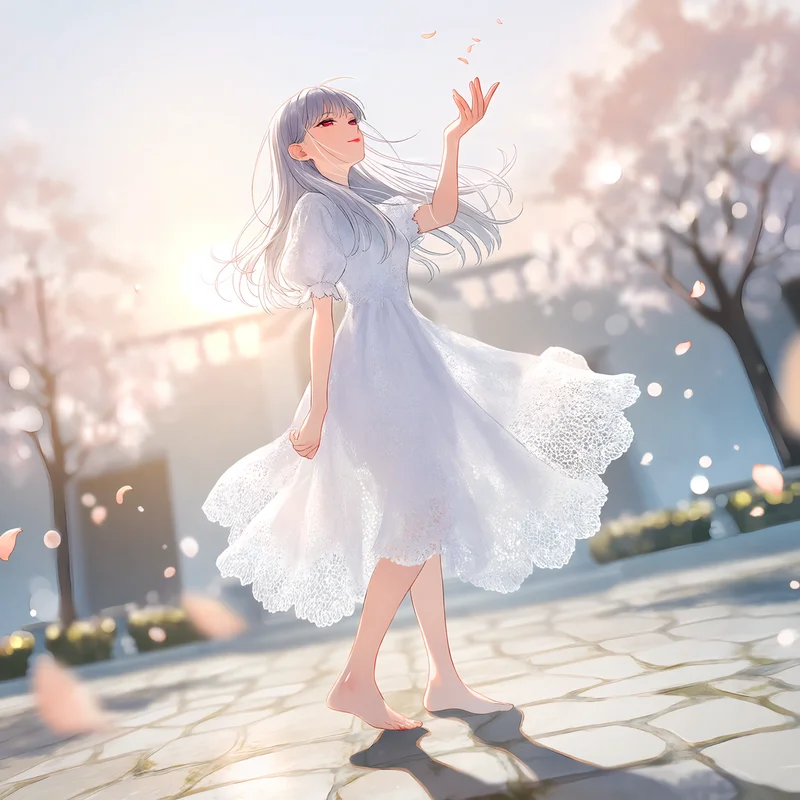
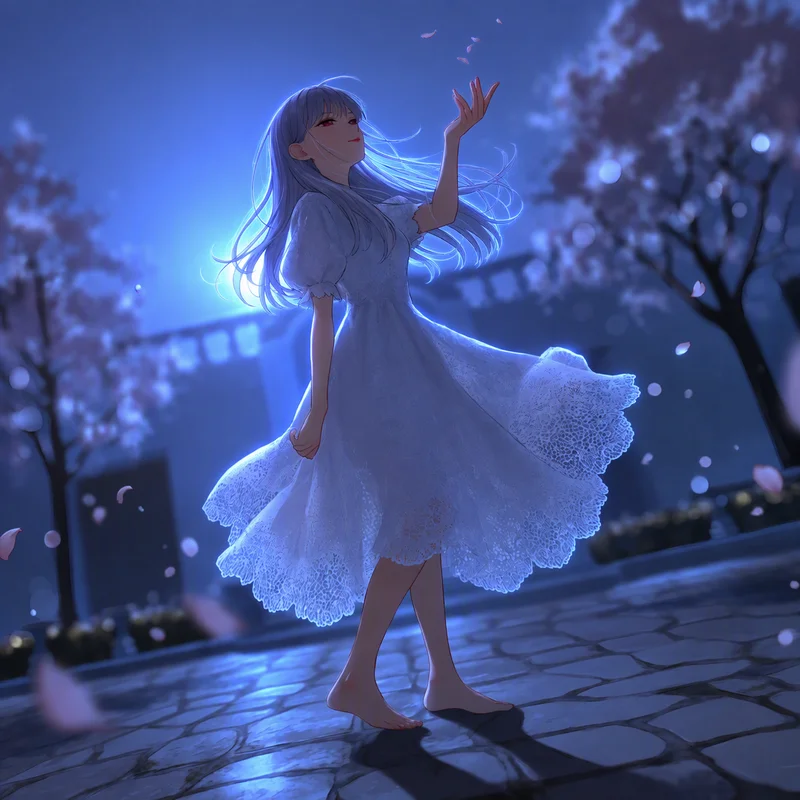
Relight an image
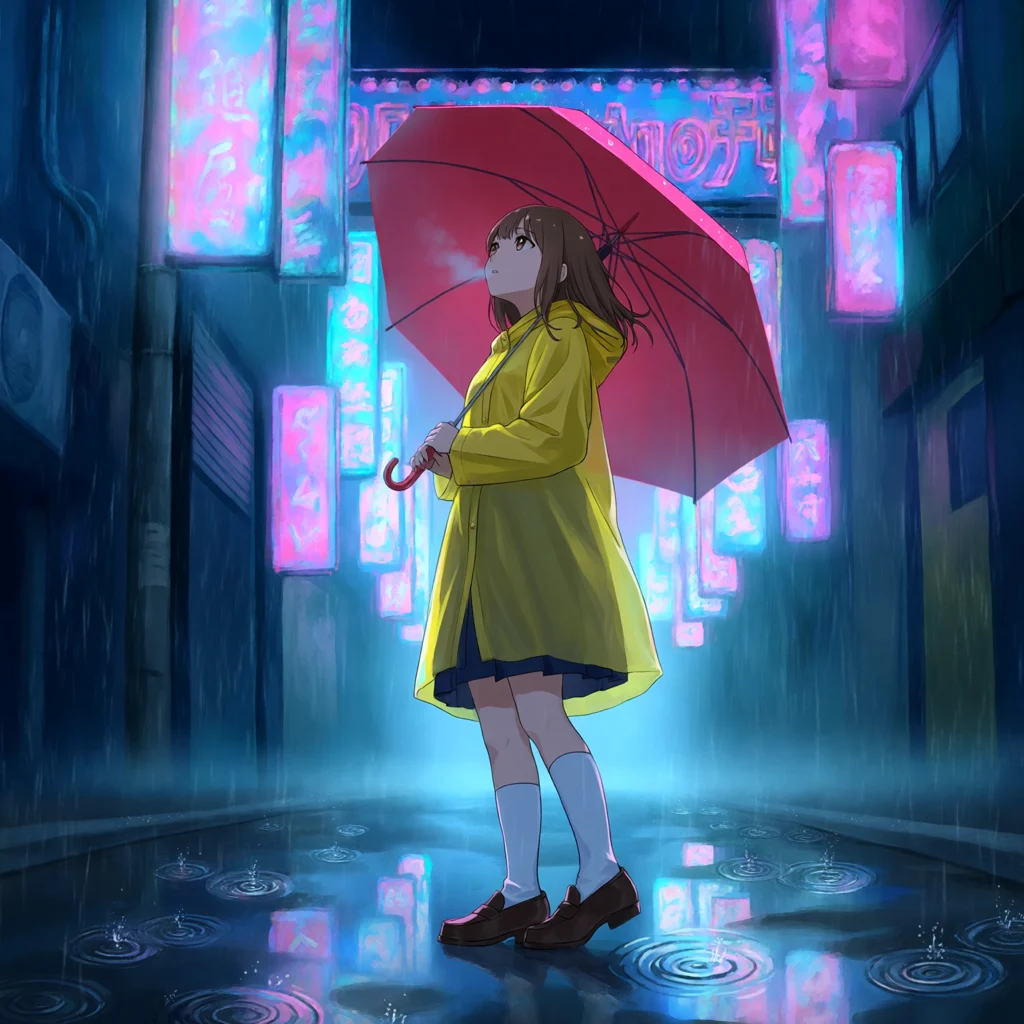
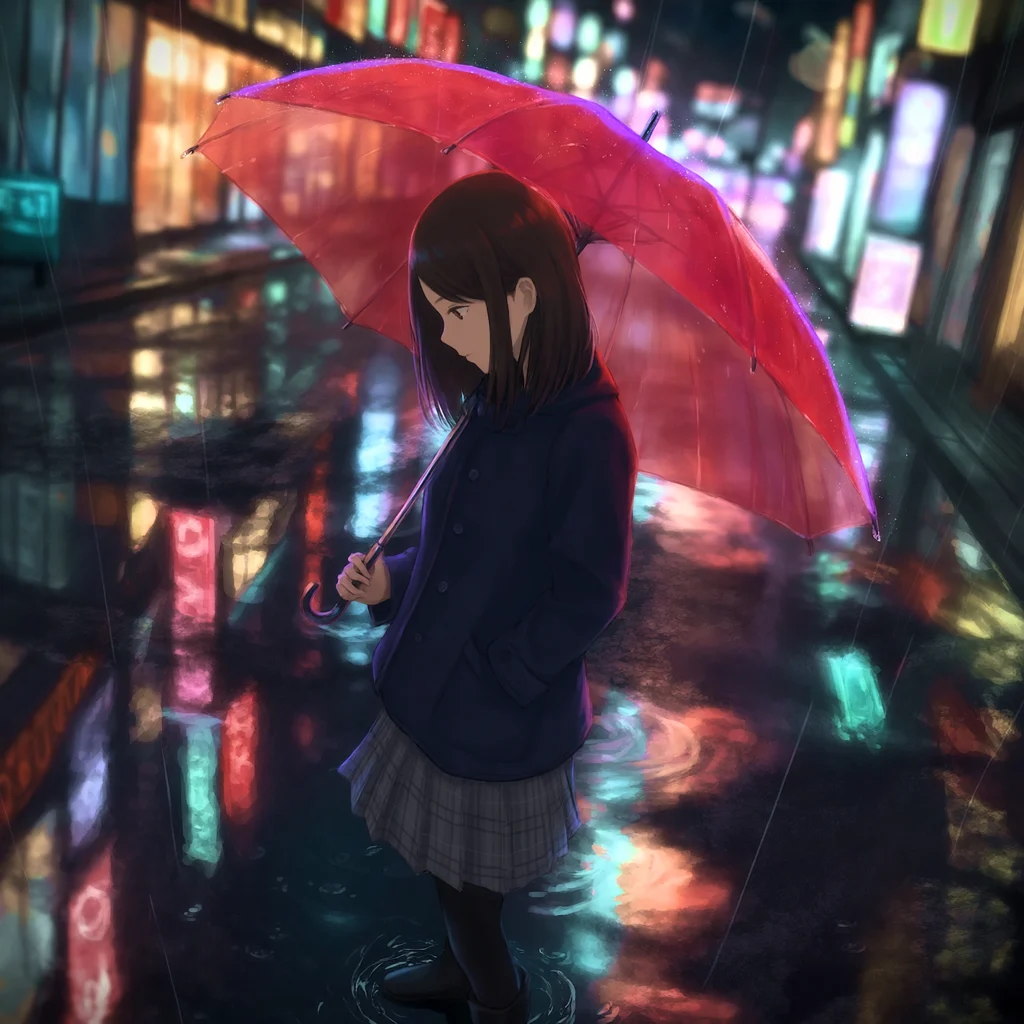
Change only the lighting of an image: drag the light on a sphere, or pick a preset such as Golden hour. Select the image, then click Edit → Relight.

October 27, 2026
Plan a shot on a 3D stage
Pose mannequins and props, frame the shot with a camera, and capture it as a reference. The new image follows your layout, poses and camera angle.

Turn an image into a prompt
Click Image to prompt on an empty Text node. A text model describes your image, and an Image node draws a new one from that prompt.
October 21, 2026
Other improvements
- Prompt: pasted text keeps its line breaks, also from Notion, Google Docs or a web page.
October 19, 2026
Read the Studio user guide
Learn each tool step by step, in English, Japanese, Korean or Traditional Chinese. Open it from Help → User guide.
Other improvements
- Asset library: click a folder to expand it in place. While you drag an asset, hold it over a folder to open it.
October 16, 2026
Other improvements
- Mosaic: set the angle of Black lines from 0° to 179°, or hold Alt and scroll to turn them.
October 15, 2026
Make manga and webtoon storyboards (Beta)
Plan the panels, poses and speech balloons, and Tsubaki.3 draws the finished page or episode. Click Add node → Manga storyboard (Beta) or Webtoon storyboard (Beta).

Read the manga storyboard guide →
October 14, 2026
Other improvements
- History: each generation shows when it ran.
October 13, 2026
Other improvements
- Model market: pick a model version, such as PixAI Edit Pro v1.0 or v2.0.
- Phone: a canvas opens view-only on a phone, so you can still look around and play videos.
October 11, 2026
Report a problem from the canvas
Click Help → Report a problem and describe what went wrong. You can attach a copy of the canvas.
October 10, 2026
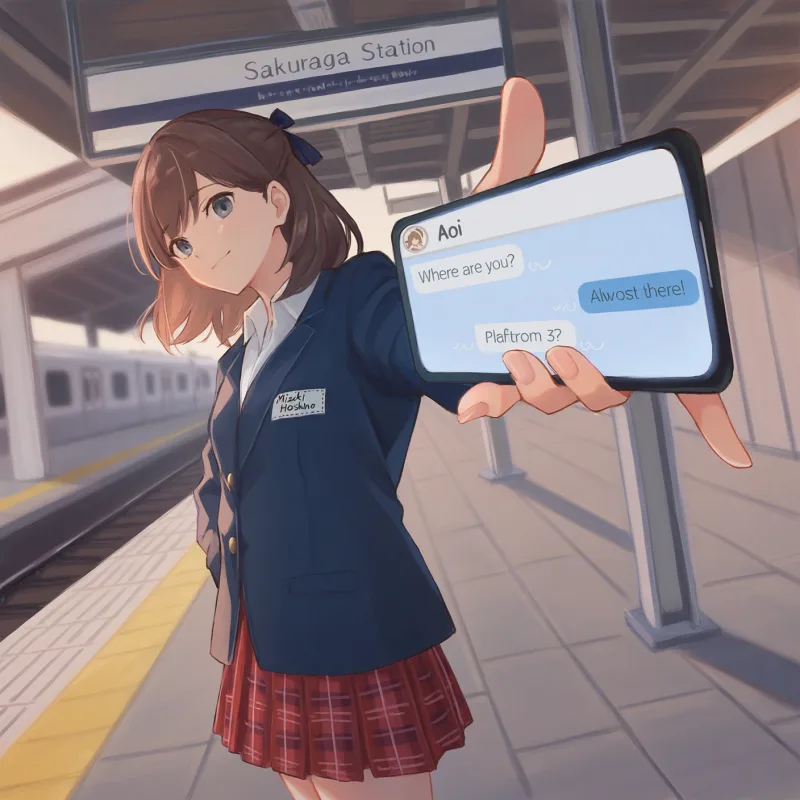
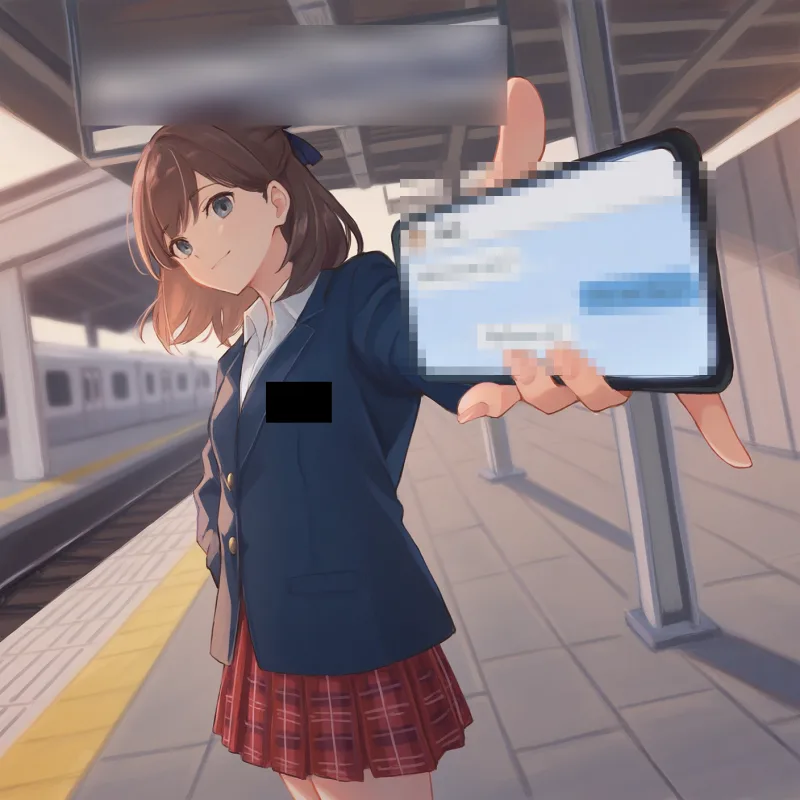
Censor an image with Mosaic
Hide parts of an image with mosaic, blur, fills or black lines, and mix them on one image. Select the image, then click Edit → Mosaic.
Read the image editing guide →
Other improvements
- Asset library: upload into the open folder with Upload assets, or drop files on the list.
- Asset library: click an image or video asset to see it full size.
- Asset library: move an asset or a folder into any folder with Move to….
Was this page helpful?
🎁 Adopted valid suggestions earn a 5,000 Credit reward!